Responding to Error Messages
107
Chapter 4 FAQ
"1047-****" The machine's internal memory cannot be accessed.
Situation/Error Cause
It was not possible to write milling data to the internal memory or to read milling data from the internal memory.
Procedure
A
Hold down the operation button on the built-in panel.
This will clear the error.
B
Send the milling data again.
CAUTION
Even if this error occurs, the milling data can be sent. However, do not remove the USB cable while milling is in
progress.
If the Error Occurs Again
Clear the [Enable data buering] check box, and then send the milling data again.
" P.13 ""Settings" Tab"
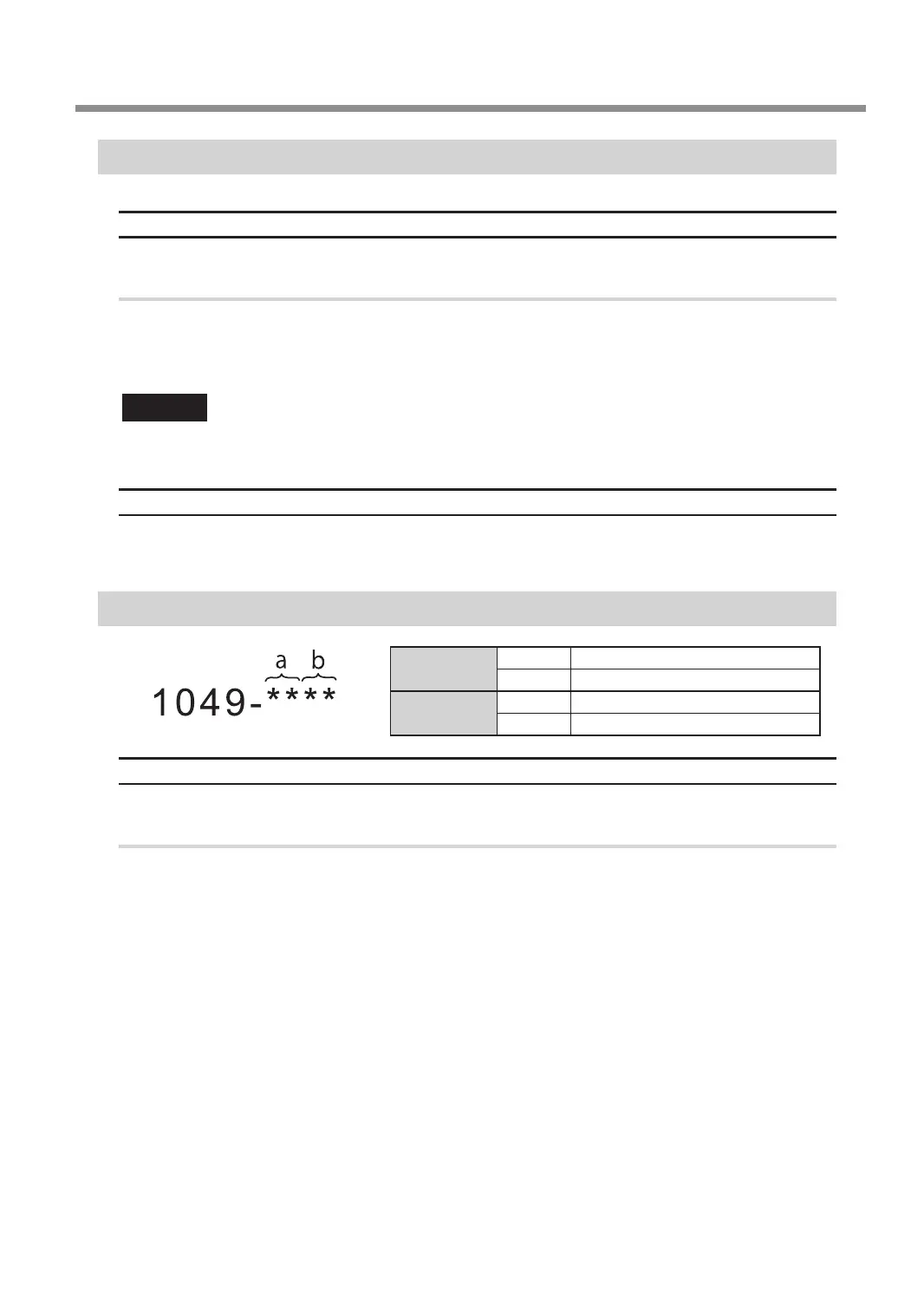
"1049-****" The adapter with ID number % cannot be released.
a
(storage destination)
00 clamp
01 to 06 Adapter stocker (numbers 1 to 6)
b
(adapter ID)
23 Automatic correction jig
41 to 5A A to Z
Situation/Error Cause
The returning of the adapter failed.
Procedure
A
Turn off the power.
B
Follow the instructions displayed in VPanel to remove the adapter.



 To Next Page