94
Chapter 4 FAQ
Responding to Error Messages
This section describes the error messages that may appear in VPanel and how to take action to remedy the
problem. If the action described here does not correct the problem or if an error message not described here
appears, contact your authorized DGSHAPE Corporation dealer. ("%" in these messages indicates information such
as axis "X," "Y," "Z," "A," "B," "L,"* or "T"** or a milling bur stocker number from 1 to 15.)
* The vertical movement axis of the lift ** The horizontal movement axis of the traverser
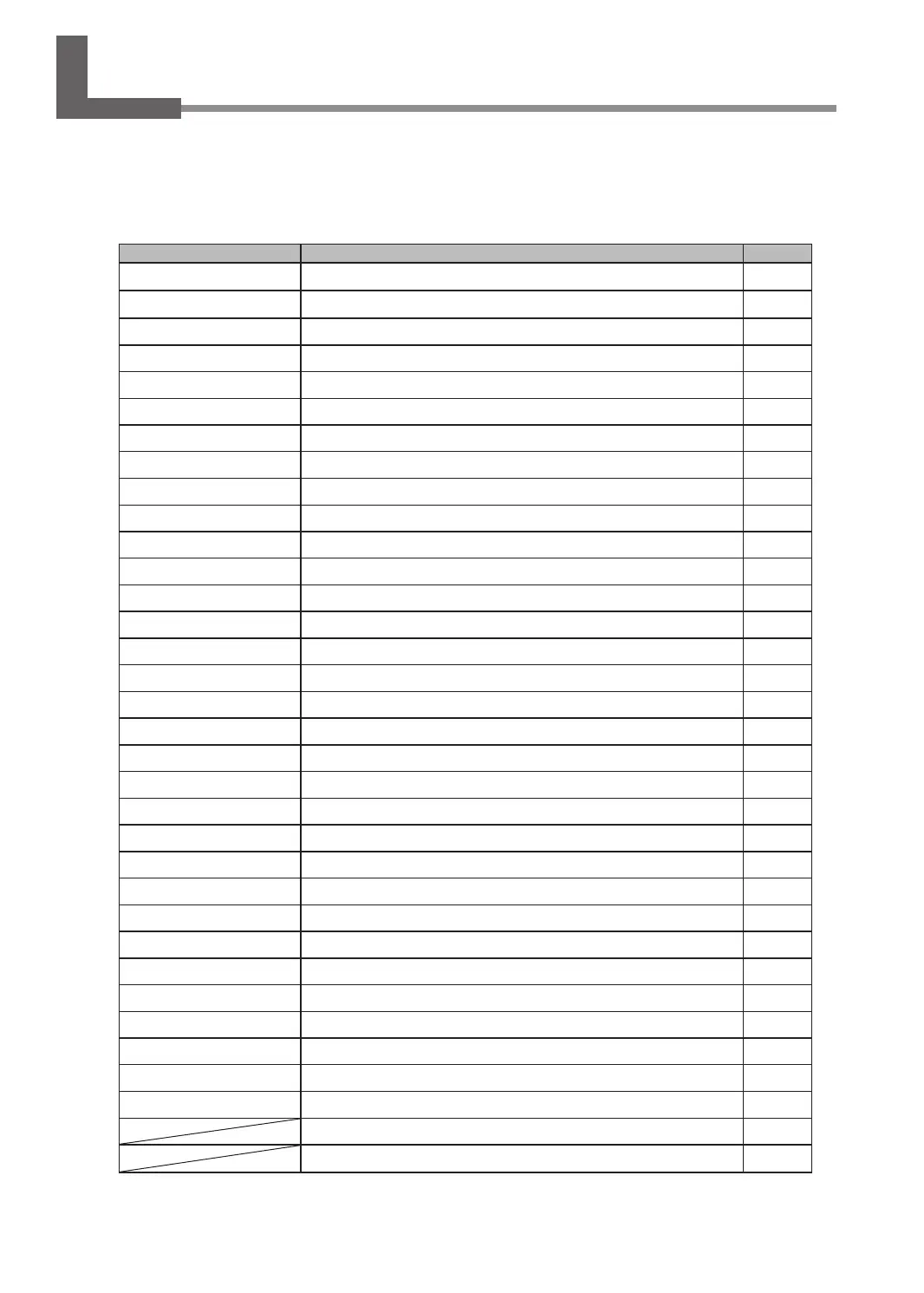
Error number Message Action
1000-**** The % limit switch was not found.
P.95
1006-02** The % axis position has been shifted.
P.95
1017-0000 The front cover was opened.
P.96
1017-0001 The front cover or the magazine cover was opened.
P.96
101C-0000 The milling bur sensor was not found.
P.97
101D-000* The % milling bur cannot be released.
P.97
101D-0010 The cleaning tool cannot be released.
P.98
101E-**** The % milling bur might be broken.
P.99
101F-**** The % milling bur chucking has slipped out.
P.100
1020/1021-**** The % milling bur is too long./The % milling bur is too short.
P.100
1022-000* The % milling bur was not found.
P.101
1022-0010 The cleaning tool was not found.
P.101
1023-0000 to 1028-0000 Milling data error.
P.102
1029-0000 The spindle experienced an overload.
P.103
102A-0000 The spindle experienced overcurrent.
P.103
102B-0000 The spindle motor temperature is too high.
P.104
102D-0000 The spindle can not be turned.
P.104
102E-0000 The spindle has collided with the rotary axis unit.
P.104
102E-0001 The changer has collided with the adapter.
P.105
1030-0000 The dust collector is not working.
P.105
103B-0000 The automatic correction is not yet nished.
P.106
103D-0000 Milling data error. The milling bur cannot reach the milling position.
P.106
1047-**** The machine's internal memory cannot be accessed.
P.107
1049-**** The adapter with ID number % cannot be released.
P.107
104A-**** The adapter with ID number % could not be grasped.
P.108
104B-**** The adapter with ID number % was not found.
P.108
104C-**** All stockers are full, so the adapter could not be returned.
P.109
104D-**** An adapter with the same ID was found.
P.109
104E-**** The % limit switch was not found.
P.109
104F-02** The % axis position has been shifted.
P.110
1050-**** The operation to read a barcode failed.
P.110
****-**** An unknown error occurred.
P.111
A machine that has the same ID has been connected.
P.111
The adapter to use during milling has not been set.
P.111



 To Next Page