Responding to Error Messages
110
Chapter 4 FAQ
"104F-02**" The % axis position has been shifted.
"%" indicates the axis name (L or T).
Situation/Error Cause
The position of the motor on the disk changer side may have been lost.
Procedure
A
Turn off the power.
B
Remove any foreign objects that are present along the movement path of the disk
changer.
C
Follow the instructions displayed in VPanel to remove the adapter.
D
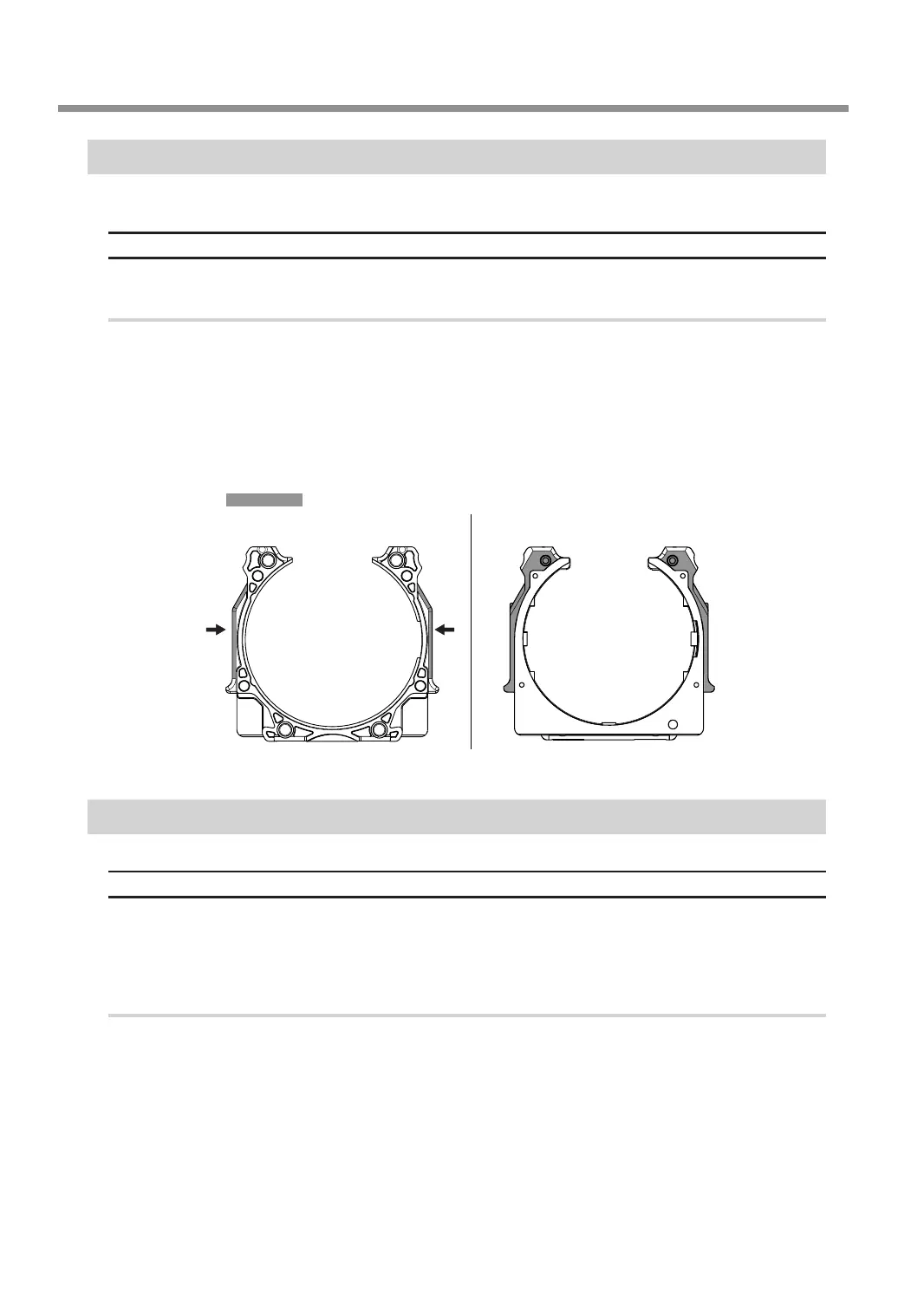
Check the part of the adapter that comes into contact with the clamp. Replace the adapter
if it is scratched or deformed.
"1050-****" The operation to read a barcode failed.
Situation/Error Cause
• The adapter ID has not been axed to the adapter.
• Dirt has axed to the adapter ID.
• Dirt has axed to the barcode sensor.
Procedure
A
Check the status of the adapter ID.
Check that the adapter ID label has been afxed to the adapter. Remove any dirt that has afxed to the
barcode of the adapter ID label.
Adapter front side
Part that comes into
contact with the clamp
Reverse side



 To Next Page