27
Chapter 1 Basic Operation
Switching the Power On or Off
Switching the Power On
Procedure
A
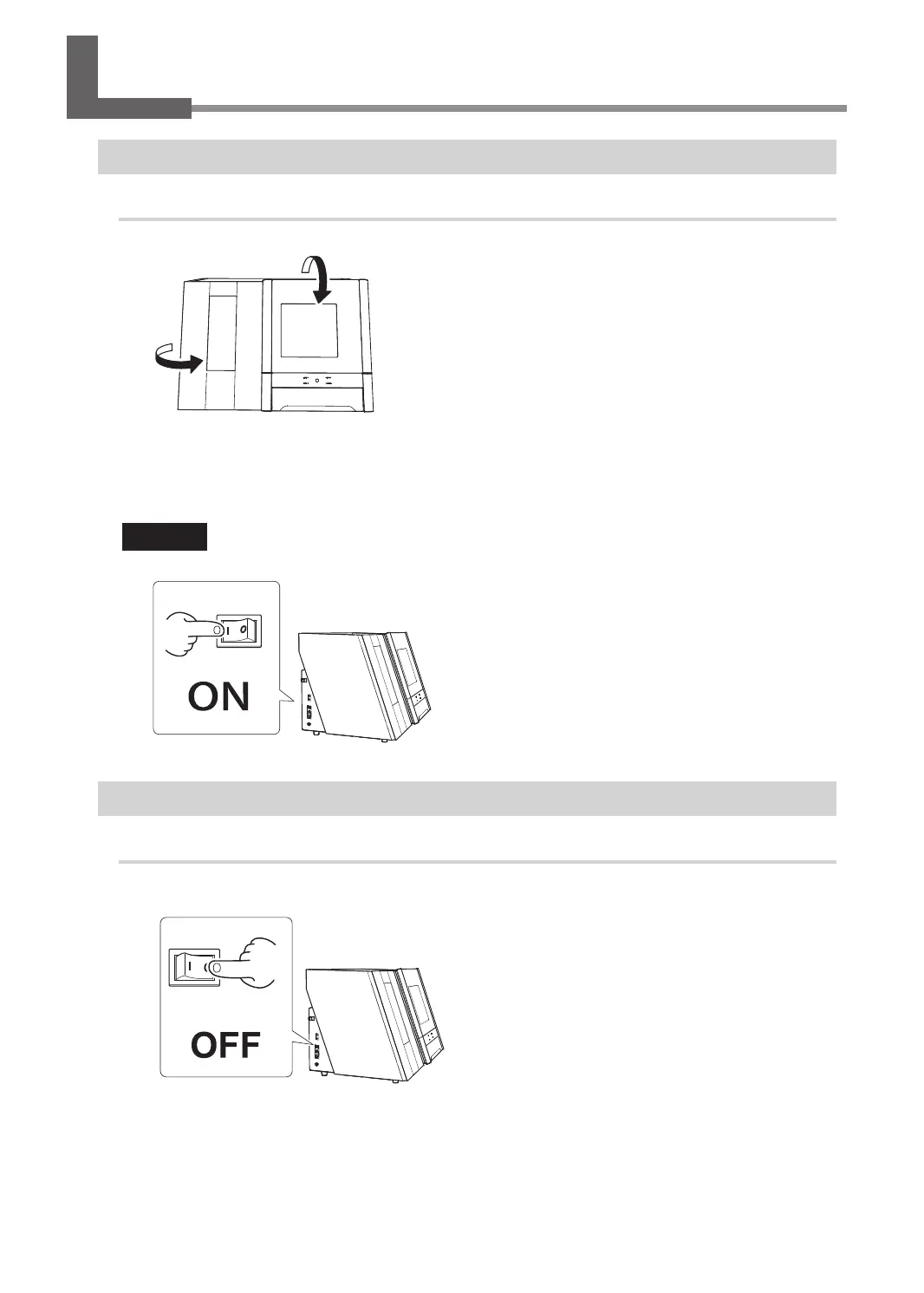
Close the front cover and the magazine cover.
B
Switch on the machine's power switch.
The machine starts the initial operations. When the status light stops ashing and remains steadily lit,
the initial operations are complete.
CAUTION
Do not open the front cover or the magazine cover during the initial operations.
Switching the Power Off
Procedure
Switch off the machine's power switch.



 To Next Page