Responding to Error Messages
108
Chapter 4 FAQ
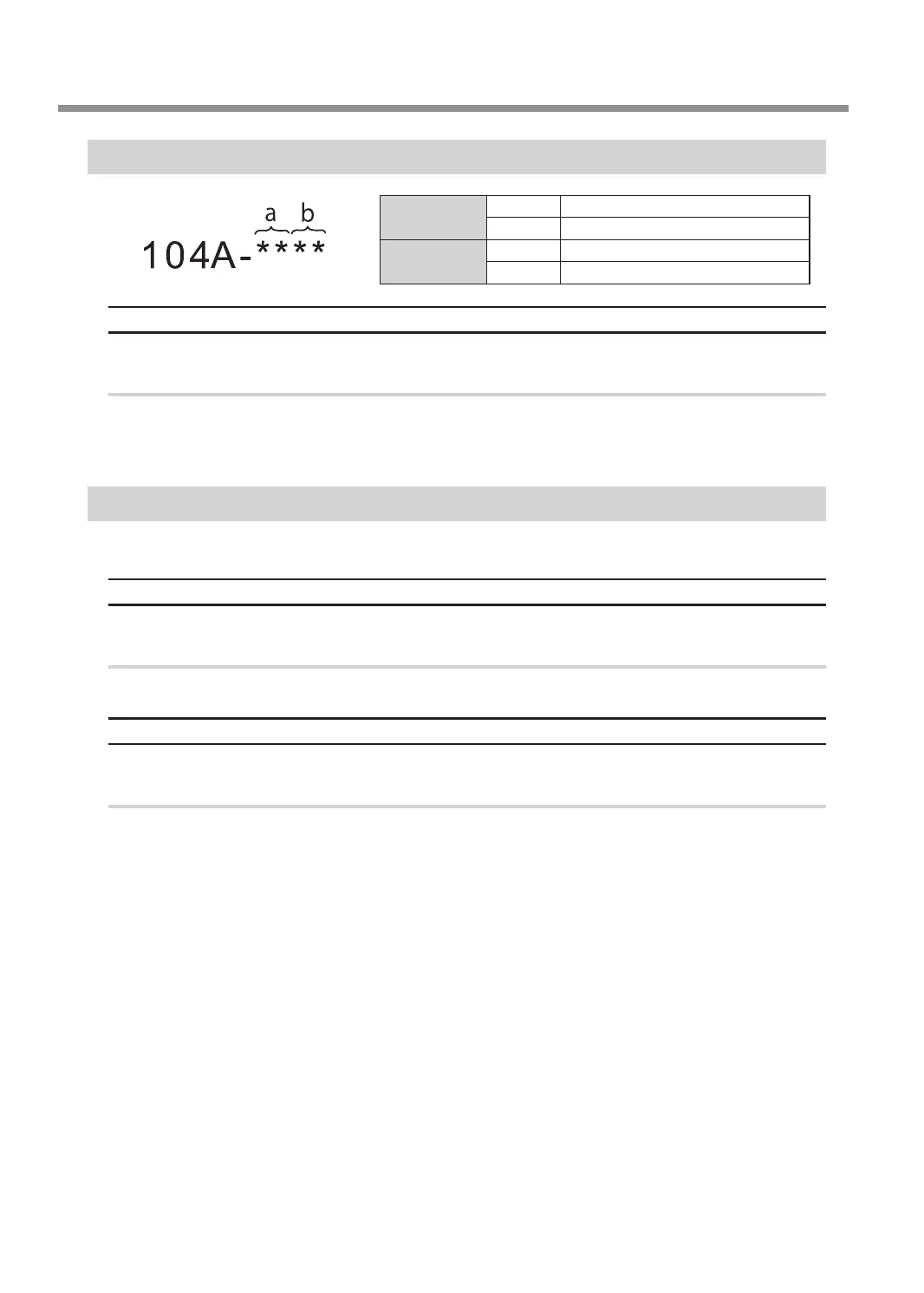
"104A-****" The adapter with ID number % could not be grasped.
a
(storage destination)
00 clamp
01 to 06 Adapter stocker (numbers 1 to 6)
b
(adapter ID)
23 Automatic correction jig
41 to 5A A to Z
Situation/Error Cause
The acquisition of the adapter failed.
Procedure
A
Turn off the power.
B
Follow the instructions displayed in VPanel to remove the adapter.
"104B-00**" The adapter with ID number % was not found.
"%" indicates the ID of the adapter (A to Z) or of the automatic correction jig (#).
Situation/Error Cause
The adapter to use has not been installed in the adapter stocker.
Procedure
Install the adapter in the adapter stocker.
Situation/Error Cause 2
The adapter ID label may not have been axed to the adapter correctly.
Procedure
Check that the adapter ID has been afxed to the adapter correctly.



 To Next Page