25
Chapter 1 Basic Operation
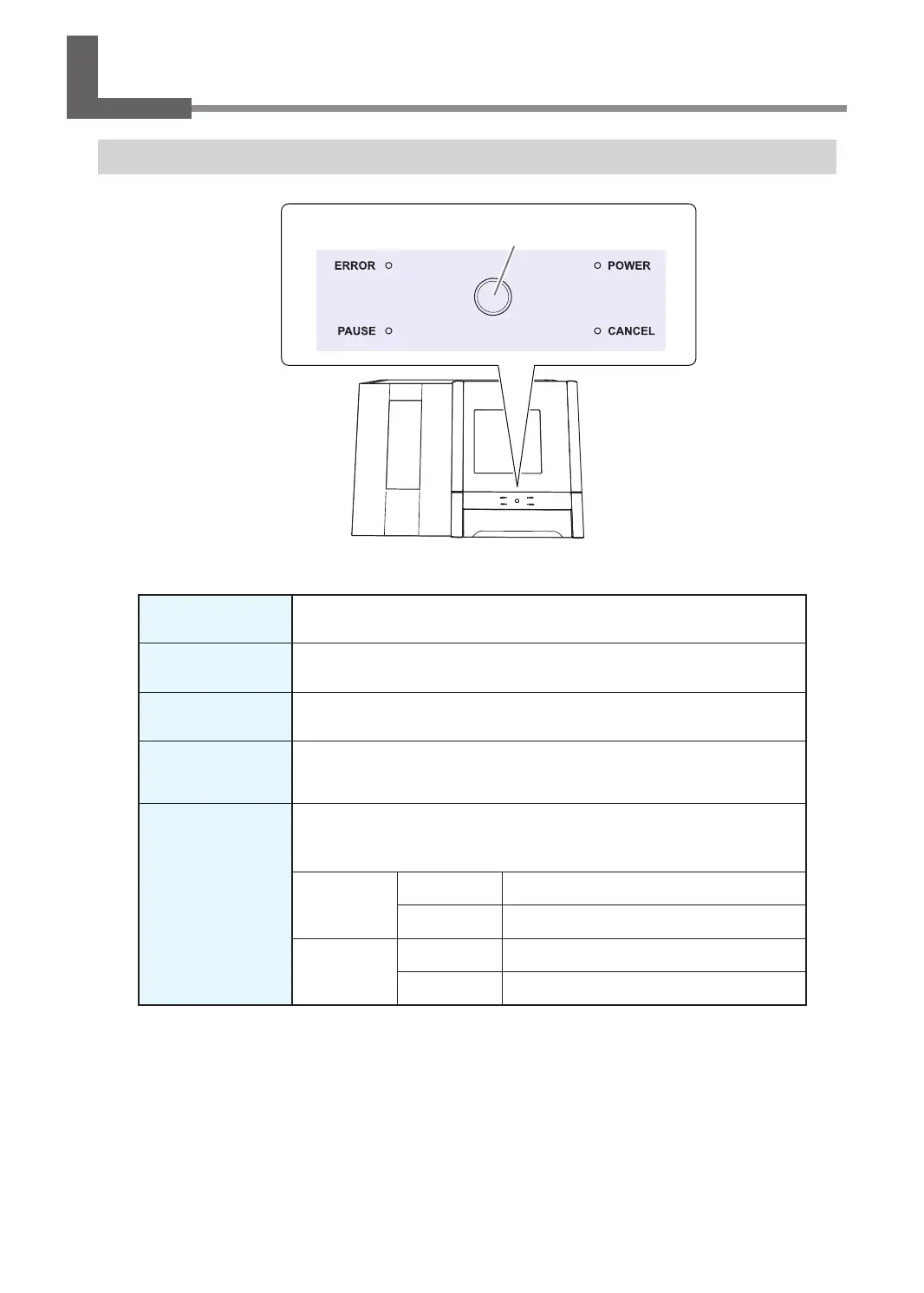
Using/Reading the Built-In Panel
Using/Reading the Built-In Panel
ERROR
Flashes when an error has occurred.
PAUSE
Lights when operation is paused.
POWER
Lights when the power is turned on.
CANCEL
Flashes when data is being cancelled and during the initial operations.
Milling data received while this light is ashing will be cancelled.
Operation button
Flashes during the initial operations, during spindle rotation, and during similar
operations. The button will light when the machine is on and in any other status.
During milling
Press
Pauses or resumes operation.
Hold
Aborts milling or clears some errors.
During
standby
Press
Rotates the rotary axis by 180 degrees.
Hold
Returns the material to the adapter stocker.
Operation button



 To Next Page