7
Chapter 1 Basic Operation
Displaying or Exiting VPanel
What is VPanel?
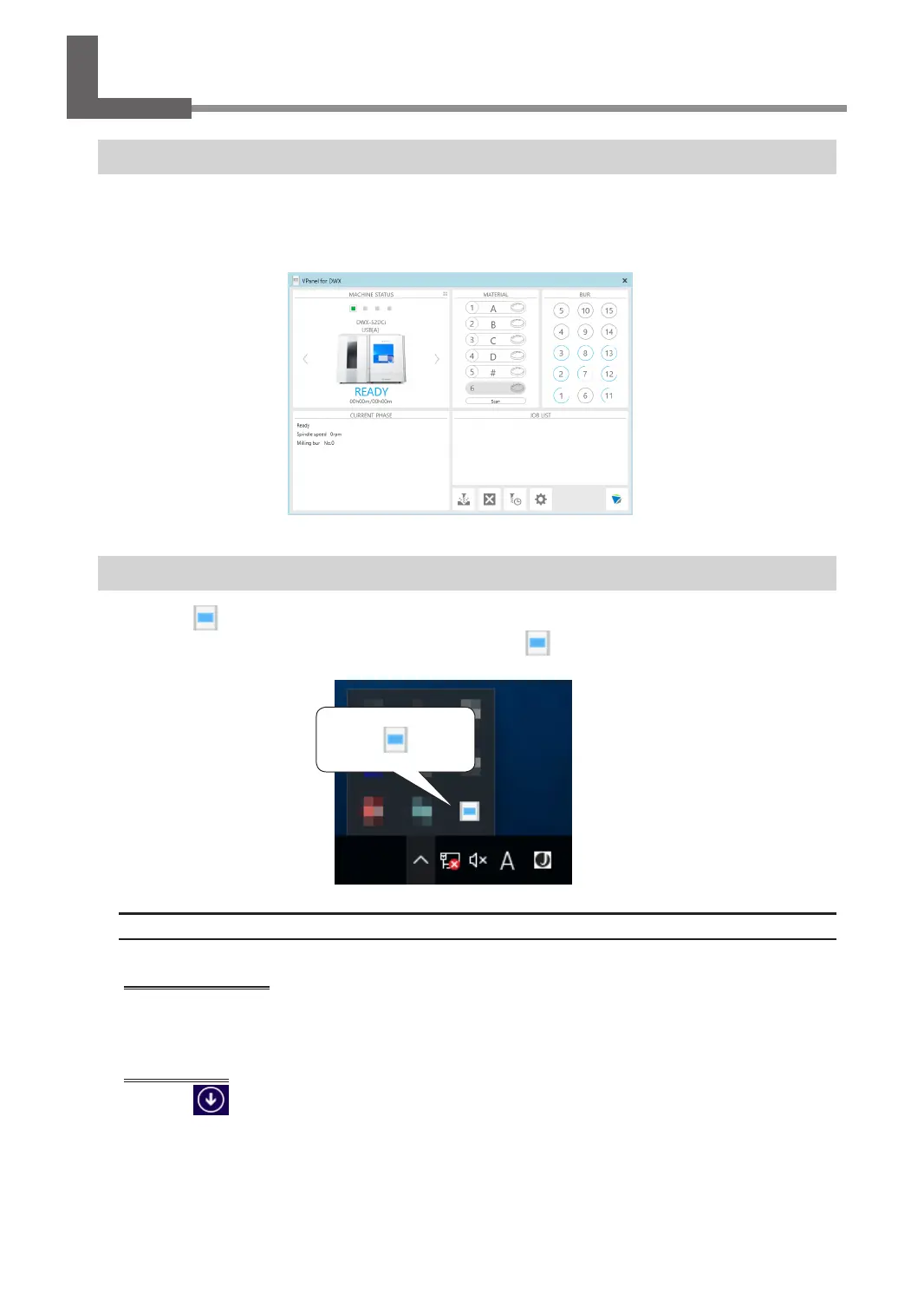
VPanel is an application that can be used to operate this milling machine from a computer screen. It has functions
for outputting milling data, performing maintenance, and making various corrections. It also displays information
such as the milling machine status and errors.
" "Setup Guide" ("Installing the Software")
Displaying VPanel
Click (the VPanel icon) in the task tray on the desktop.
The top window of VPanel will appear. If you cannot nd in the task tray, start the program from
the Windows [Start] screen (or the [Start] menu).
Starting from the Windows [Start] Screen (or [Start] Menu)
Windows 10 and 7
From the [Start] menu, click [All apps] (or [All Programs]), [VPanel for DWX], and then click [VPanel
for DWX].
Windows 8.1
Click
on the [Start] screen, and then from the Apps screen, click the [VPanel for DWX] icon
under [VPanel for DWX].



 To Next Page