Pausing or Canceling Milling
Aborting Output
Procedure
A
In the top window of VPanel, select the machine for which output will be aborted.
B
Click .
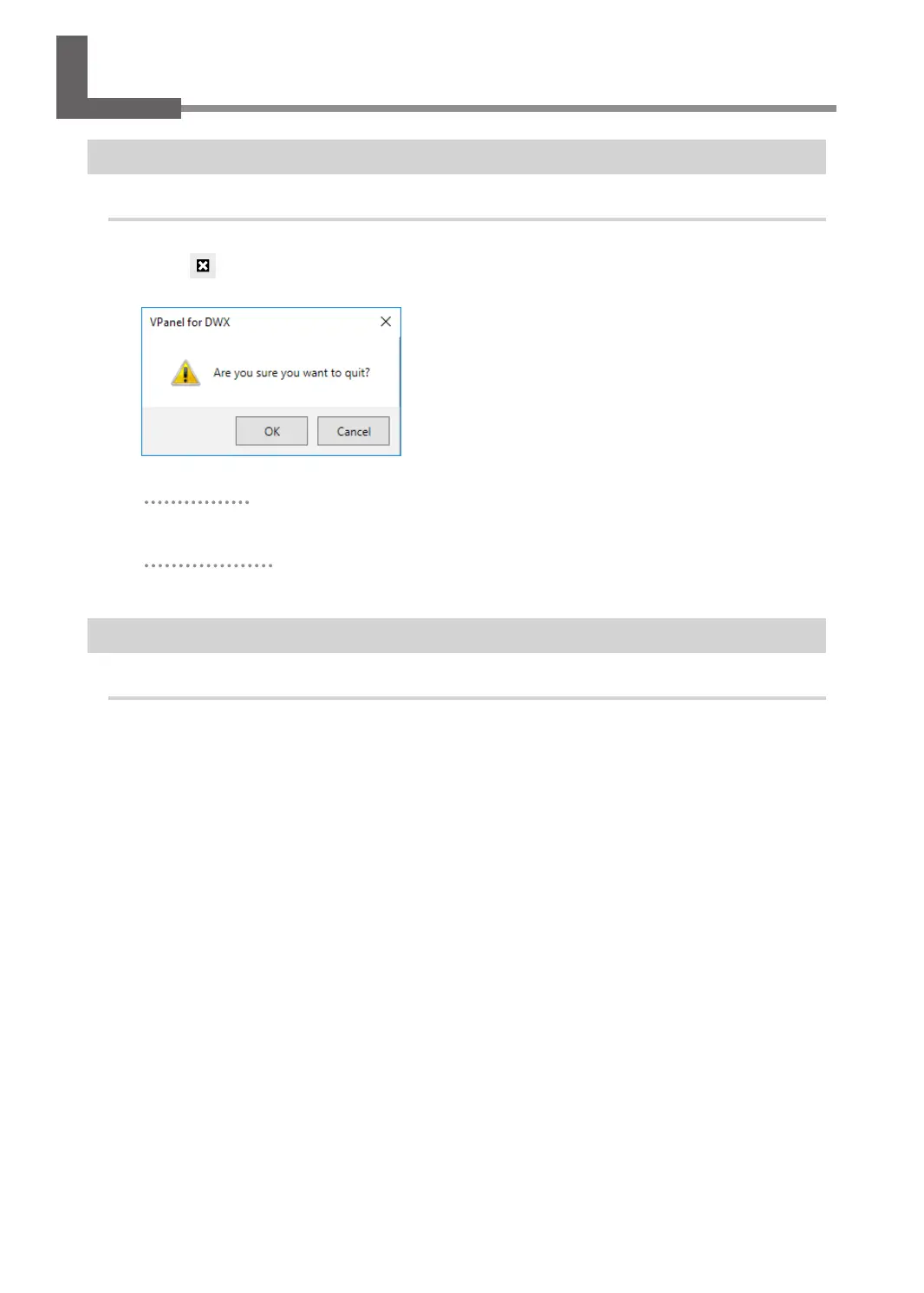
The message shown in the gure will be displayed.
To abort output
Click [OK].
To continue output
Click [Cancel].
Removing Milling Data in Standby from the Output List
Procedure
A
In the top window of VPanel, select the machine whose output list you want to edit.
B
Right-click the milling data to remove from the output list, and then click [Remove].
Only milling data in standby can be removed (milling data in the second or following positions from the
top of the output list).
54
Chapter 2 Milling



 To Next Page