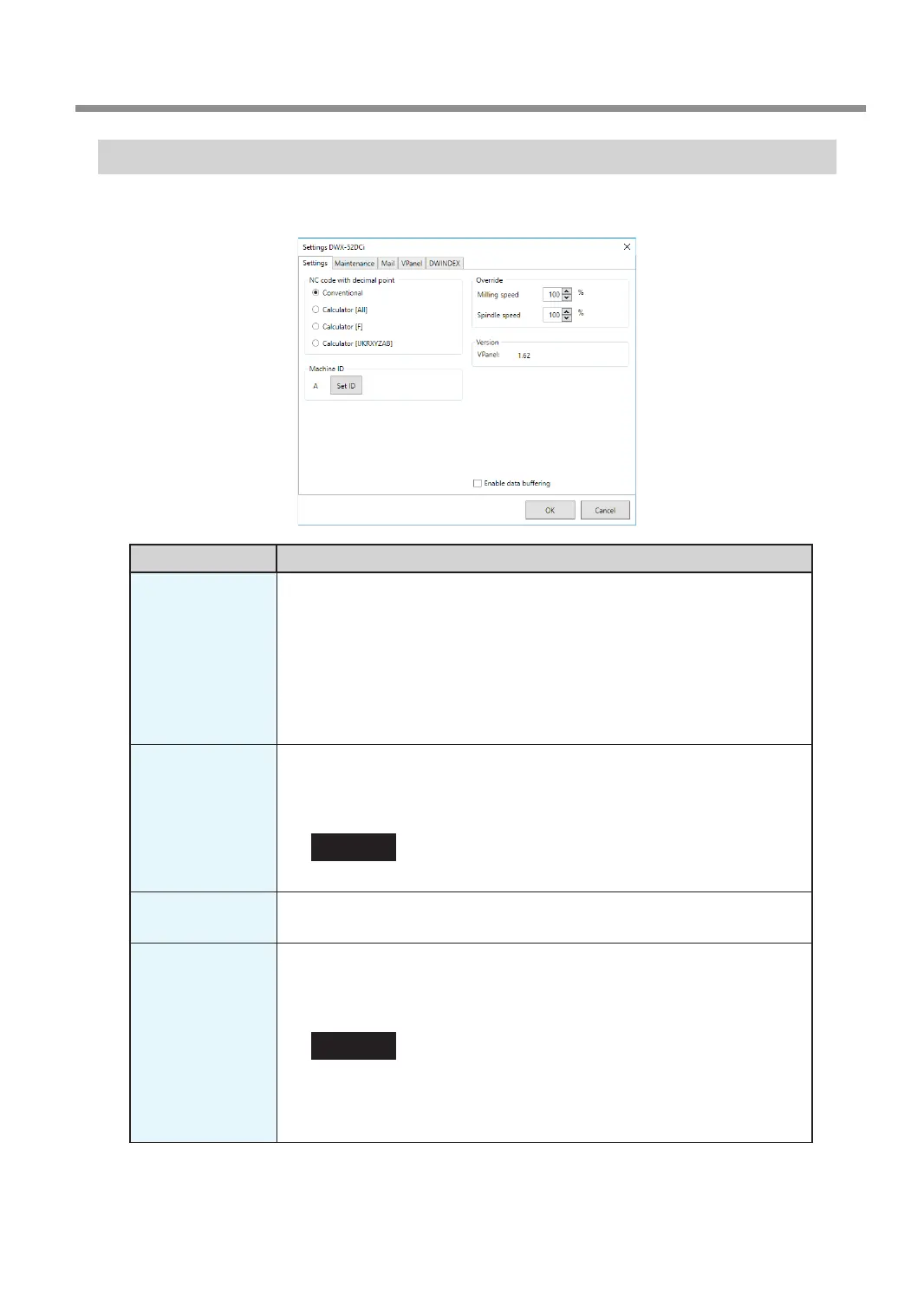
"Settings" Tab
On this tab, you can congure settings related to the machine's ID and NC codes. When more than one machine is
connected, the machine selected in the top window becomes the target for the setting.
Display Explanation
NC code with
decimal point
Select how to interpret numbers in NC codes.
With "Conventional," the unit is interpreted as millimeter (or inch) when there is a
decimal point, and as 1/1000 millimeter (or 1/10000 inch) when there is no decimal
point.
With "Calculator," the unit is always interpreted as millimeter (or inch) regardless
of whether there is a decimal point. Select the scope of the application when
selecting "Calculator." Select an appropriate setting according to your CAM or NC
code.
Initial setting: Conventional
Machine ID
When multiple machines are connected to one computer, it's necessary to set IDs
for the machines. Select the machine to use in the VPanel top window.
Initial setting: A
" "Setup Guide" ("Connecting Multiple Units")
CAUTION
To change an ID, be sure to follow the procedure explained in the "Setup Guide."
Version
VPanel: VPanel version
Firmware: Connected machine's rmware version
Enable data
buffering
Select this check box when you want to save milling data in the machine's internal
memory and use this saved data to perform milling. When the importing of milling
data to the machine is nished, the computer is released from having to process
the data transfer and can perform other work.
CAUTION
When you have transferred multiple sets of milling data to the machine's internal
memory, you cannot delete individual sets of data that are being milled or that are
on standby to be milled. Cancel all the milling operations, and then perform milling
again from the beginning.
VPanel Window and Functions
13
Chapter 1 Basic Operation



 To Next Page