Step 6: Outputting Milling Data and Starting Milling
* You can also use commercial CAM software to output milling data. For information on compatible CAM software,
contact your authorized DGSHAPE Corporation dealer.
WARNING
Be sure to turn on the dust collector.
Milling waste and workpieces are ammable and toxic.
WARNING
Never use a vacuum cleaner to clean up milling waste.
Picking up ne cuttings using an ordinary vacuum cleaner may result in re or
explosion.
WARNING
Securely fasten the milling tool and workpiece in place. After securing in place,
make sure no spanners or other articles have been left behind inadvertently.
Otherwise, such articles may be thrown from the machine with force, posing a risk
of injury.
WARNING
Keep open ame away from the work area.
Milling waste may ignite. Powdered material is extremely ammable, and even
metal material may catch re.
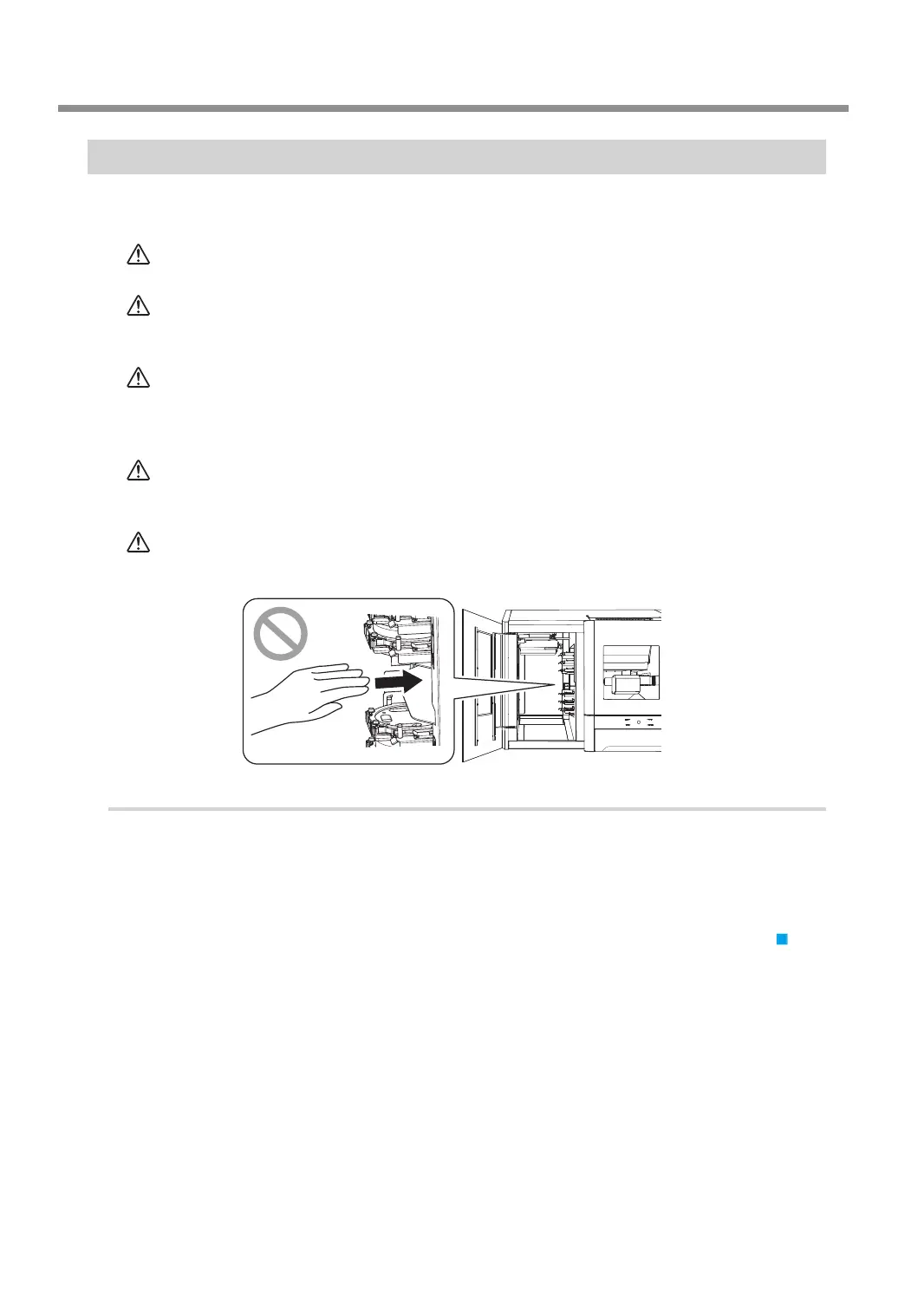
CAUTION
Do not insert your hands or arms into the milling machine from the adapter
magazine.
Doing so may result in injury arising from your hand or arm hitting something.
Procedure
A
Check the settings of the milling data.
" P.29 "CAM Settings Necessary for Milling"
B
Open the "Output a le" window.
1 In the top window of VPanel, select the machine to operate.
When you have connected multiple machines, you can switch between the machines by clicking
under MACHINE STATUS.
Starting Milling
50
Chapter 2 Milling



 To Next Page