Step 2: Attaching the Adapter to the Machine
Procedure
A
Switch on the machine's power switch.
" P.27 "Switching the Power On"
B
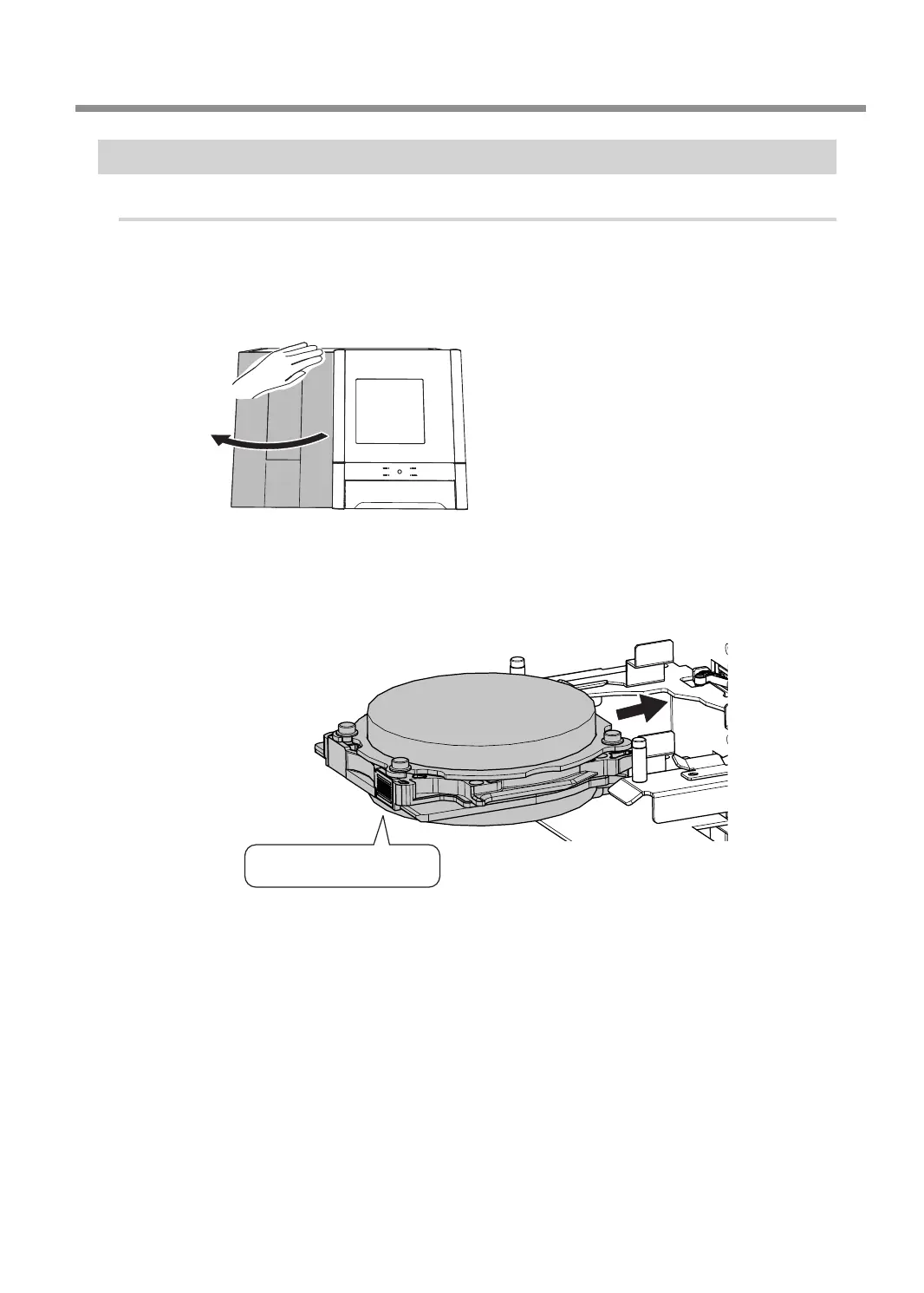
After the initial operations are nished, open the magazine cover.
C
Orient the adapter as shown in the gure, and then insert the adapter into the adapter
stocker.
Adapter ID
Starting Milling
43
Chapter 2 Milling



 To Next Page