Using/Reading the Built-In Panel
26
Chapter 1 Basic Operation
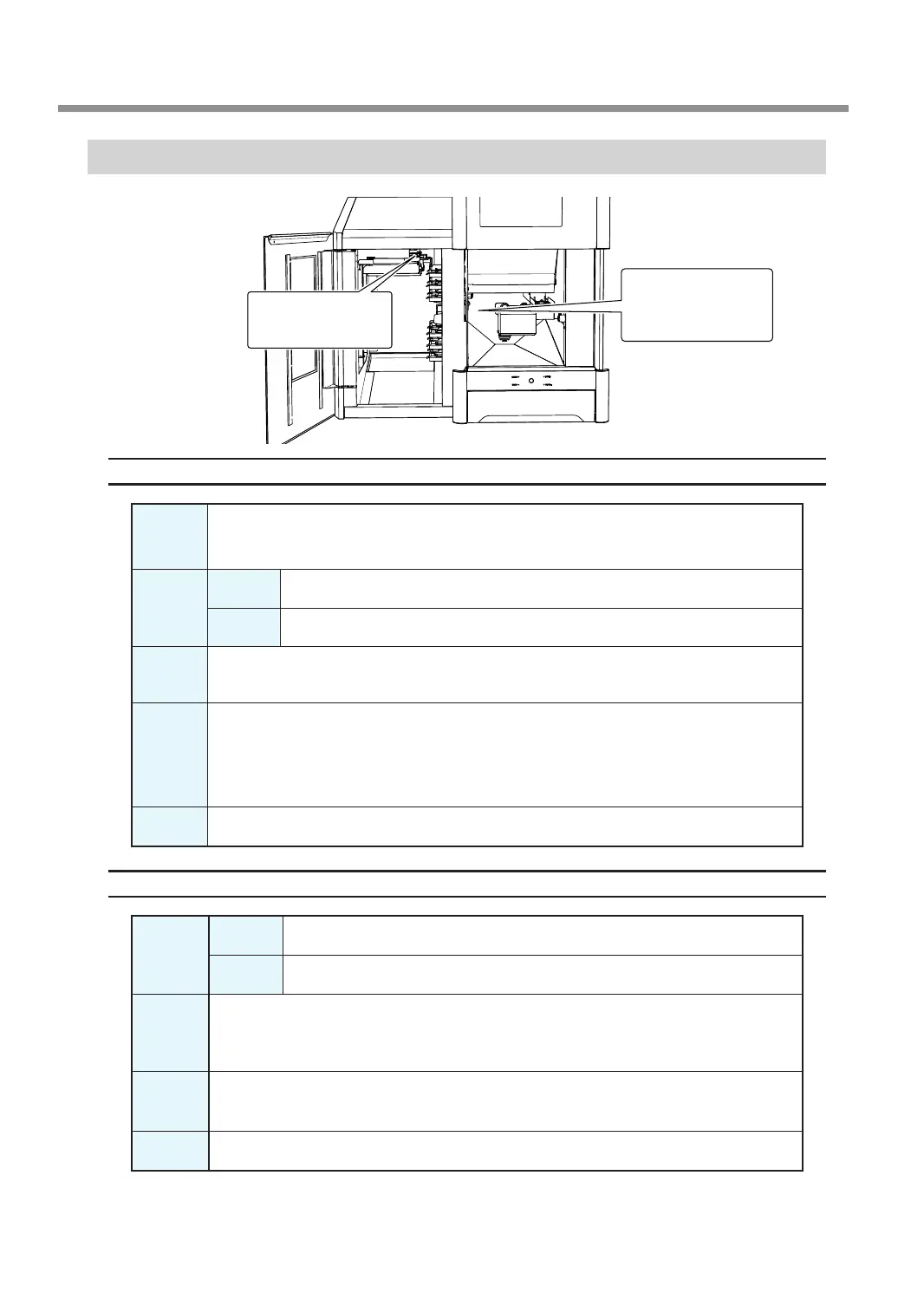
Statuses Indicated by Status Light Color
Status Light Inside the Front Cover
Blue
The machine is in standby or is performing the initial operations. The light will turn off if no
operation is performed for 30 seconds when in standby, causing the machine to sleep.
White
Lit
Milling is being performed or has been paused or the front cover is open.
Flashing
The dust collector is in standby.
Yellow
When lit in yellow, an error has occurred and the machine has been paused. Check the error
details shown on VPanel. Press the operation button on the built-in panel to resume milling.
Red
When lit or ashing in red, an error has occurred and milling has been stopped. Milling
cannot be resumed.
Check the error details shown on VPanel. When lit in red, holding down the operation button
on the built-in panel will cancel milling and return the machine to the ready status. When
ashing in red, turn off the power and start the machine again.
Off The light turns off when the machine is in the sleep state or the power is turned off.
Status Light Inside the Magazine Cover
White
Lit
The front cover or the magazine cover is open.
Flashing
The disk changer is operating.
Yellow
Lights in yellow when a new adapter is installed in a temporarily opened stocker during
milling. When milling is nished, the adapter cannot be returned, so check the adapter's
installation position again.
Red
If an error occurs during adapter replacement, this lights after the machine restarts. Follow
the instructions displayed in VPanel to remove the adapter.
Off The light turns off when the machine is in the sleep state or the power is turned off.
Status light inside
the magazine cover
Status light inside
the front cover



 To Next Page