Components description | 8
AXH1230‐UK ﴾ENG﴿ ‐ Apollo KM 79
8.1.13.6 Rotating light
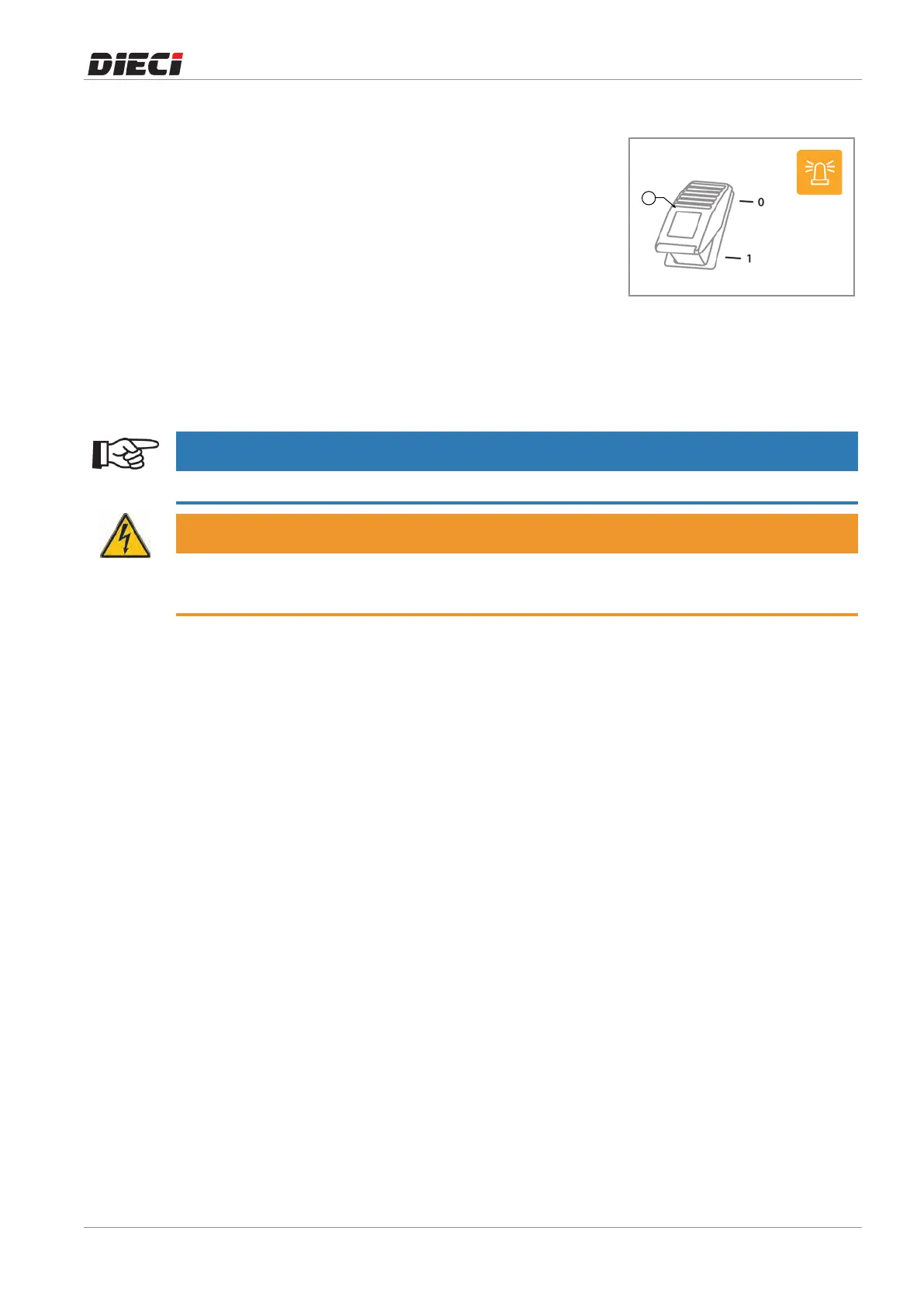
The rotating light"1" (fig 1504121) must be placed above the
driver'scabandmustalways be in operation both on site and
duringroaduse.
Toactivateandpositiontherotatinglight,performthefollowing
steps:
1. Cleananddrythetopofthedriver'scab.
2. Placetherotatinglightonthecab.
3. Insertthe plug of the rotating light into the socket on the
rearleftsideofthecab,undertherearwindow.
4. Turn on the rotating light usingthe switch on the canopy
instrumentpanel.
Therotatinglightturnedonisindicatedbytheindicatorlighton
theswitch.
150412-1
NOTICE
It is possible to turn on the rotating light even if the ignition key is in the "0" position.
WARNING
Risk of damage to the electrical system.
Do not connect users with nominal voltage greater than 12V and power consumption greater than 180W.



 To Next Page