Components description | 8
AXH1230‐UK ﴾ENG﴿ ‐ Apollo KM 95
Icon Example Description
05 000.E4 Joystickerrors
8.3.7 Service
The Service icon indicates intervals at which to carry out
maintenanceonthemachine(fig.1504341).
20hoursbeforethedeadline,theiconstaysonfor3secondsafter
switchingontheinstrumentpanel.
TheServiceindicatoriconstaysonpermanentlyif,attheendof
deadline,maintenanceisnotcarriedoutbyspecializedpersonnel.
150434-1
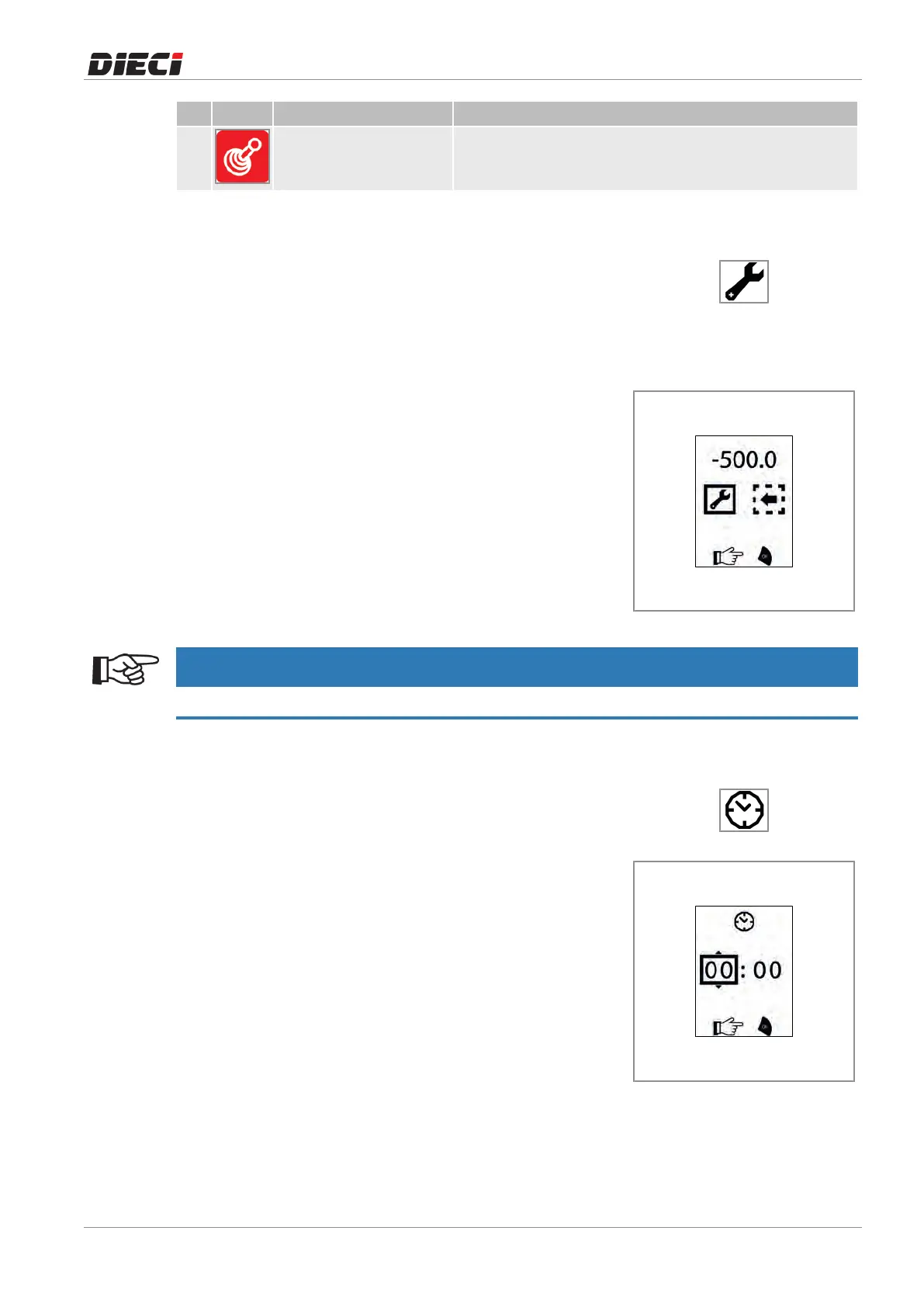
To find out the hours remaining to next maintenance, it is
necessarytoaccesstheServicepage(fig.1504342):
– PresstheMENUbutton,
– SelecttheServiceicon,
– PresstheOKbutton.
ToreturntotheHomescreen,simplypresstheMENUbuttonor
selecttheBACKicon"1"andpresstheOKbutton.
150434-2
NOTICE
Contact the Dieci technical service to perform maintenance and reset the Service hour counting.
8.3.8 Clock and clock setting
Onthehomescreenthereistheindicationofthetimenexttothe
relatedicon(fig.1504391).
1504391
Toadjustthetimeitisnecessaryto(fig.1504392):
– PresstheMENUbutton,
– Selecttheclocksettingicon,
– PresstheOKbutton,
– UsetheUPandDOWNtosetthehourdigits,
– PresstheOKbutton,
– UsetheUPandDOWNtosettheminutesdigits,
– PresstheOKbuttontosetthenewtime.
Press the MENÙ button at any time to cancel the process and
returntotheHomescreen.
1504392



 To Next Page