Components description | 8
AXH1230‐UK ﴾ENG﴿ ‐ Apollo KM 121
8.8 Continuous oil function *
NOTICE
The oil continuous function is an accessory option.
Thecontinuousoilfunctionallowstomaintainaconstantvolumeofoilpassingthroughthehydraulicsockets
withoutactingconsistentlyontheselectorofthejoystick.
DANGER
Do not change the hydraulic couplers selection while using the continuous oil function;
the hydraulic coupler would begin to work directly according to the flow set by the
function.
Risk of damage to things, people and mechanics of the machine or equipment.
CAUTION
With the continuous oil function enabled do not move away from the driver's cab.
NOTICE
With the continuous oil function active it is still possible to use the joystick to move the boom.
8.8.1 Continuous oil function on Joystick with mechanical deadman
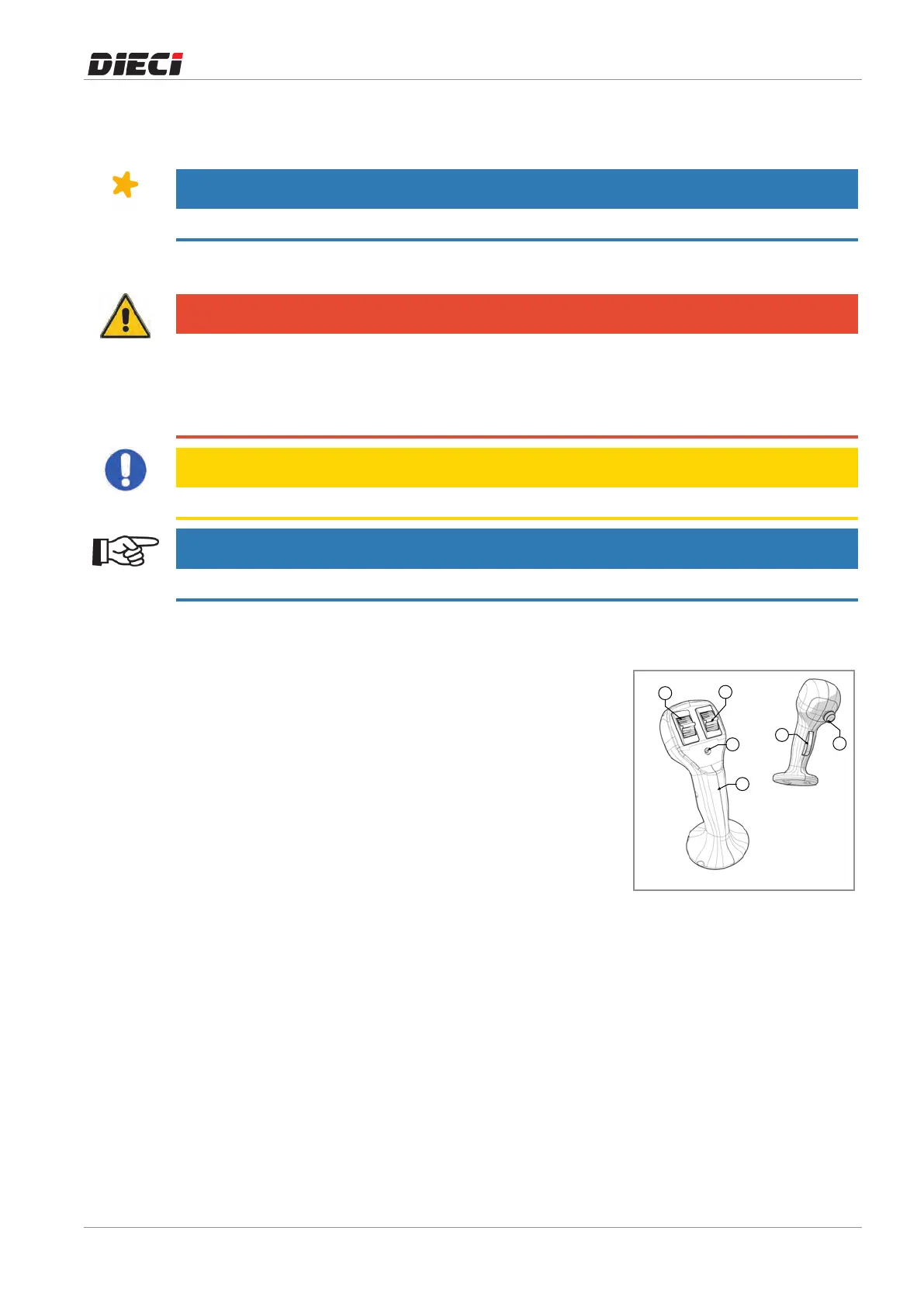
To activate the function it is necessary to (fig. 150456-1):
– Select, using the hydraulic couplers switch andthe coupler
switchontheboomhead(ifinstalled),thedesiredhydraulic
coupleronwhichtoactivatethefunction.
– Usetheservicesrolleronthejoysticktosetthedesiredflow
ofoil.
– Maintain the flow of oil through the services roller and
simultaneously press the button "6" to activate the
continuousoilfunction.
The LED 5 coming on, on the joystick, indicates that the
continuousoilfunctionisactive.
To disable the function it is necessary to:
– Pressthebutton"6".
When the LED "5" on the joystick goes off it indicates that the
continuousoilfunctionisdisabled.
150456-1



 To Next Page