8 | Components description
96 AXH1230‐UK ﴾ENG﴿ ‐ Apollo KM
8.3.9 Hour meter
On the home screen there is the indication of the hour meter
nexttotherelatedicon(fig.1504401).
Theseparationofthedecimalpointflasheswhenthehourmeter
isactive.
1504401
8.3.10 Check page
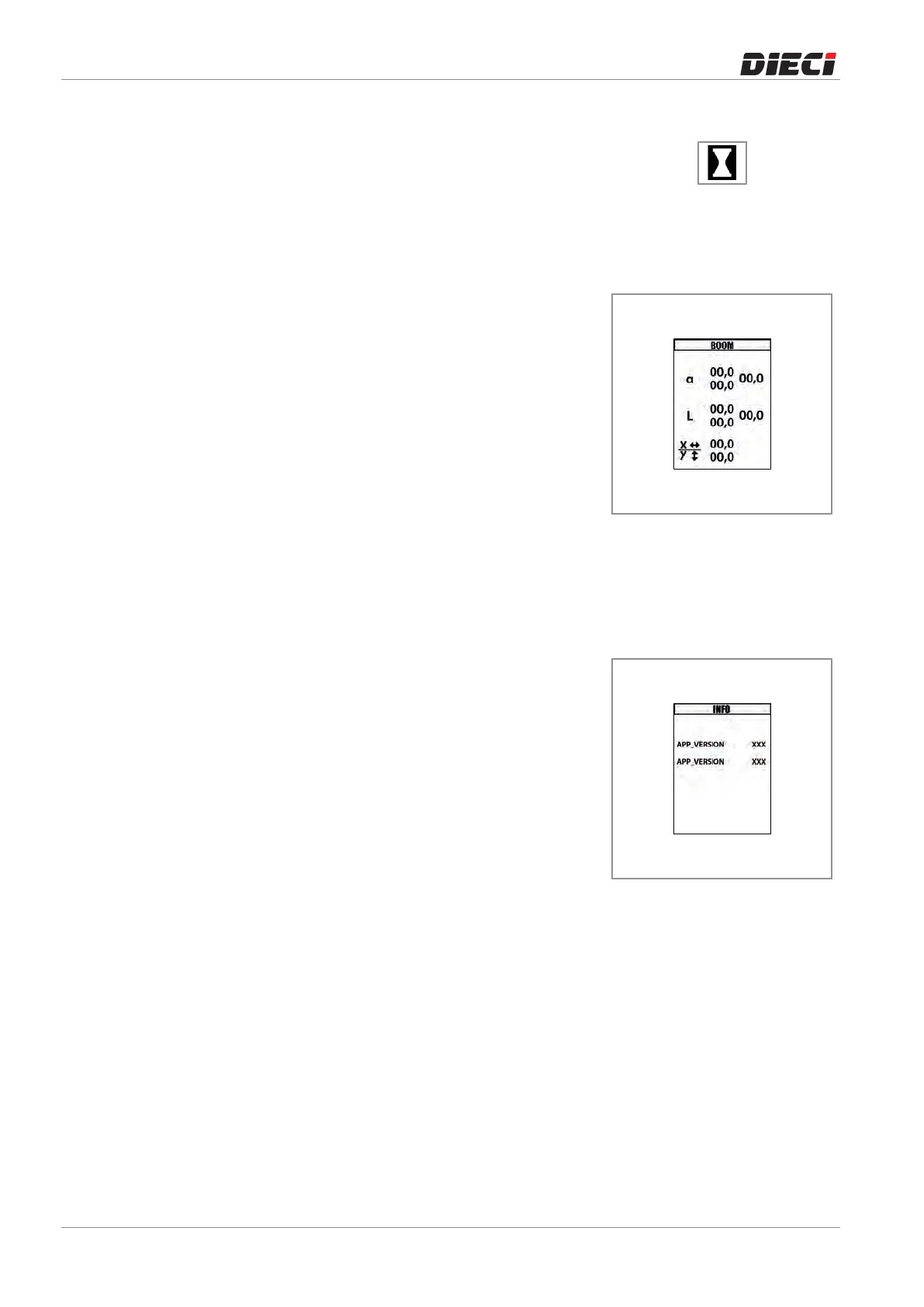
TheCheckpageallowstochecksomeparametersofthevehicle:
– Boomabsoluteanglevalue(a)
– Boomextensionvalues(L)
– Lateraldirectiontiltvalue(x)
– Longitudinaldirectiontiltvalue(y)
ToaccesstheCheckscreenitisnecessaryto:(fig.1507501):
– PresstheMENUbutton,
– SelecttheCheckicon,
– PresstheOKbutton.
ToreturntotheHomescreen,simplypresstheMENUbuttonor
selecttheBACKiconandpresstheOKbutton.
150750-1
8.3.11 Info page
The Info page provides information about the software version
installedonthemachine.
ToaccesstheCheckscreenitisnecessaryto:(fig.1507511):
– PresstheMENUbutton,
– SelecttheInfoicon,
– PresstheOKbutton.
ToreturntotheHomescreen,simplypresstheMENUbuttonor
selecttheBACKiconandpresstheOKbutton.
150751-1



 To Next Page