3. Setting Up and Running a Test
72A-2570-01 Rev. K 07/2011 3-17
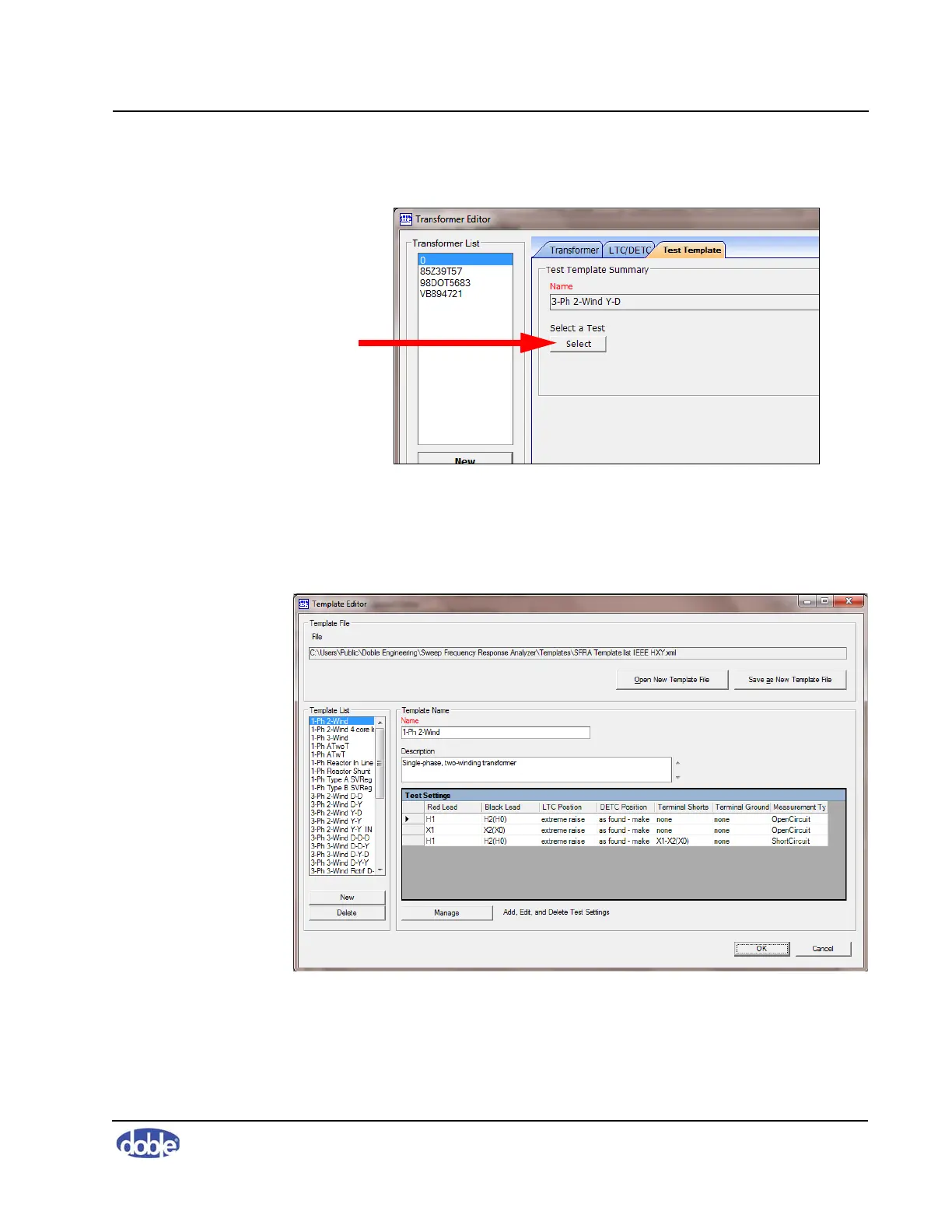
3. Click the Test Templates tab (Figure 3.27).
Figure 3.27 Test Templates Tab of Transformer Editor Window
4. Click
Select.
The Template Editor window appears (Figure 3.28).
Figure 3.28 Template Editor Window
5. Select the template in the Template list and click
OK.



 To Next Page