5. Managing Data and Generating Reports
72A-2570-01 Rev. K 07/2011 5-5
Managing Transformer Information
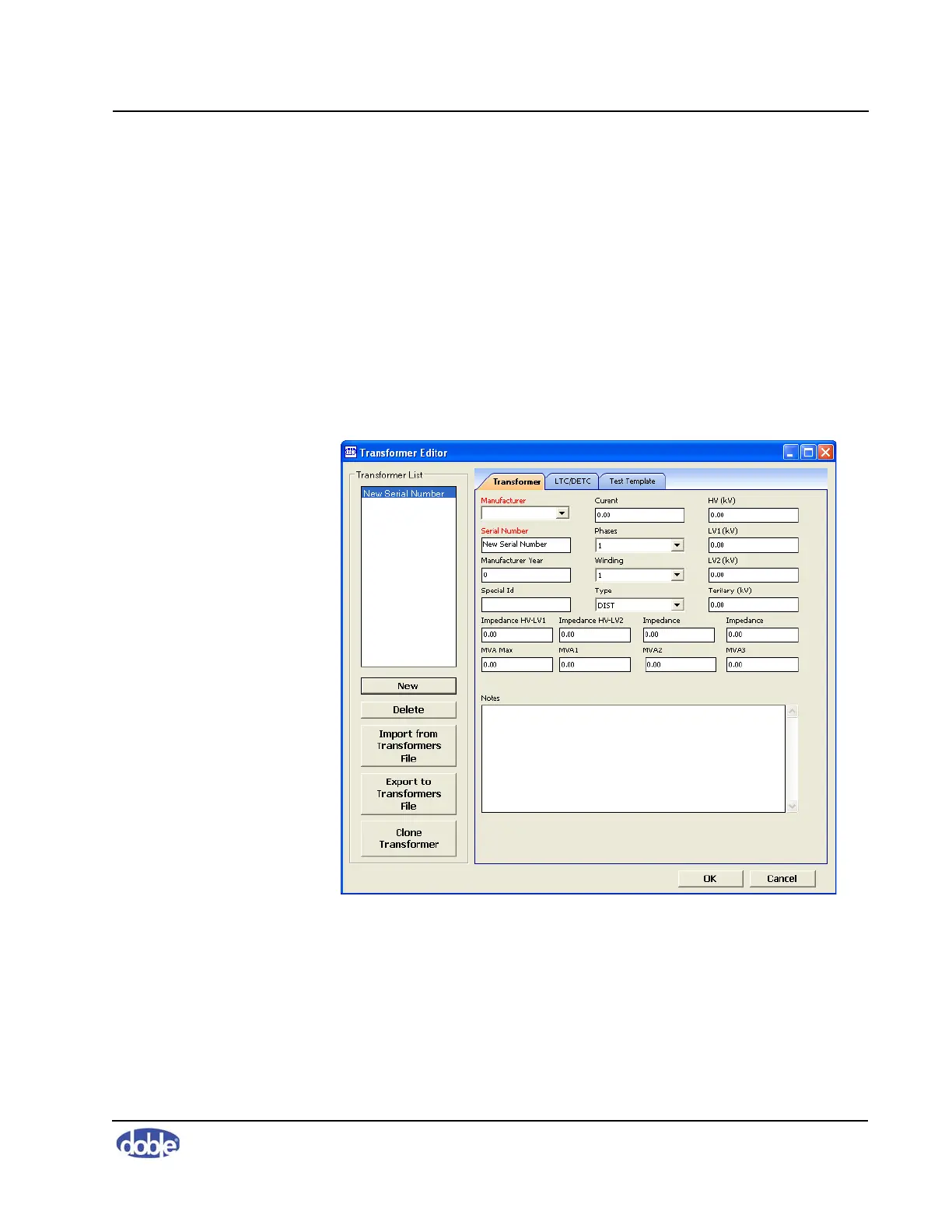
The Transformer Editor enables you to create, edit, review, and delete detailed
information about transformers.
To add or edit transformer information:
1. In the main window of the SFRA software, open the
Edit menu and select
Edit Apparatus.
The Test Equipment Editor window opens (Figure 5.1 on page 5-2).
2. Click the
Edit Transformers button on the right.
The Transformer Editor window opens (Figure 5.5).
Figure 5.5 Transformer Tab of Transformer Editor Window
Entering a Transformer into the SFRA Database
To enter a transformer into the SFRA database:
1. Click
New.
The words New Serial Number appear in the Transformer List.



 To Next Page