Sweep Frequency Response Analyzer (SFRA) User Guide
5-8 72A-2570-01 Rev. K 07/2011
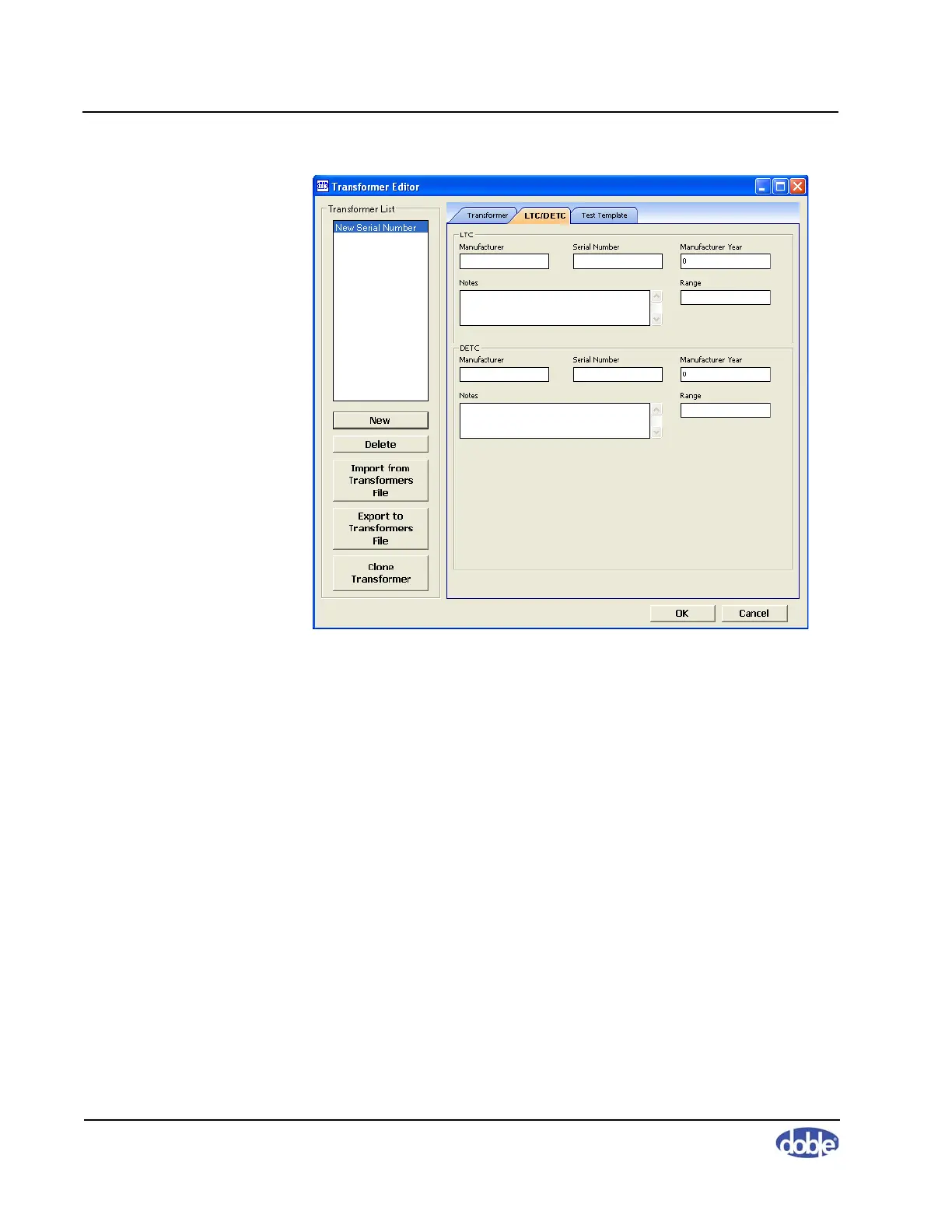
Figure 5.7 LTC/DETC Tab of Transformer Editor Window
Managing Results Data
This section explains how to store, export, and import data; transfer data files
between machines; work with settings files; and configure and generate
reports.
Default Data Locations
The Sweep Frequency Response Analyzer Settings dialog box (Figure 5.8 on
page 5-9) enables you to change the folder for data from tests (Data Path) and
the various Editors (Editors List Path).



 To Next Page