Sweep Frequency Response Analyzer (SFRA) User Guide
3-18 72A-2570-01 Rev. K 07/2011
6. Click OK again to close the Transformer Editor window, and click Save
and Exit
to close the Test Equipment Editor.
SFRA Test Procedure
To run an SFRA test on a transformer:
1. In the main SFRA window, click
Select Apparatus.
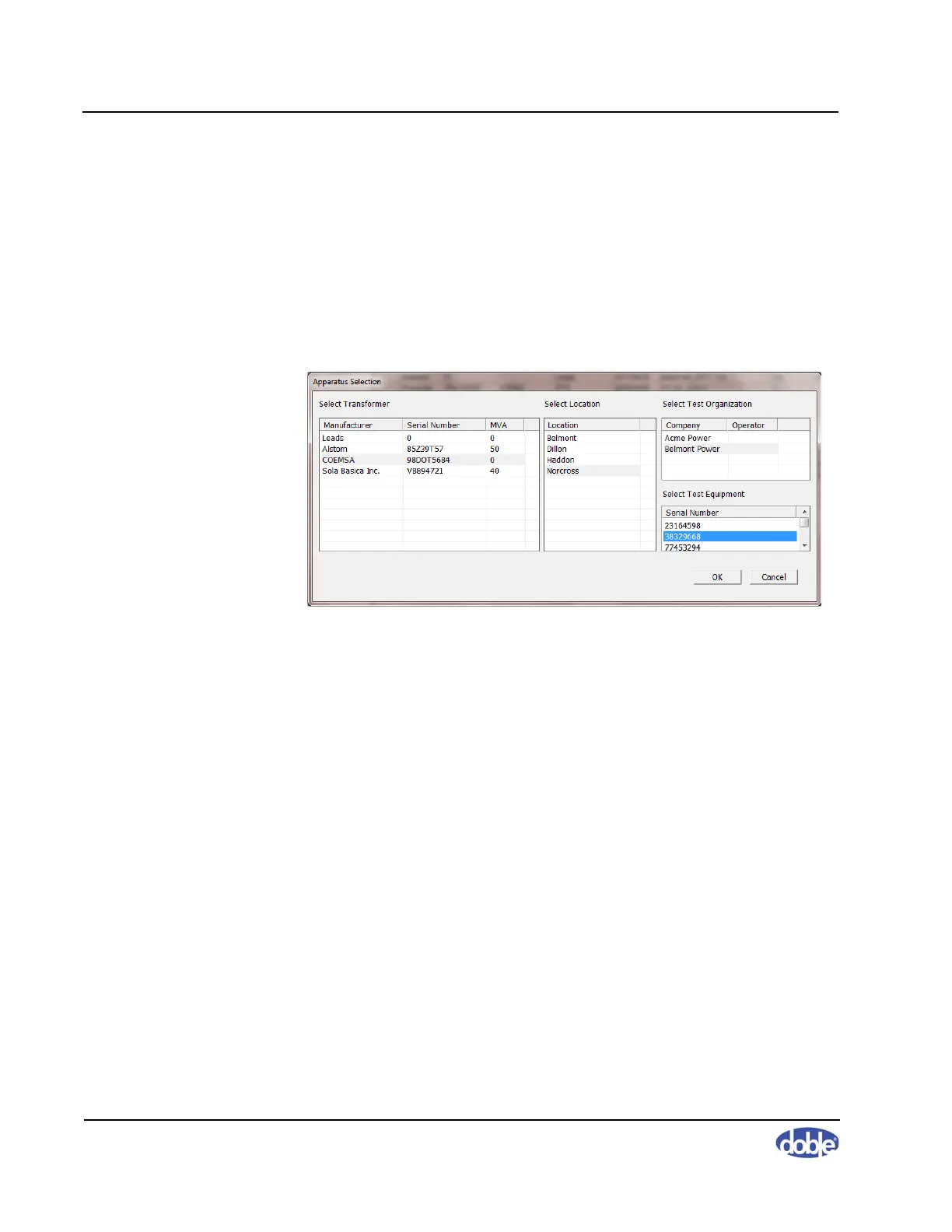
The Apparatus Selection window appears (Figure 3.29).
Figure 3.29 Apparatus Selection Window
2. Select the serial number of the transformer in the Manufacturer column
and any other options you wish. The items you select remain highlighted
as shown in Figure 3.29. Click
OK.



 To Next Page