Sweep Frequency Response Analyzer (SFRA) User Guide
A-16 72A-2570-01 Rev. K 07/2011
Waveform Tab
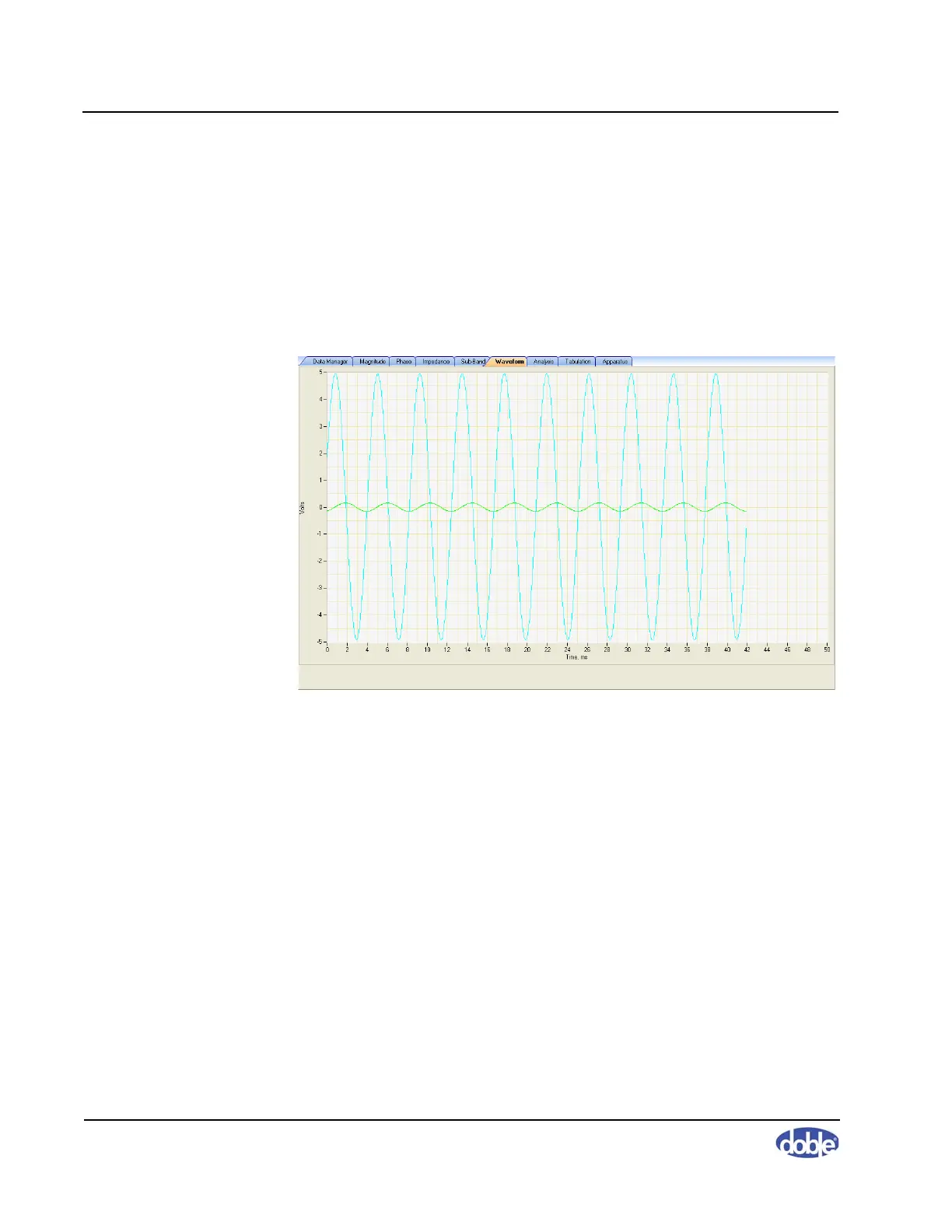
The Waveform tab (Figure A.16) is useful when monitoring the progress of a
measurement: it displays both the reference waveform generated by the test
set and the measured waveform of the object under test. This tab displays a
waveform only when a test is in progress.
It is also possible to use the Waveform tab to help diagnose a bad connection,
which will appear as a low, noisy, non-sinusoidal signal.
Figure A.16 Waveform Tab



 To Next Page