AssuredSAN 4004 Series Setup Guide 119
1
This color may or may not illuminate.
1
Individual disks will display fault LEDs
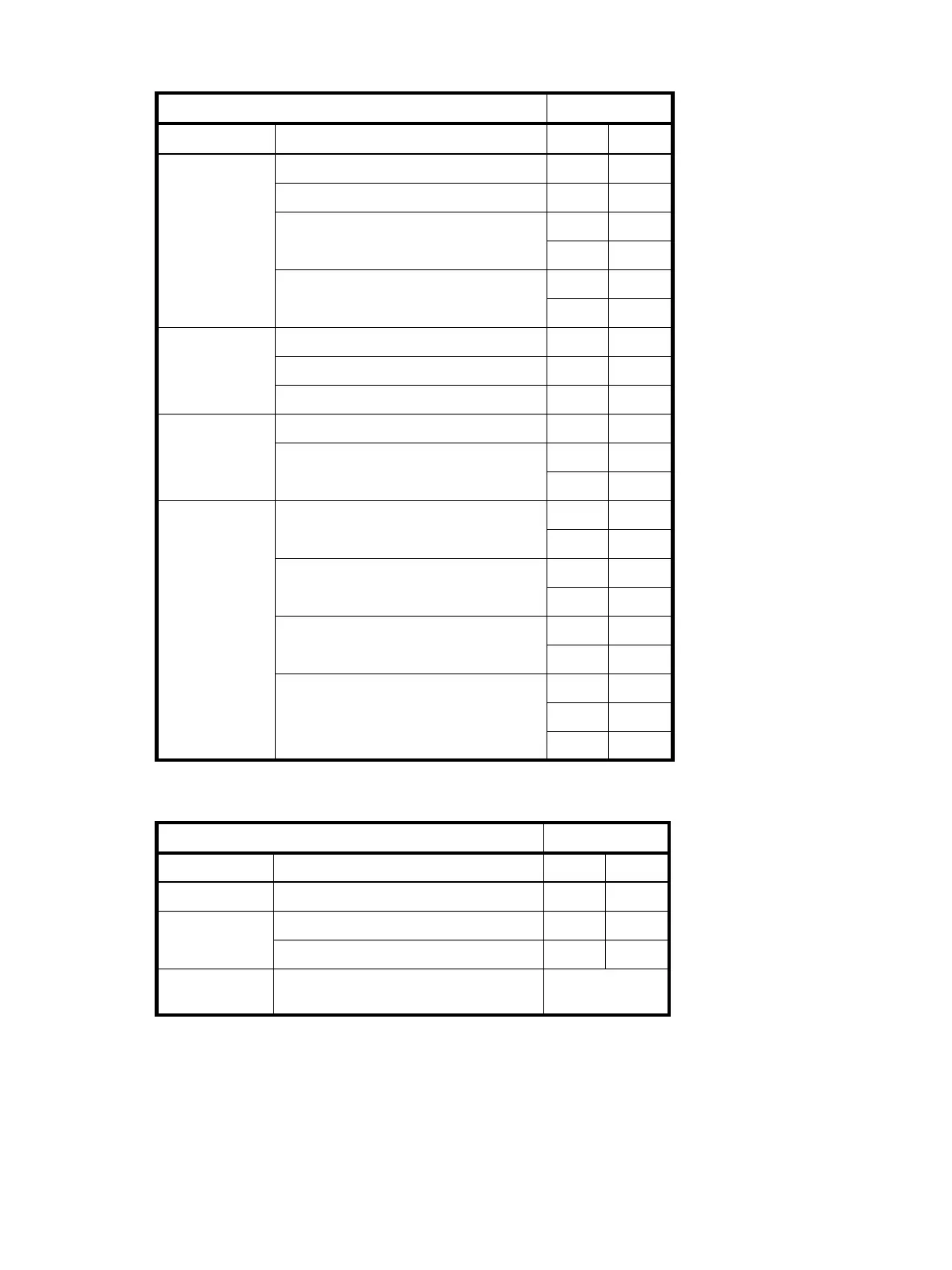
Table 42 LEDs: Disks in LFF enclosures
Disk drive module LED behavior LFF disks
Description
State Color Action
Disk drive OK,
FTOL
Off None None
On (operating normally) Green On
OK to remove Green Blink
Blue On
Identifying self — offline/online Green
1
On
Amber Blink
Disk drive I/O Initializing Green Blink
Active and processing I/O Green Blink
Performing a media scan Green Blink
Disk drive
leftover
Disk drive is a leftover Amber On
Identifying a leftover Amber Blink
Blue
1
On
Disk drive failed Fault or failure Green
1
On
Amber On
Fault and remove disk drive Green On
Amber On
Fault and identify disk drive Green On
Amber On
Fault, identify, and remove disk drive Green On
Amber Blink
Blue On
Table 43 LEDs: Disk groups in LFF enclosures
Disk group LED behavior LFF disks
Description State Color Action
FTOL On (operating normally) Green On
Disk group
activity
Disk group is reconstructing Green Blink
Disk group is initializing Green Blink
Disk group
degraded
Disk group is critical/down
See note 1 below



 To Next Page