12 About this guide
Related documentation
* Printed document included in product shipkit.
For additional information, see Dot Hill’s Customer Resource Center web site: https://crc.dothill.com.
Document conventions and symbols
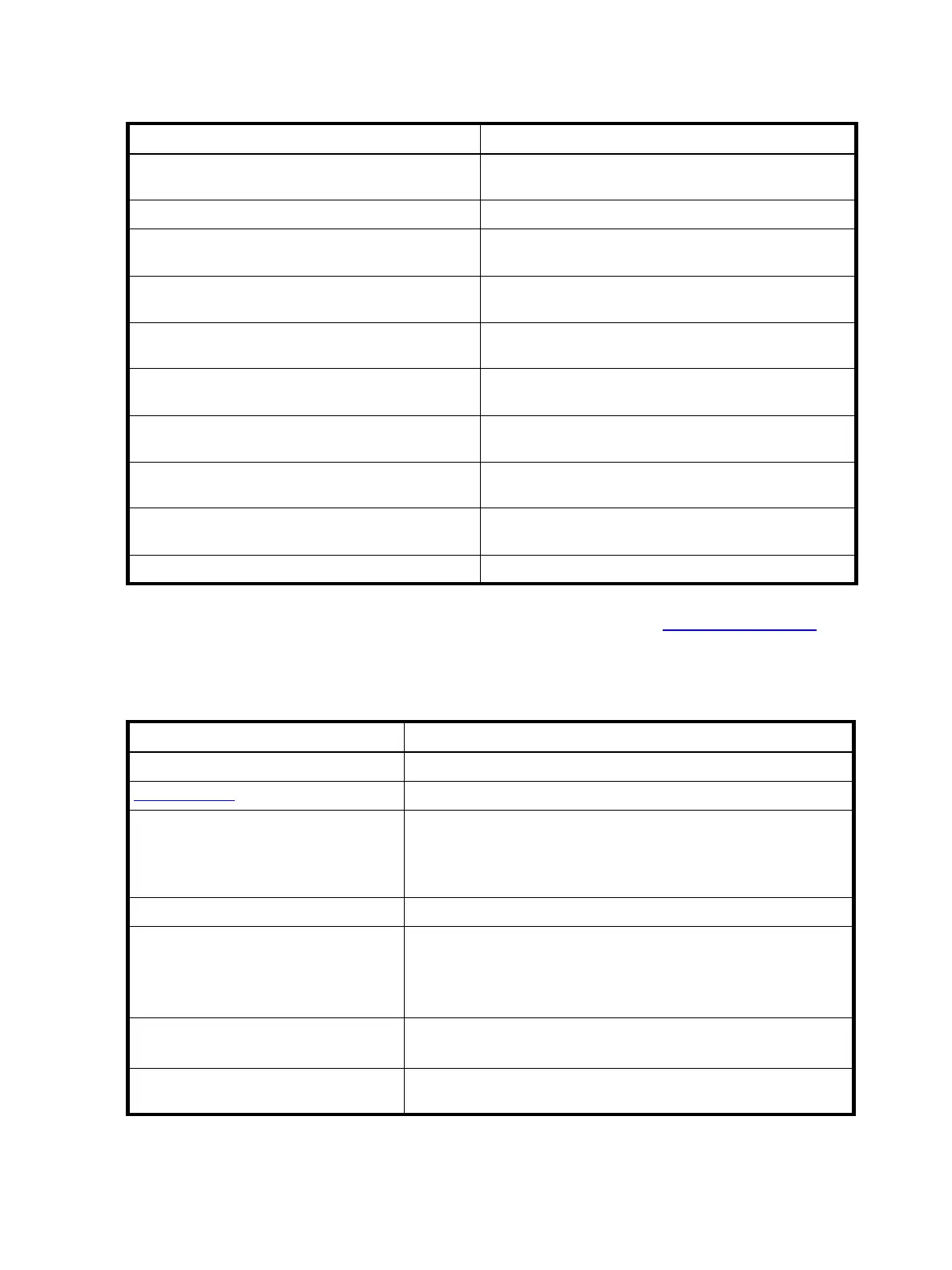
Table 1 Related documents
For information about See
Enhancements, known issues, and late-breaking
information not included in product documentation
Release Notes
Overview of product shipkit contents and setup tasks Getting Started
*
Regulatory compliance and safety and disposal
information
AssuredSAN Product Regulatory Compliance and Safety
*
Using a rackmount bracket kit to install an enclosure
into a rack
AssuredSAN Rackmount Bracket Kit Installation
*
document
pertaining to the specific enclosure model
Attaching or removing an enclosure bezel, and
servicing the optional air filter
AssuredSAN Enclosure Bezel Kit Installation
*
document
pertaining to the specific enclosure model
Identifying and installing or replacing field-replaceable
units (FRUs)
AssuredSAN 4004 Series FRU Installation and
Replacement Guide
Obtaining and installing a license to use licensed
features
AssuredSAN Obtaining and Installing a License
Using the v3 and v2 web interfaces to configure and
manage the product
AssuredSAN Storage Management Guide
Using the command-line interface (CLI) to configure
and manage the product
AssuredSAN CLI Reference Guide
Event codes and recommended actions AssuredSAN Event Descriptions Reference Guide
Table 2 Document conventions
Convention Element
Blue text Cross-reference links and e-mail addresses
Blue, underlined
text Web site addresses
Bold text • Key names
• Text typed into a GUI element, such as into a box
• GUI elements that are clicked or selected, such as menu and list
items, buttons, and check boxes
Italic text Text emphasis
Monospace text • File and directory names
• System output
• Code
• Text typed at the command-line
Monospace, italic text • Code variables
• Command-line variables
Monospace, bold text Emphasis of file and directory names, system output, code, and text
typed at the command-line



 To Next Page