AssuredSAN 4004 Series Setup Guide 129
J6G56 drive enclosure rear panel LEDs
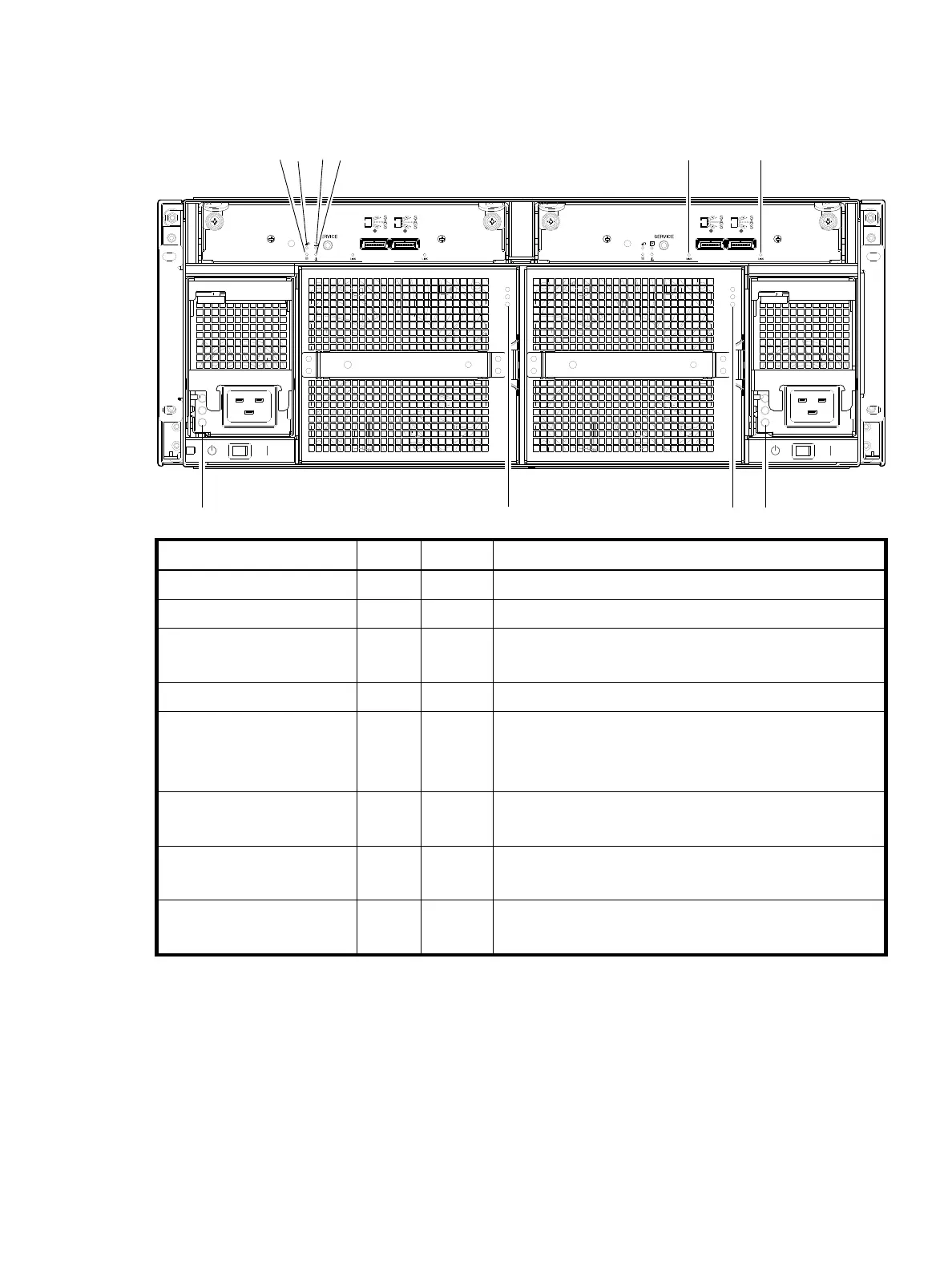
The rear panel of a 4U (J6G56) drive enclosure is shown below. Using mini-SAS (SFF-8088) external
connectors, this drive enclosure supports a 6-Gbps data rate for backend-SAS expansion.
Figure 108 LEDs: J6G56 drive enclosure — rear panel
LED No./Description Color State Definition
1 — Power Supply (AC) — — See “Power supply LEDs” (Figure 105 on page 126).
2 — Fan Control Module — — See “Fan Control Module LEDs” (Figure 106 on page 127).
3 — Unit Locator White Off
Blink
Normal operation.
Physically identifies the expansion module.
4 — OK to Remove Blue Off Not implemented.
5 — FRU OK Green On
Off
Blink
Expansion module is operating normally.
Expansion module is not OK.
System is booting.
6 — Fault/Service Required Amber On
Blink
A fault is detected or a service action is required.
Hardware-controlled power-up.
7 — SAS In Port Status Green On
Off
Port is connected and the link is up.
Port is empty or link is down.
8 — SAS Out Port Status Green On
Off
Port is connected and the link is up.
Port is empty or link is down.
0
IN OUT
6Gb/s
6Gb/s
0
0
IN OUT
6Gb/s
6Gb/s
0



 To Next Page