AssuredSAN 4004 Series Setup Guide 67
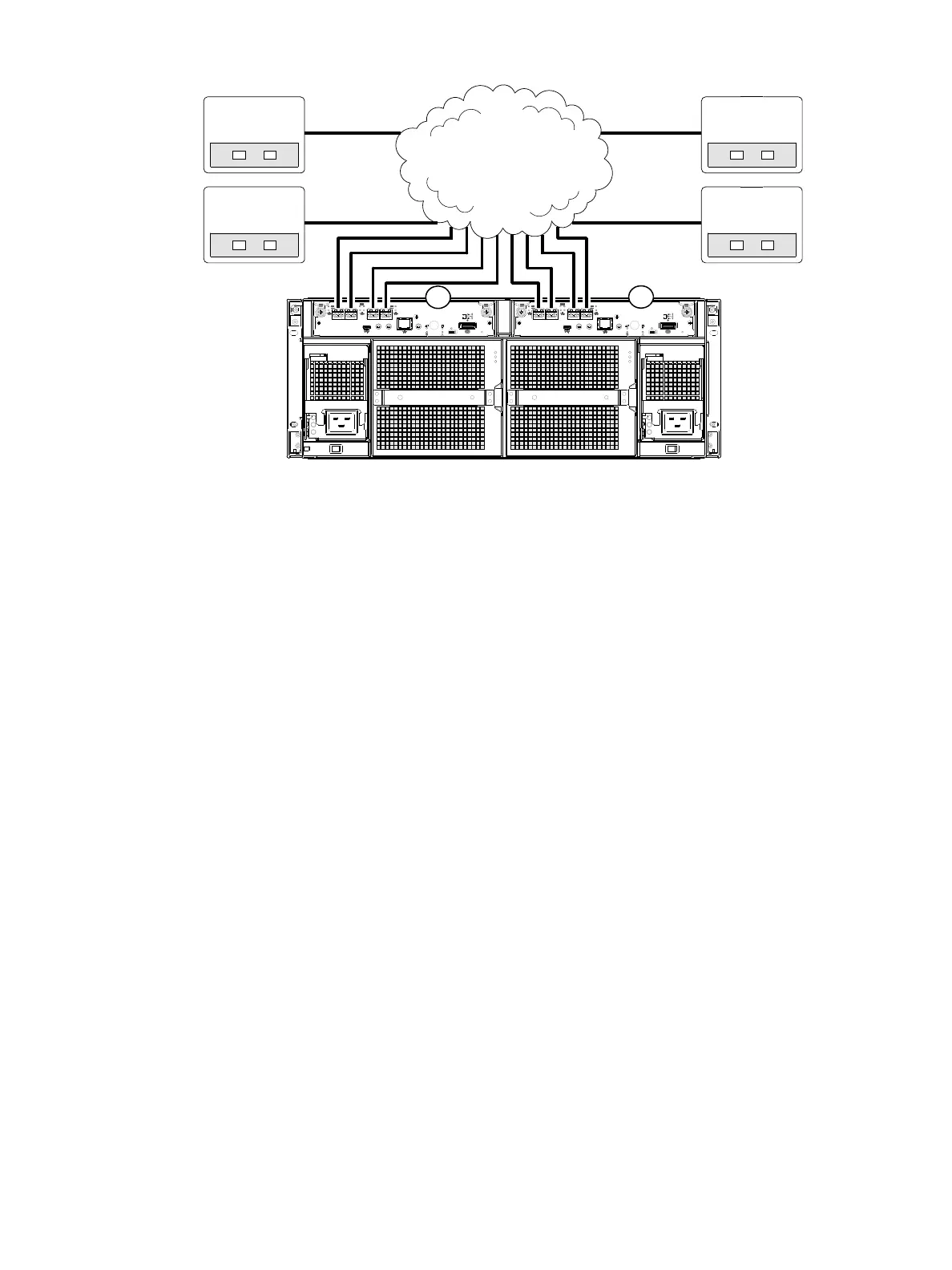
Figure 70 Connecting hosts: switch attach—four servers/multiple switches/SAN fabric (4U CNC)
4004 Series controller enclosure iSCSI considerations
When installing a 4004 Series iSCSI controller enclosure, use at least three ports per server—two for the
storage LAN, and one or more for the public LAN(s)—to ensure that the storage network is isolated from
the other networks. The storage LAN is the network connecting the servers—via switch attach—to the
controller enclosure (see Figure 67 on page 65 and Figure 69).
IP address scheme for the controller pair — two iSCSI ports per controller
The 4824/4834/4844/4854 can use port 2 of each controller as one failover pair, and port 3 of each
controller as a second failover pair for iSCSI traffic. Port 2 of each controller must be in the same subnet,
and port 3 of each controller must be in second subnet. See Controller enclosure — rear panel layout on
page 20 for iSCSI port numbering.
For example (with a netmask of 255.255.255.0):
• Controller A port 2: 10.10.10.100
• Controller A port 3: 10.11.10.120
• Controller B port 2: 10.10.10.110
• Controller B port 3: 10.11.10.130
The 4824/4834/4844/4854 can use port 0 of each controller as one failover pair, and port 1 of each
controller as a second failover pair. Port 0 of each controller must be in the same subnet, and port 1 of
each controller must be in second subnet.
For example (with a netmask of 255.255.255.0):
• Controller A port 0: 10.10.10.100
• Controller A port 1: 10.11.10.120
• Controller B port 0: 10.10.10.110
• C o n t r o l l e r B p o r t 1: 10 .11.10 .13 0
IP address scheme for the controller pair — four iSCSI ports per controller
When all CNC ports are configured for iSCSI, the scheme is similar to the one described for two-ports
above. See Controller enclosure — rear panel layout on page 20 for iSCSI port numbering.
For example (with a netmask of 255.255.255.0):
• Controller A port 0: 10.10.10.100
Server 1Server 2
4854
0A
0B
Server 3Server 4
SAN



 To Next Page