E Operation Rho 1012/1030
1
2 32
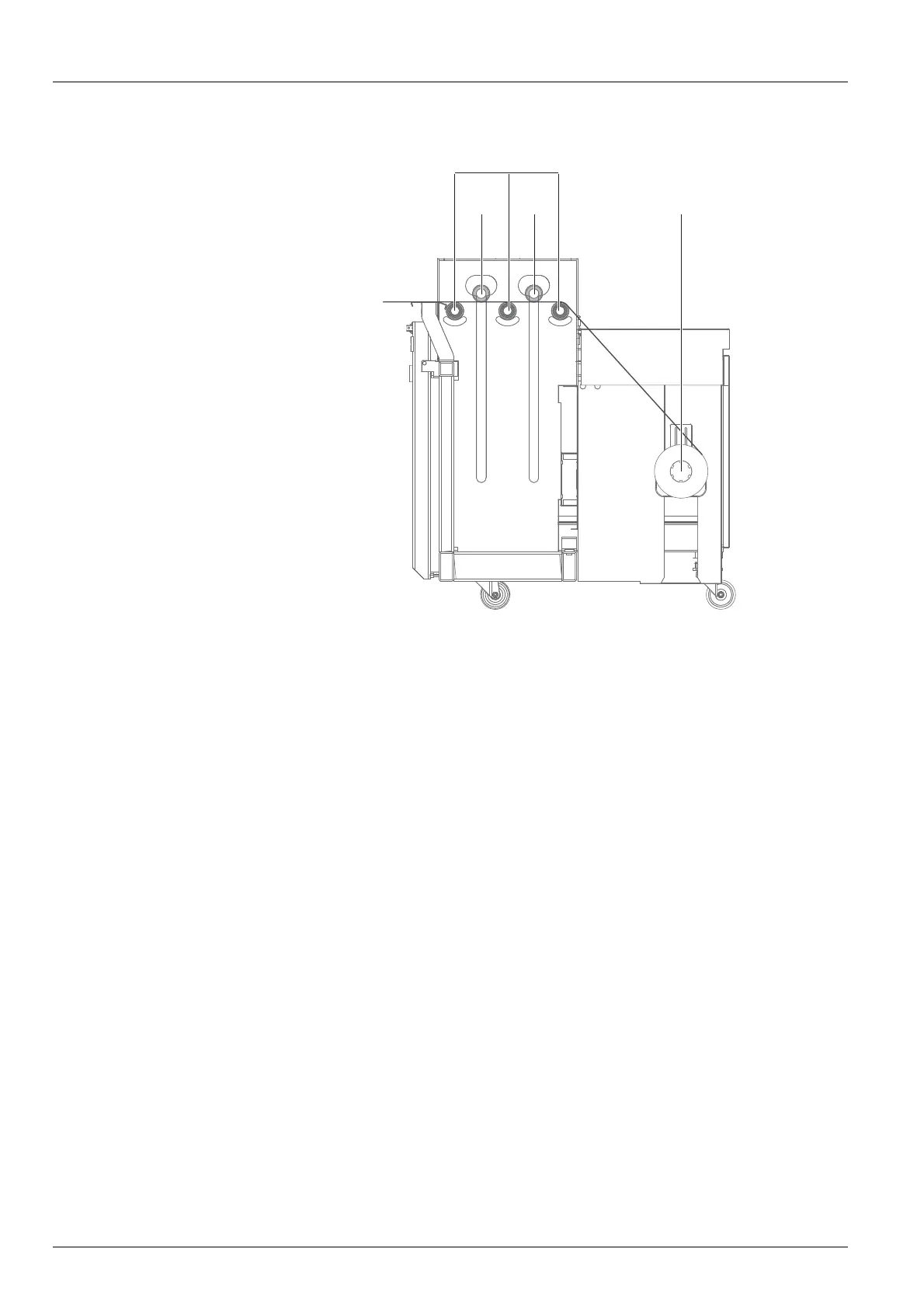
2. Lay the roll medium (3) over the redirection rollers (1) and under the
dancing rollers (2) to the printer. Use the FORWARD or REVERSE
buttons for manual transporting.
3. Fine positioning the roll medium at the unwinding unit horizontally.
4. G uide the ro ll medium aroun d the redirection rolls and tensioning roller in
the same way at the winding unit and attach it to the empty core.
10.4.5 Setting the direction of rotation
Carry out the following measures on both the loading and unloading sides.
90 / 1 47 2004 – 2013 © Durst Phototechnik AG – www.durst-online.com , Rho 101 2/103 0, Issued 07/20 13



 To Next Page