OPERATION
25364 Issue 8 March 2018 3-25
The following barcode properties are available for editing:
Height (mm): This allows the height of the barcode to be indicated.
Note: This is not applicable for all types of barcodes.
Numerical values can be entered.
Bold: The barcode can be formatted in bold.
Invert: Selecting Invert will convert the black lines of the barcode to
spaces, and the gaps between the original black lines of the barcode will be
printed instead.
Use this selection when using a white ribbon on black web material (this
way the barcode will still look normal for a barcode scanner).
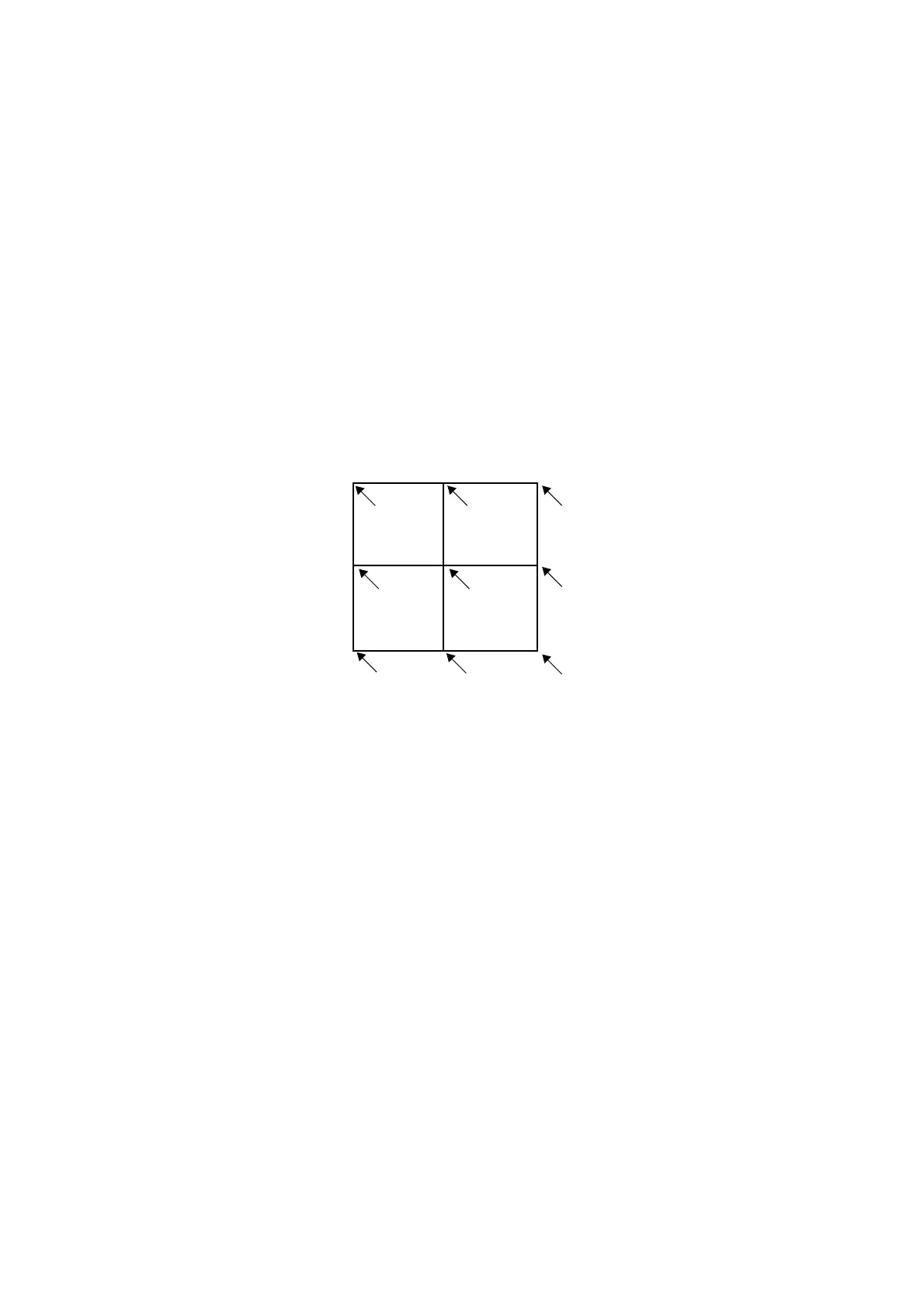
Anchor: Each item is surrounded by a virtual rectangle. The anchor point
determines where the x and y coordinate touches this rectangle. The
anchor point is also used as the point of orientation. The default is Top left.
Top Left
Top
Centre
Top
Right
Centre
Left
Centre
Right
Centre
Bottom
Left
Bottom
Right
Bottom
Centre
See “Rotate” on page 3-28
Barcode Type: Use the drop-down menu to select the desired type of
barcode. The type of barcode determines which options are available on
the screen.
Font: If the Human Readable box is active, the option of choosing the font
used to show the barcode's human readable interpretation appears.



 To Next Page