OPERATION
3-26 25364 Issue 8 March 2018
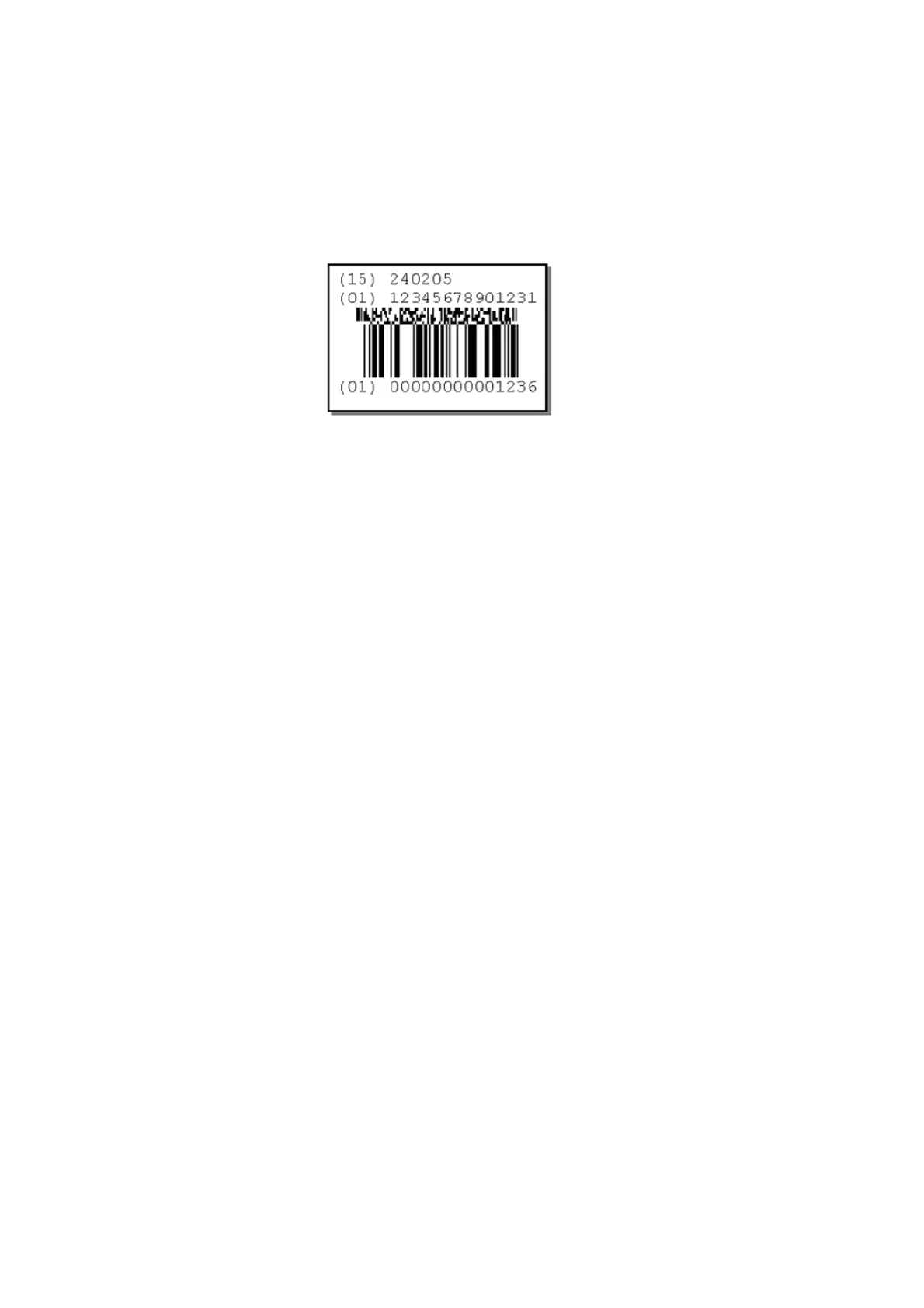
Show Human Readable Code: To show the values contained in the
barcodes, this box should be active. The human readable interpretation will
be printed under the actual barcode.
Human readable interpretation for the 2D composite component will be
printed above the code (one application identifier per line).
Invert: Select the checkbox to invert the barcode. Black lines become
white and white becomes black.
Phantom: Select the checkbox to hide the barcode from the message.
Point Size (pts): The size of the human readable text can be set in points.
Position X (mm): Defines the x-position (across the print head) of the
item.
Numerical values can be entered.
Position Y (mm): Defines the y-position (longitudinally with the print
head) of the item.
Increasing this value moves the item in the writing direction.
Numerical values can be entered.
Rotation: Used to select the desired rotation, the item can be rotated to
0°, 90°, 180° and 270°. In combination with the anchor point the item can
be rotated to suit requirements.
Scale Requested: The scale defines the width of the barcode.
Certain barcode standards (EAN128 for e
xample) define how large a 100%
sized barcode should be. The narrow bars in the code must be an integer
value and therefore the scales available are determined by the physical
resolution of the print head.



 To Next Page