MAINTENANCE, SERVICE AND FAULT FINDING
4-12 25364 Issue 8 March 2018
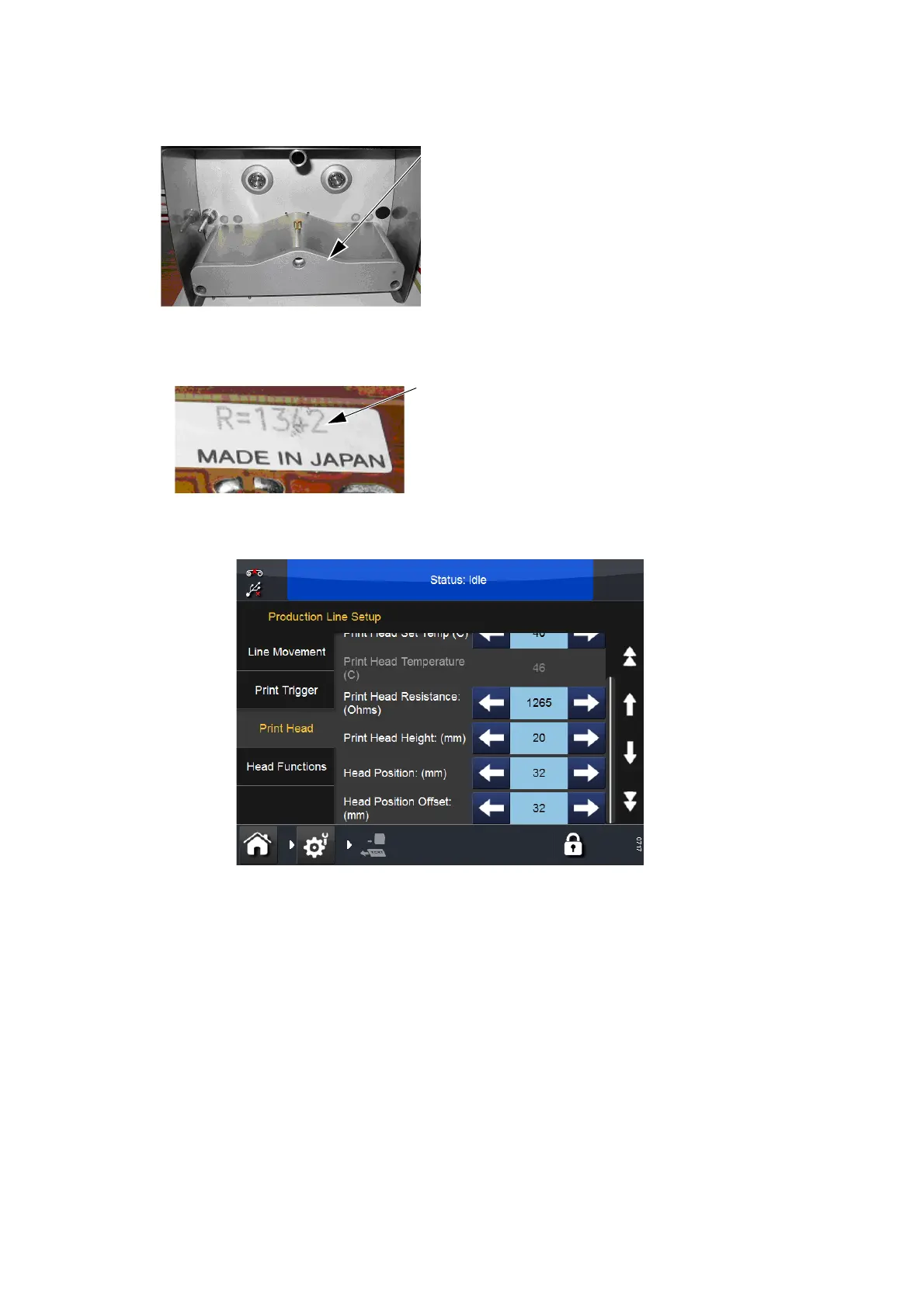
Replace the print head housing
cover.
Refit the cassette unit to the printer.
Switch on and let the printer initialise.
Go to Settings > Production Line
Setup > Print Head and enter the
‘Print Head Resistance’ figure
recorded earlier.



 To Next Page