Noise Tests
Copper and G.fast/VDSL2/ADSL2+ Multi-play Test Set 199
NEXT
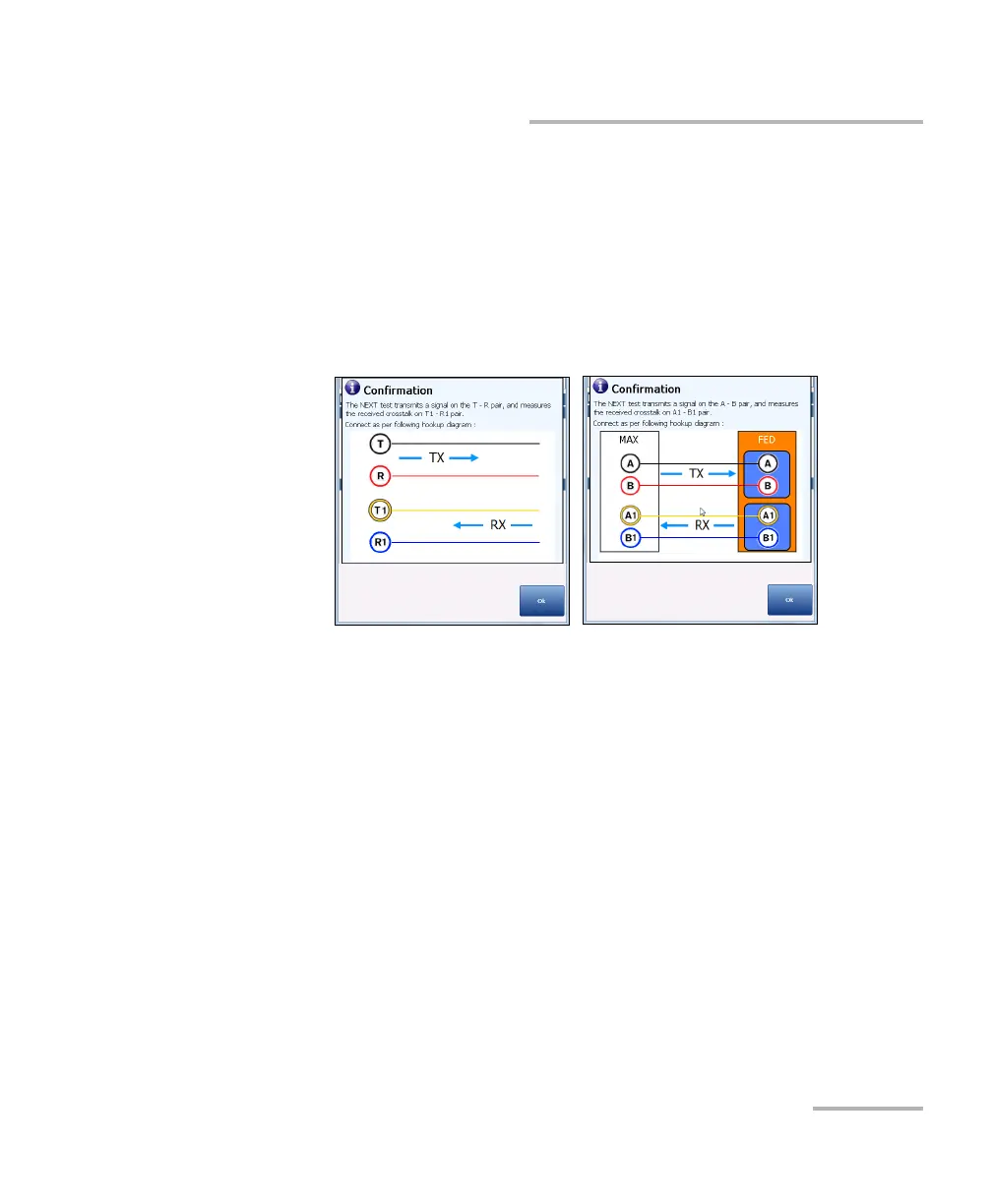
The Confirmation window is prompted before every NEXT test is
started if you selected Yes for the Show hookup diagram. You can
select No to hide the diagram next time you run the test.
However, you can check the connection diagram at any time by
pressing the Hookup Diagram button. In this case, the test does
not start when you press the Ok button to close the Confirmation
window.
Threshold Settings button opens a new page that allows you to set the
NEXT Spot Threshold for the test.
Step -> Freq button automatically enters/transfers the Frequency
Step value into the Frequency value. If the step size is less than 10 kHz
(but not 4.3125 kHz), the Frequency value will be set to 10 kHz. If the
Frequency Step is set to 4.3125 kHz, the Frequency value will be set to
8.6250 kHz.
Result displays the pass/fail status, NEXT and Frequency (TX) values.
Test Status displays the current state of measurement or an error
message.













 To Next Page