Frequency Tests
Copper and G.fast/VDSL2/ADSL2+ Multi-play Test Set 231
Return Loss
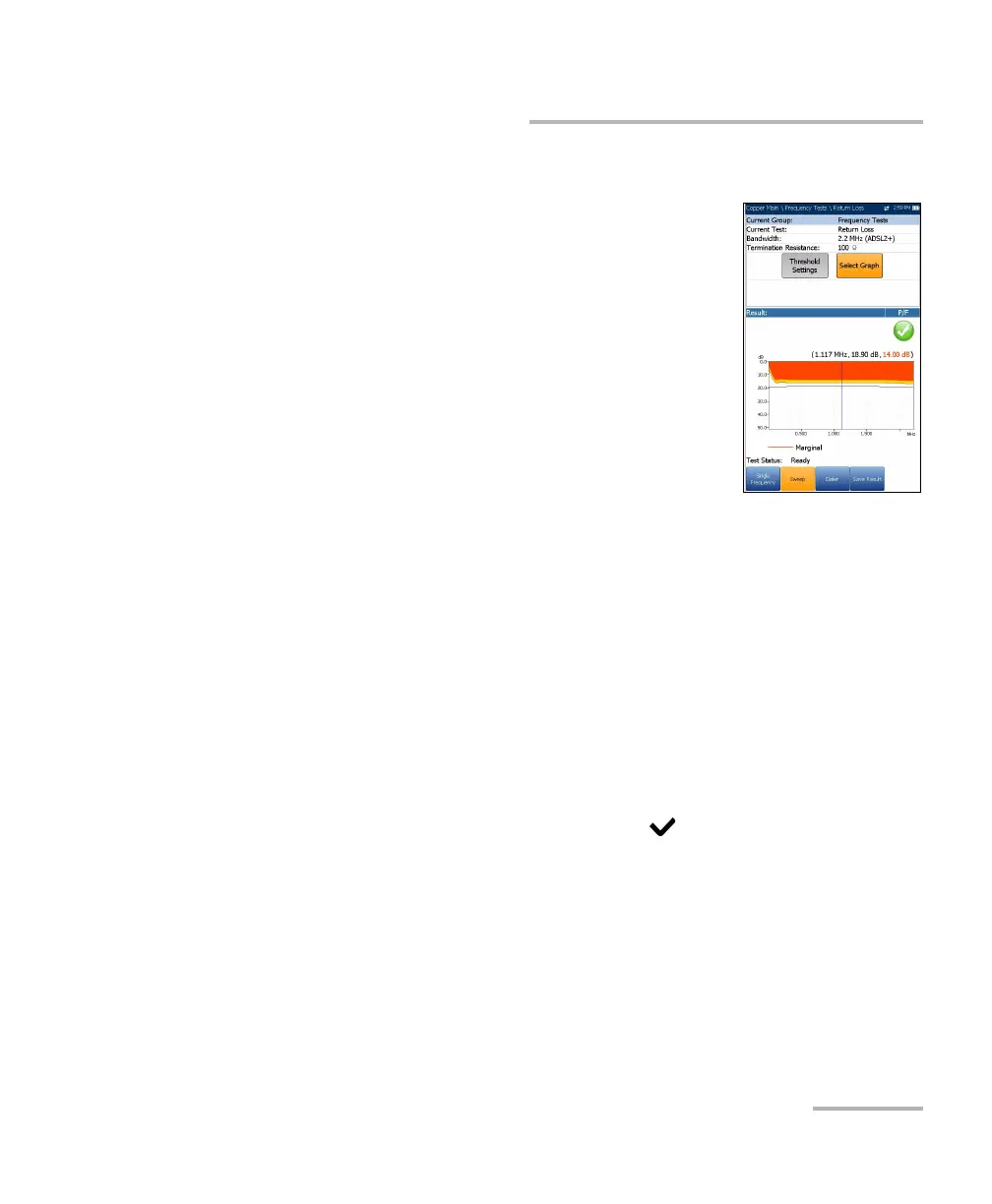
Sweep
The Sweep test allows you to configure parameters
and provides a snapshot measurement of Return
Loss in a graphical format, and pass/fail status.
Current Group is the current test group name, for
example Frequency Tests.
Current Test displays the test being measured.
Here you can switch to another Frequency test
from the given list. However, this action will
terminate the ongoing measurement test.
Bandwidth allows you to select the frequency
range for the test from a list of available
bandwidth: ISDN, HDSL, SHDSL, ADSL1/2, or ADSL2+.
Termination Resistance lists a choice of resistance values for the
termination of the signal.
Threshold Settings button opens a new page that allows you to set
Return Loss thresholds for the transmission.
Select Graph button changes to Graph Selected when pressed and
opens a new selection of function keys which allow you to maneuver
the graph as follows:
Cursor - press the left/right arrow keys to decrease/increase the
values by moving the cursor. Press and hold the left/right arrow
keys to accelerate the cursor. Press to recall the cursor and
place it in the middle of the current x-axis limits.
Zoom references the middle of the x/y axis and not the cursor
position. Press the arrow keys as follows:
Right = x-axis zoom in.
Left = x-axis zoom out.













 To Next Page