Frequency Tests
Copper and G.fast/VDSL2/ADSL2+ Multi-play Test Set 233
Return Loss
Sweep Threshold Settings
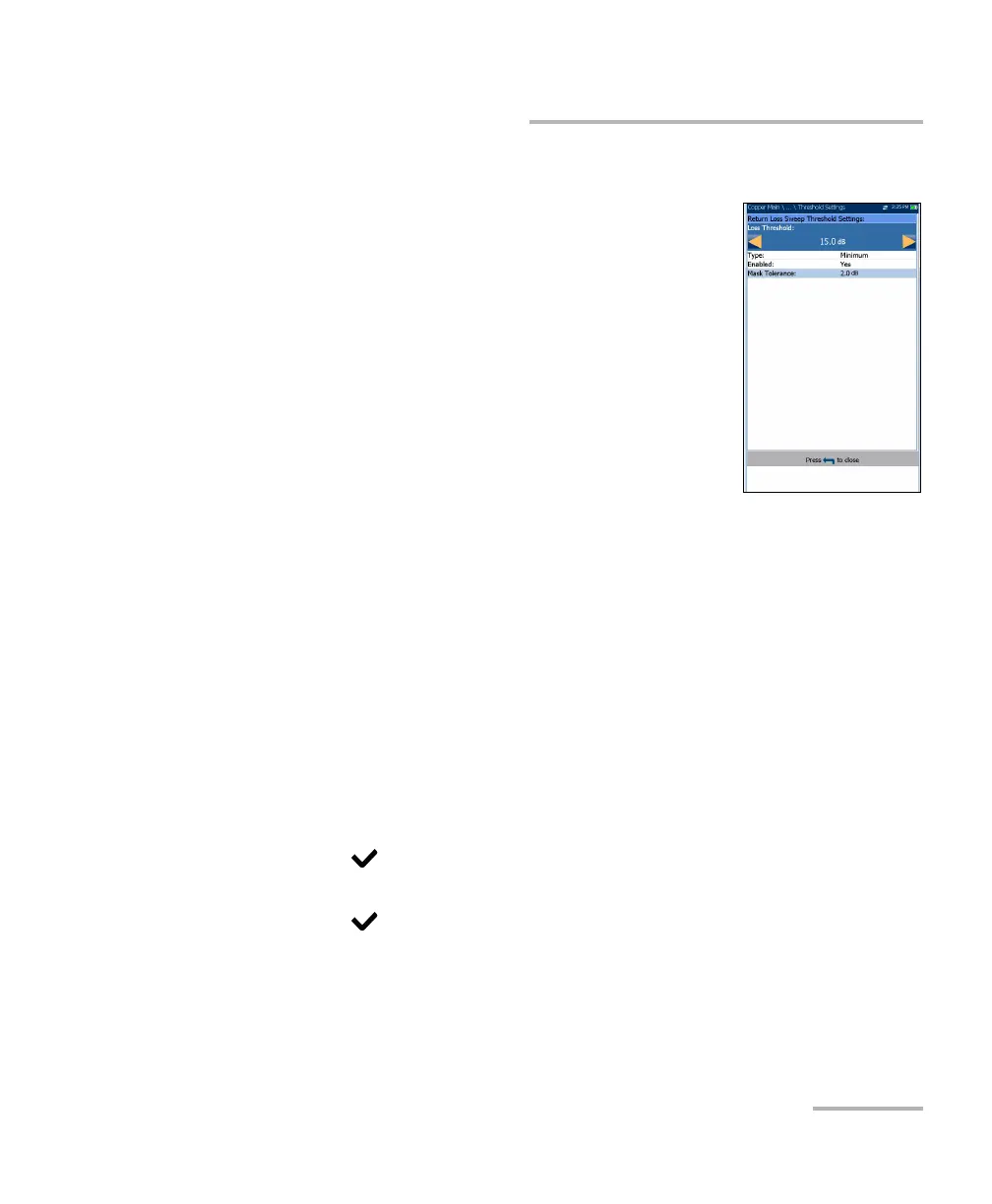
The Return Loss Sweep Threshold Settings page is
similar to the Single Frequency test and allows you to
set the Loss Threshold for each pair. In addition, you
can select Mask as a threshold and view the Mask
Tolerance. The threshold is a programmable value
you can use as an on-screen indicator in each test
when a measured value is too high or too low.
Type is the threshold limit for each pair. Selecting
Minimum or Maximum acts as the single point P/F
threshold flat mask while selecting Mask provides
a shaped mask as threshold. When Mask is
selected, it will be used as pass/fail criteria next
time the test is run, and Loss Threshold becomes read-only.
Enabled is a flag to use the Return Loss threshold: either Yes or No.
For example, setting the threshold Enabled to No will disable pass/fail
threshold.
Mask Tolerance is a fixed value representing a marginal pass area on
the graph shown in yellow.
To set threshold values:
1. Press the up/down arrow keys to highlight the desired parameter.
2. Press the left/right arrow keys to view and select the options.
OR
3. Press on a value to open a list box of options or the alphanumeric
editor screen and use the navigation keys to scroll through.
4. Press to confirm the value.













 To Next Page