Frequency Tests
250 MAX-635G
RX Tone with FED
To select the parameter values:
1. Press the up/down arrow keys to highlight the desired parameter.
2. Press the left/right arrow keys to view and select the options.
OR
3. Press on a value to open a list box of options and use the navigation
keys to scroll through.
4. Press to confirm the value.
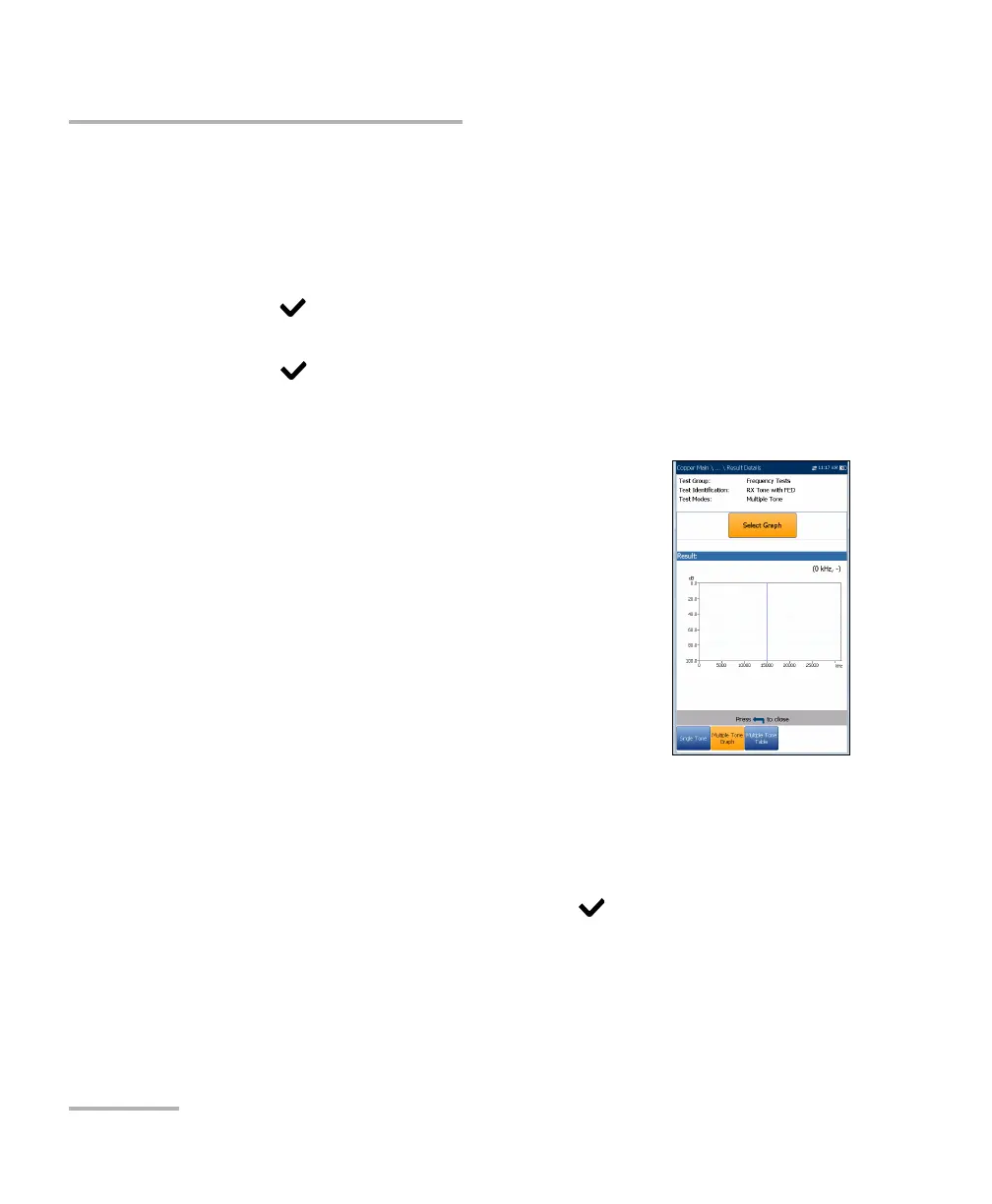
Multiple Tone Graph Result Details
The Result Details read-only page displays the RX
VF/WB Loss and Frequency results in graphical format
for the Multiple RX Tone with FED test.
Test Group is the overall test group of the
selected saved results file, for example
Frequency Tests.
Test Identification is the test type of the group, for
example RX Tone with FED.
Test Modes is the mode of test, for example
Multiple Tone.
Select Graph button changes to Graph Selected when pressed and
opens a new selection of function keys which allow you to maneuver
the graph as follows:
Cursor - press the left/right arrow keys to decrease/increase the
values by moving the cursor. Press and hold the left/right arrow
keys to accelerate the cursor. Press to recall the cursor and
place it in the middle of the current x-axis limits.













 To Next Page