5-5
CrossPoint / MAV Matrix Switchers • Matrix Software
a. ExaminetheMatrixIPAddresseldintheIPConnectionwindow.The
elddisplaysthelastMatrixIPaddressentered.
If the IP address is correct:Proceedtostep3b.
If the address is not correct: EitherclickintheMatrixIPAddresseld
andentertheIPaddressorclickonthescrolldownbutton( ) and select
fromamongtherecentlyusedaddresses.Proceedtostep3b.
N
If the local system administrators have not changed the value, the factory-
specified default, 192.168.254.254, is the correct value for this field.
b
. Iftheswitcherispasswordprotected,clickinthePasswordeldand
enter the appropriate administrator or user password.
c
. Click Connect.
Ifyouloggedonusingtheadministratorpassword,theprogramconnects
youtotheCrossPointorMAVswitcherwithalloftheadministrator
rights and privileges.
Ifyouloggedonusingtheuserpassword,theprogramconnectsyouto
theCrossPointorMAVswitcherwithonlyusercapabilities.
Ifanincorrectpasswordwasentered,theprogrambeepsandreturnsto
the password entry display.
4
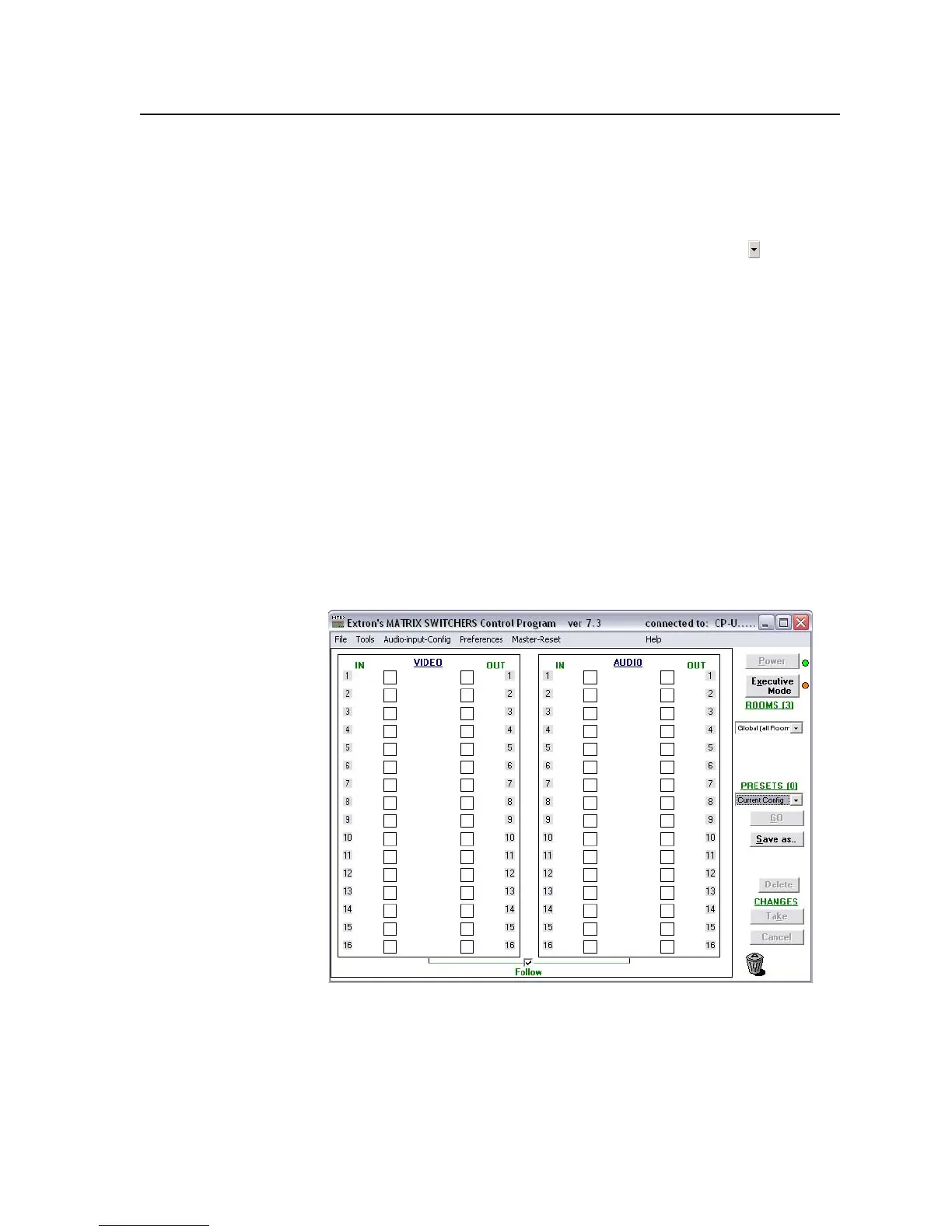
. TheExtronMatrixSwitchersControlProgramwindow(gure5-5and
gure5-6)appears.Thewindowdisplaysthecurrentcongurationofthe
attached matrix.
Figure 5-5 — Extron Matrix Switchers Control Program window (blank)



 To Next Page