Revision 1 118 9/10/2019
5.19.1 Entering the Calibration Mode
To test/calibrate the hardware, the Direct Board Control Enable checkbox must be checked.
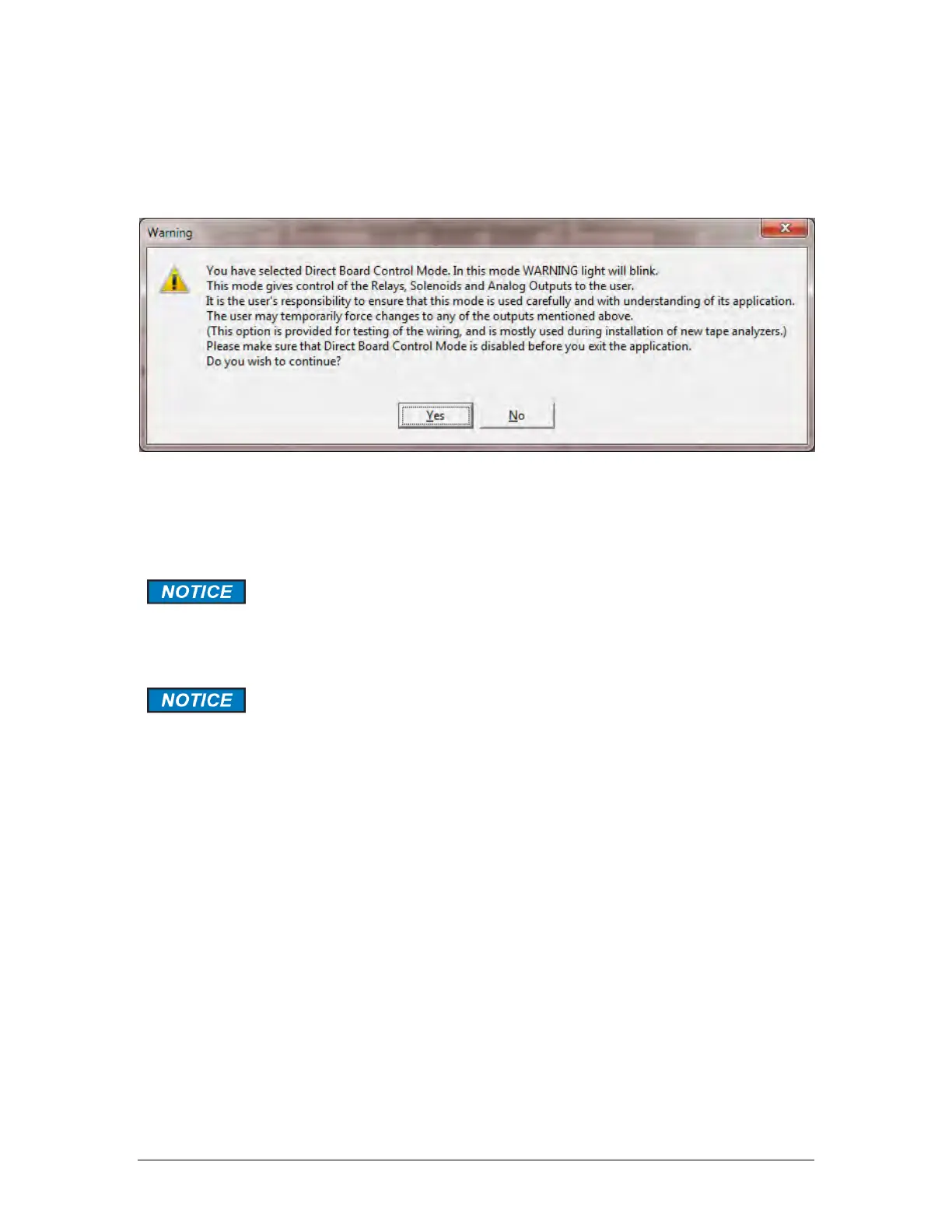
This will present the warning depicted in Figure 5-42.
Figure 5-42: Direct Board Control Warning
When the Direct Board Control Enable checkbox is selected, any changes made on this tab
will be written directly to the board. The Warning light on the analyzer’s front panel will blink
red, notifying the user of this condition.
Direct board control will automatically be disabled if the user changes to
any other screen in the GUI. However, it will not automatically be disabled
should the GUI be exited directly from the Maintenance screen without first
removing the checkmark from this box.
IMPORTANT: If the analyzer is left in direct board control enable mode, no
outputs will be updated during an analysis, so it is essential that this
checkbox be unchecked before exiting the GUI. The Maintenance screen
allows the user to calibrate and test the analog outputs, test the discrete
outputs, and test the pulse counter.



 To Next Page