Revision 1 74 9/10/2019
5.7 Archive Tab
5.7.1 The Table Format
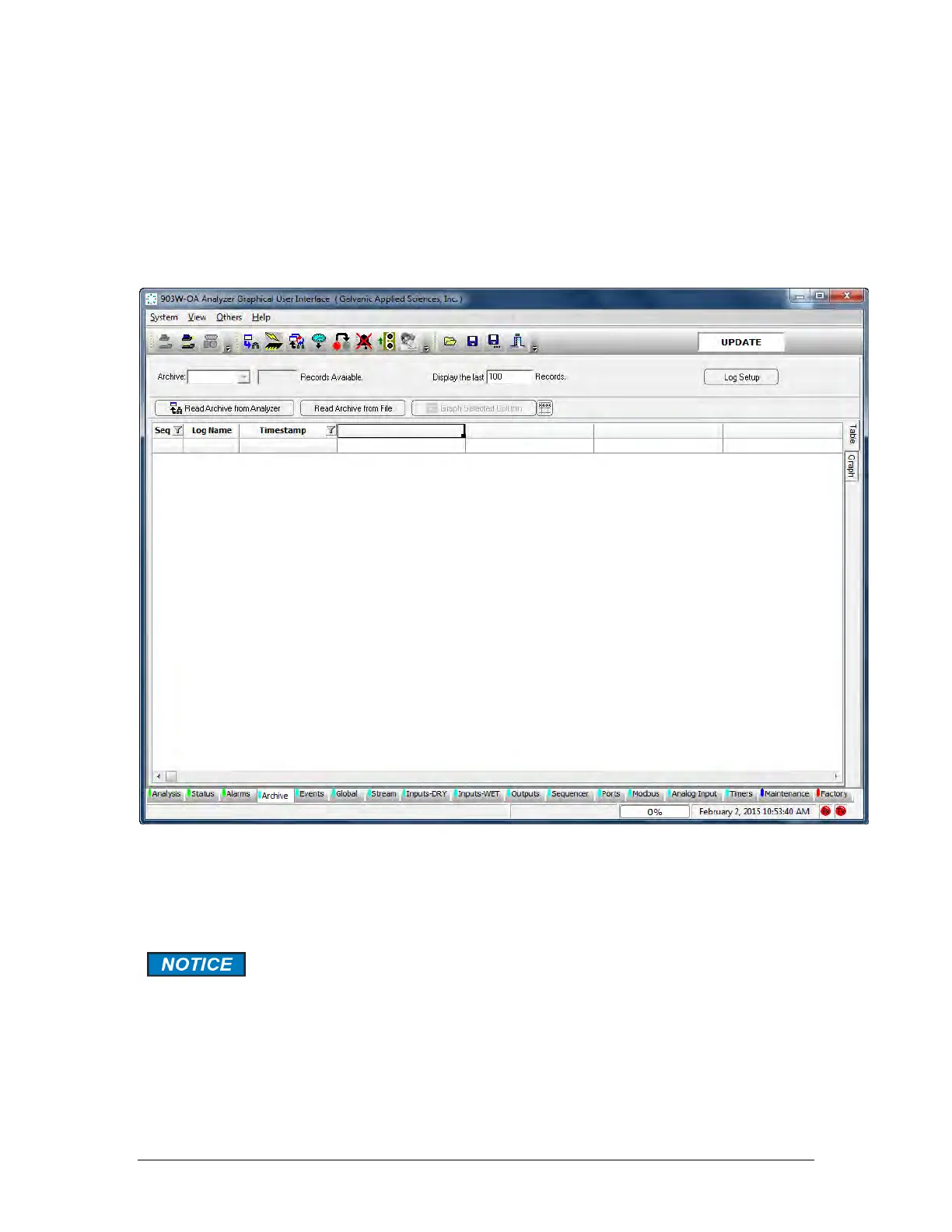
The Archive tab presents data related to the analyzer’s operation, including live concentration
data, hourly averages, and other important data. When this screen is first accessed, an
empty screen is presented (Figure 5-10).
Figure 5-10: Archive Tab
To download archival data, press the Read Archive from Analyzer button. As an alternative, a
previously saved archival record can be loaded by pressing the Read Archive from File
button.
The archive on the analyzer is quite large, so downloading data from the
archive can take several minutes, especially if the computer is connected
to the analyzer via a serial connection. Once the data has been retrieved,
the user will be prompted to choose a directory and a file name for the
archive data to be saved to. If it is not necessary to save the archive data,
press Cancel in the Save File dialog box. The archive data will not be
saved but it can still be viewed and exported.



 To Next Page