Revision 1 49 9/10/2019
4.4 Using the Handheld Keypad
The handheld keypad is used in conjunction with the LCD display to access the menus that
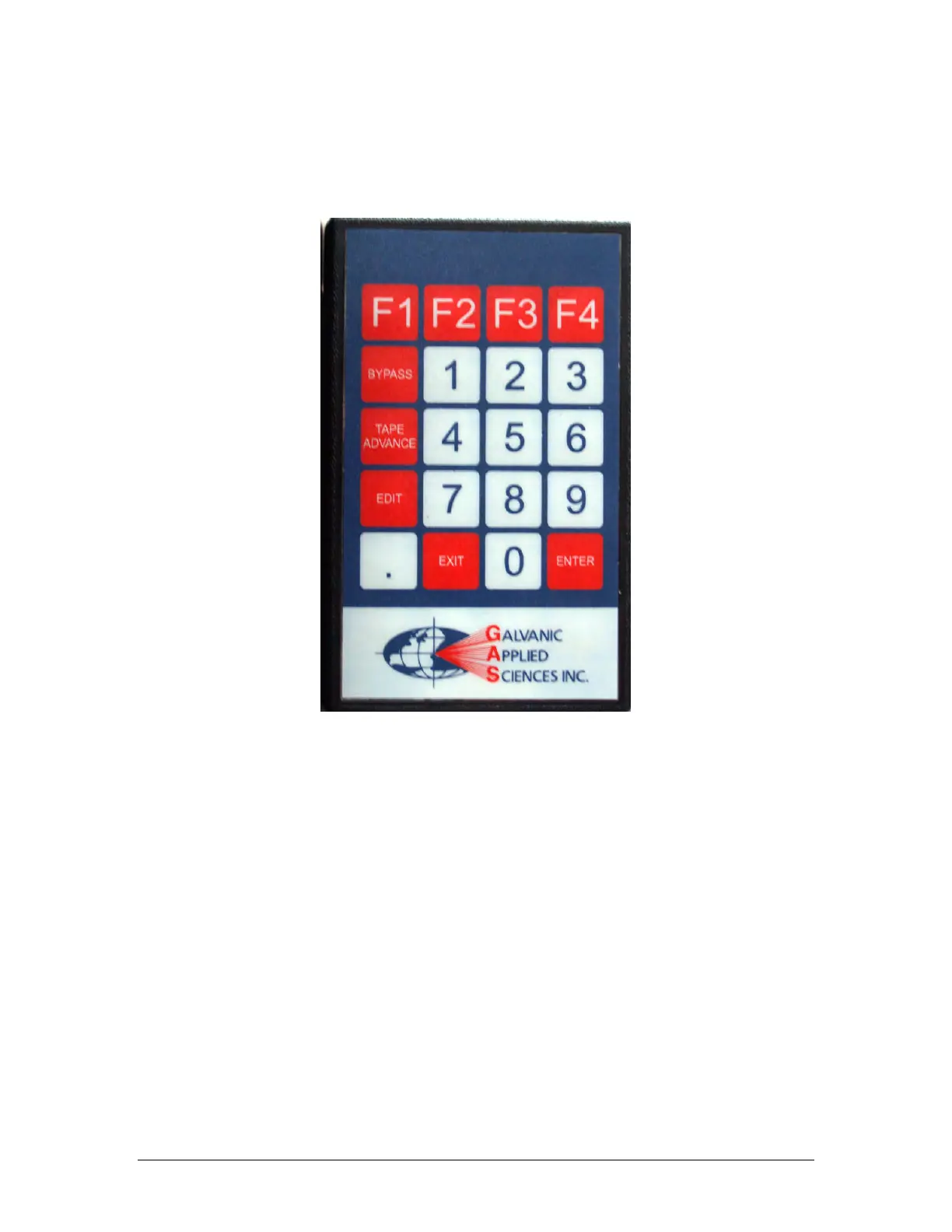
present a variety of system parameters. The keypad is shown in Figure 4-3.
Figure 4-3: The Keypad
The keypad includes 20 keys. Eleven keys are used to enter numerical data (0-9 and a
decimal point), four are used to select F1-F4 and five keys have specific functions as
indicated in Table 4-4.



 To Next Page