Revision 1 68 9/10/2019
5.4.1 Field Names and Explanations
The left side of the Analysis tab includes 20 fields which provide general information about
the status of the analyzer (Table 5-5). The first four fields can be edited as described in
Section 5.9 but the rest cannot be edited.
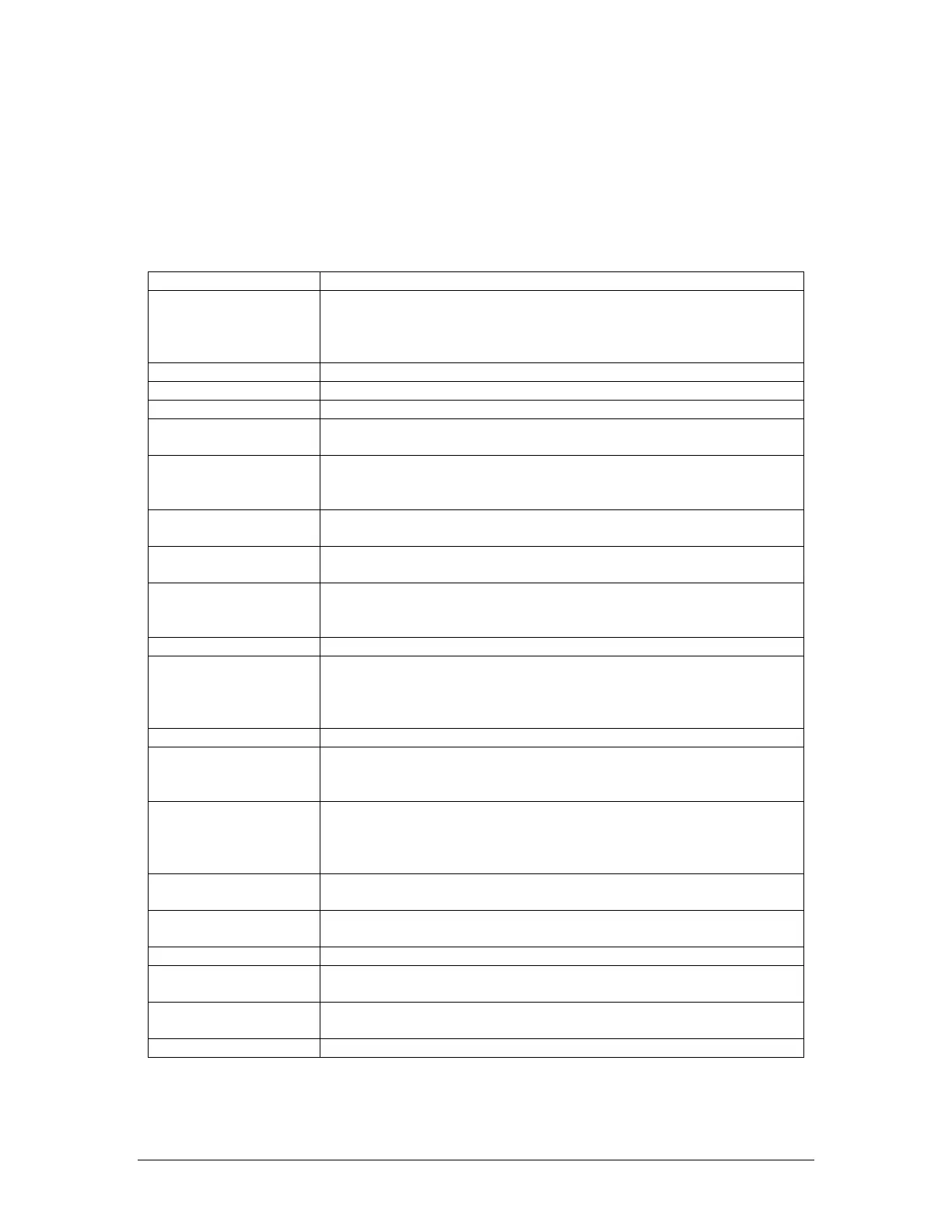
Table 5-5: Analysis Window Fields
Time
Shows the current date and time on the analyzer. It is important that
this be set correctly so that the archived data has the correct time
stamp. If this is not correct, ensure that the computer’s time and
date is correct, and then press the Synchronize Time button.
The analyzer serial number
Shows the site name that the analyzer is installed at
Shows the specific location that the analyzer is installed at.
Shows the current state of the analyzer. The various analysis states
are shown in Table 4-2.
Shows the current run type being performed by the analyzer The
run type name that is displayed is entered under Streams Name
field on the Streams tab.
Shows the number of seconds elapsed since the beginning of the
current analysis cycle.
Shows the current number of runs of the current analysis type, as
well as the total number of runs of this type to be performed.
Shows a trended concentration reading that takes the values of
several past concentration readings of the same run type into
Shows the live Predictive Alarm Analysis (PAA), (dv/dt*gain)
Shows the current raw photodiode detector output, in millivolts. This
reading starts at around 1000mV at the start of an analysis, and
drops as the analysis proceeds. This value can be displayed as
live mV (LmV) on the display (see Section 4.3.1).
Shows the rate of change in sensor output.
Shows the absolute value of the sensor output, increasing from
zero at the beginning of an analysis. This value can be displayed
as corrected mV (mV) on the display (see Section 4.3.1).
Shows the value subtracted from all concentration readings. This
value is the parameter that must be subtracted from a reading
taken on gas containing no phosgene in order to make the analyzer
read approximately 0.00ppm.
Shows the value that the dv/dt (rate of stain formation on the tape)
is multiplied by in order to produce a real concentration reading.
Shows the current used to ensure a reading of 1000mV is obtained
by the sensor block on pure white tape.
Shows the current ambient temperature at the sensor block (in
o
C).
Shows the length of tape, in feet, remaining in the reel. See Section
5.6.1 for more information on how this is calculated.
Shows the current number of runs of all types carried out by the
analyzer since it was first started up.
Shows if the sequencer is currently in an automatic or manual state.



 To Next Page