Revision 1 136 9/10/2019
6.7 Analyzing Samples
The operation of the system is governed by the data on the Sequencer or Timers tab and the
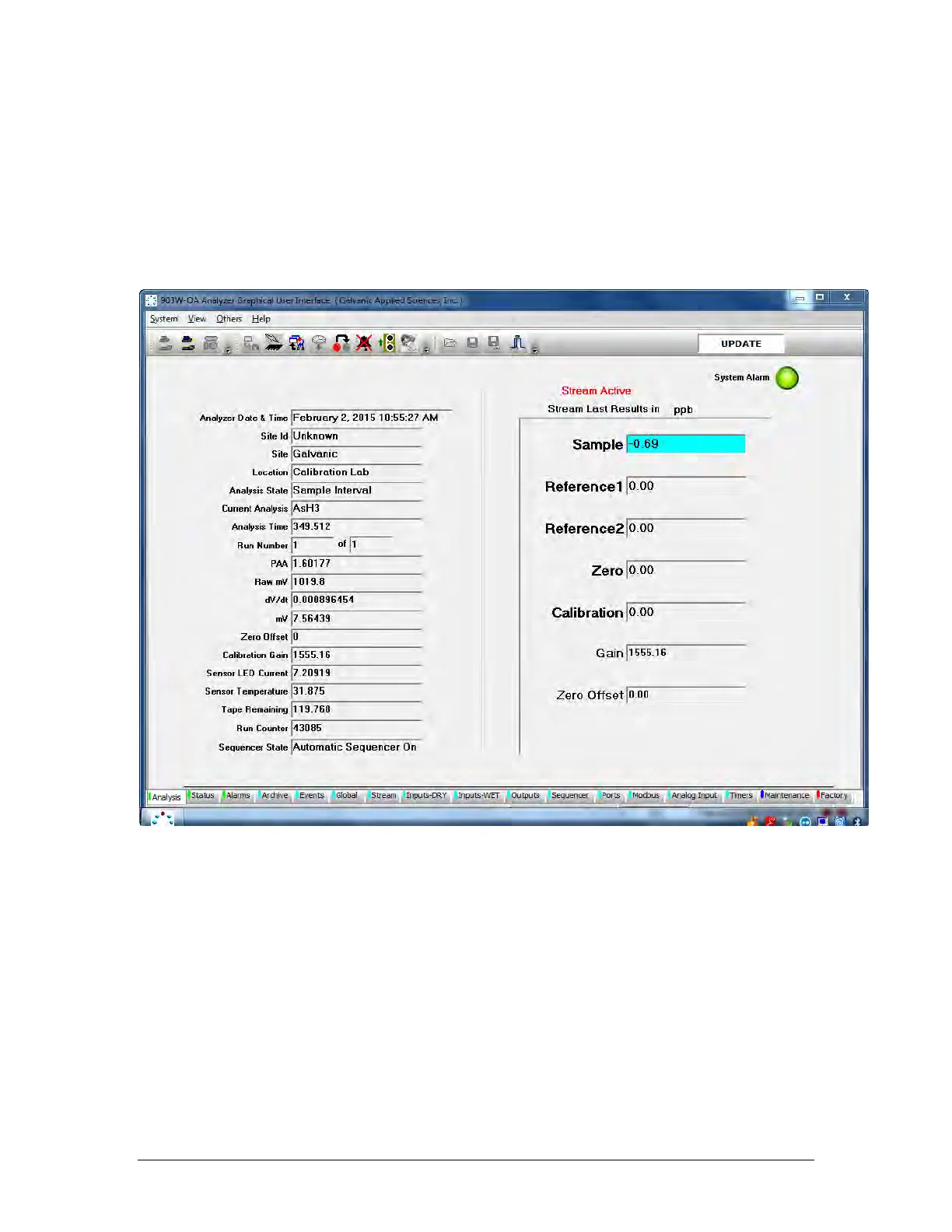
analyzer can be operated on a manual or automated basis. The Analysis tab (Figure 6-13) is
a live presentation of the analytical data and allows the operator to see the status of many
facets of the analyzer all at a glance. The GUI polls the analyzer every 3 seconds, causing
this information to be updated continuously. A detailed discussion of the Analysis tab is
presented in Section 5.4.
Figure 6-13: The Analysis Tab
All data is stored in the computer that is onboard the analyzer and can be retrieved as
desired using the Archive tab (Figure 6-14). A detailed discussion of the Archive tab is
presented in Section 5.7.



 To Next Page