Revision 1 34 9/10/2019
If both switches are in the Up position (marked on the display board as USB), the analyzer
will communicate via USB. If both switches are in the Down position (marked on the
electronics board as RS-232, the analyzer will communicate via RS-232.
3.4.5 Open the Application Program and Set
Communication Parameters
To open the application program, double click the GAS903 icon on the desktop (Figure 3-6).
Figure 3-6: GAS903 Software Icon
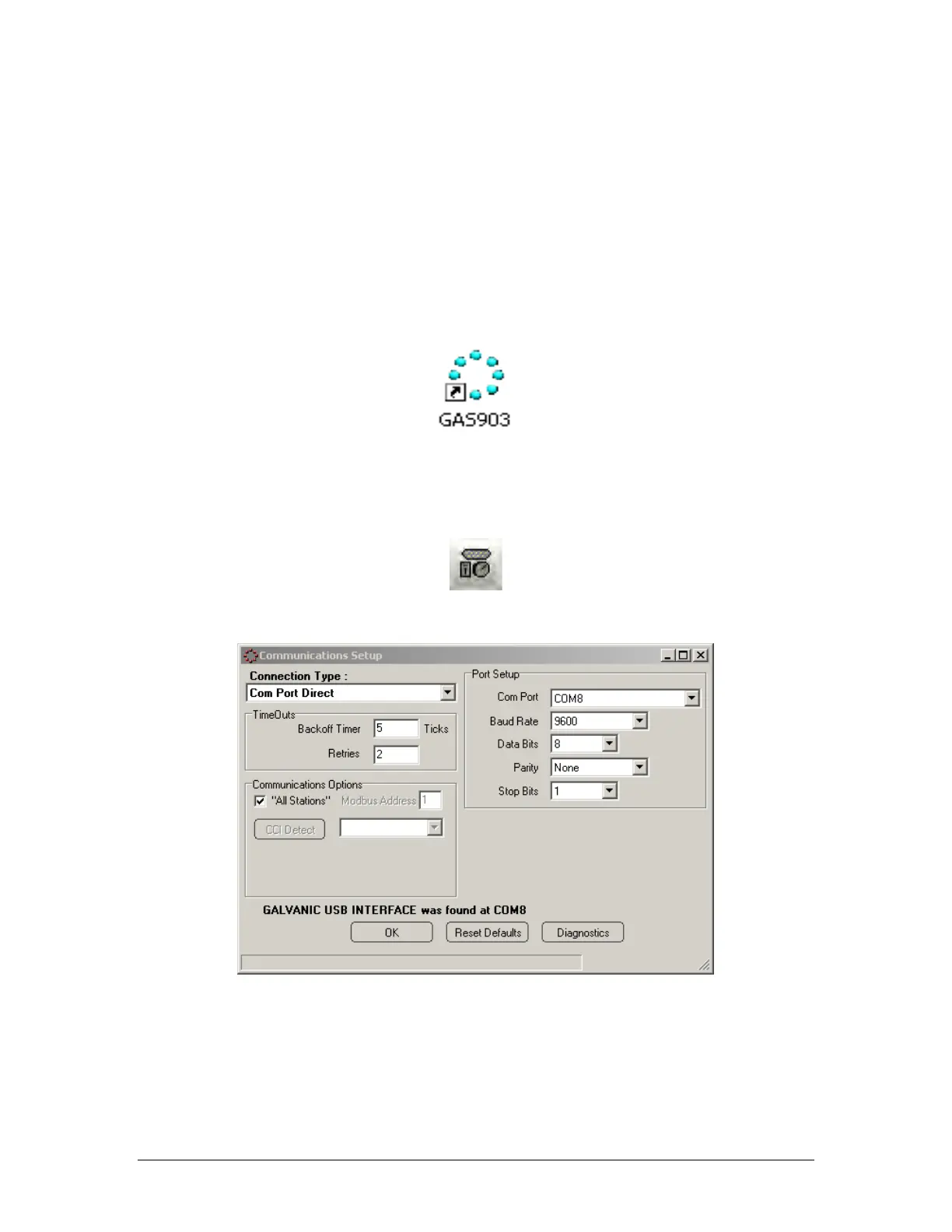
Click on the Communications Settings button (Figure 3-7) on the button bar of the application
program to access the Communications Setup dialog box window (Figure 3-8).
Figure 3-7: Communication Settings Button
Figure 3-8: Communications Setup Dialog Box (Com Port Direct)
The communications program allows the user to choose from four types of protocols, Com
Port Direct (Section 3.4.4.1), Modem (Section 3.4.4.2), Dial-up Networking (RAS) (Section
3.4.4.3) and Ethernet (TCP) (Section 3.4.4.3).



 To Next Page