Revision 1 44 9/10/2019
Section 4 Operating the Analyzer via the Handheld
Keypad
4.1 Introduction
The front panel of the analyzer includes a series of LEDs and a LCD display which provides
information about the status of the spectrophotometer. In addition, a hand held keypad is
used to view/edit a variety of analyzer settings and analytical results. A comprehensive
application program using a personal computer is employed to allow the operator to control
all parameters via a personal computer is provided as discussed in Section 5.
The overall operation of the analyzer is controlled by the parameters that are resident in the
analyzer. When parameters are established via the application program, it will be necessary
to download them to the analyzer (Section 5.3). Similarly, data stored in the analyzer can be
transferred to the computer, where they can be archived, plotted and exported as desired.
4.2 The Front Panel LED’s
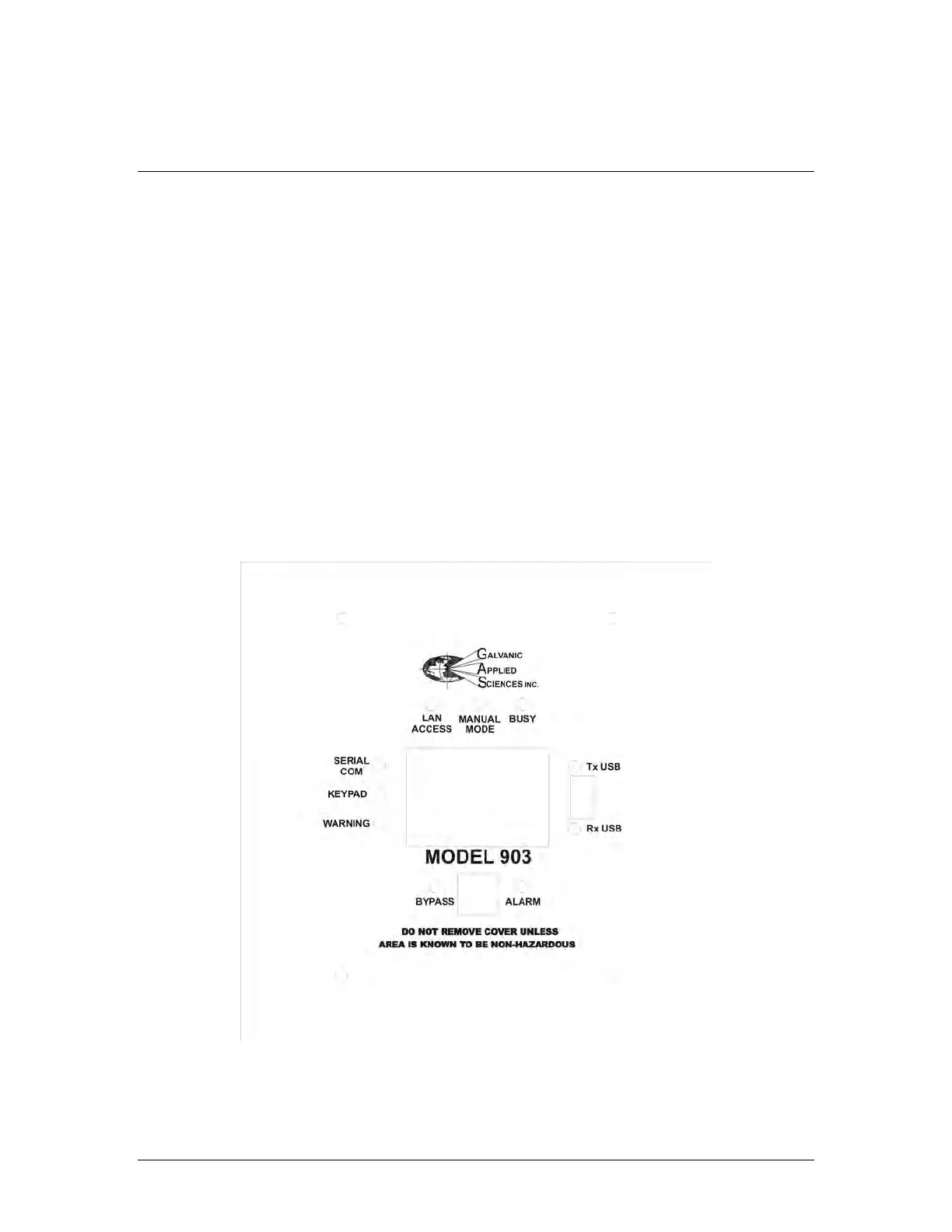
There are nine coloured LEDs on the front panel of the analyzer (Figure 4-1) which indicate
specific status and communications related parameters. The functions of the 9 LEDs are
provided in Table 4-1.
Figure 4-1: Front Panel of the Analyzer



 To Next Page