190-01115-01 G3X™/G3X Touch™ Avionics Installation Manual
Rev. AV Page 30-18
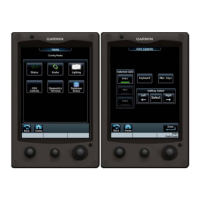
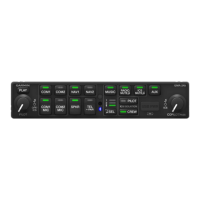
30.4.7.2.1 Yaw Offset and Pitch/Roll Calibration with GMC 507 Installed
Perform the following procedures after the G3X/GMC 507 system is configured per Section 30.4.10.10
.
1. Power on PFD1 in configuration mode (Section 30.2
), this step can be skipped if PFD1 is already
in configuration mode.
2. If the GMC 507 is installed in a panel that is perpendicular to the aircraft forward motion, skip to
Step 6. If the GMC 507 is installed in a panel which is not perpendicular to the aircraft forward
motion (i.e. in a canted panel), navigate to the Autopilot page group General tab and touch the
value on the Mode Control Panel Yaw Offset row.
3. Follow the on-screen instructions.
4. Select the appropriate value of yaw offset.
5. When the value is entered, select Save to return to the Autopilot page group, General Tab.
6. Touch the Calibrate button on the Mode Control Panel Pitch/Row row.
7. Select Calibrate to start the calibration process.
8. When the process is complete, select Done to return to the Autopilot page group, General Tab.
9. Restart the G3X System in normal mode.


 To Next Page