190-01115-01 G3X™/G3X Touch™ Avionics Installation Manual
Rev. AV Page 30-76
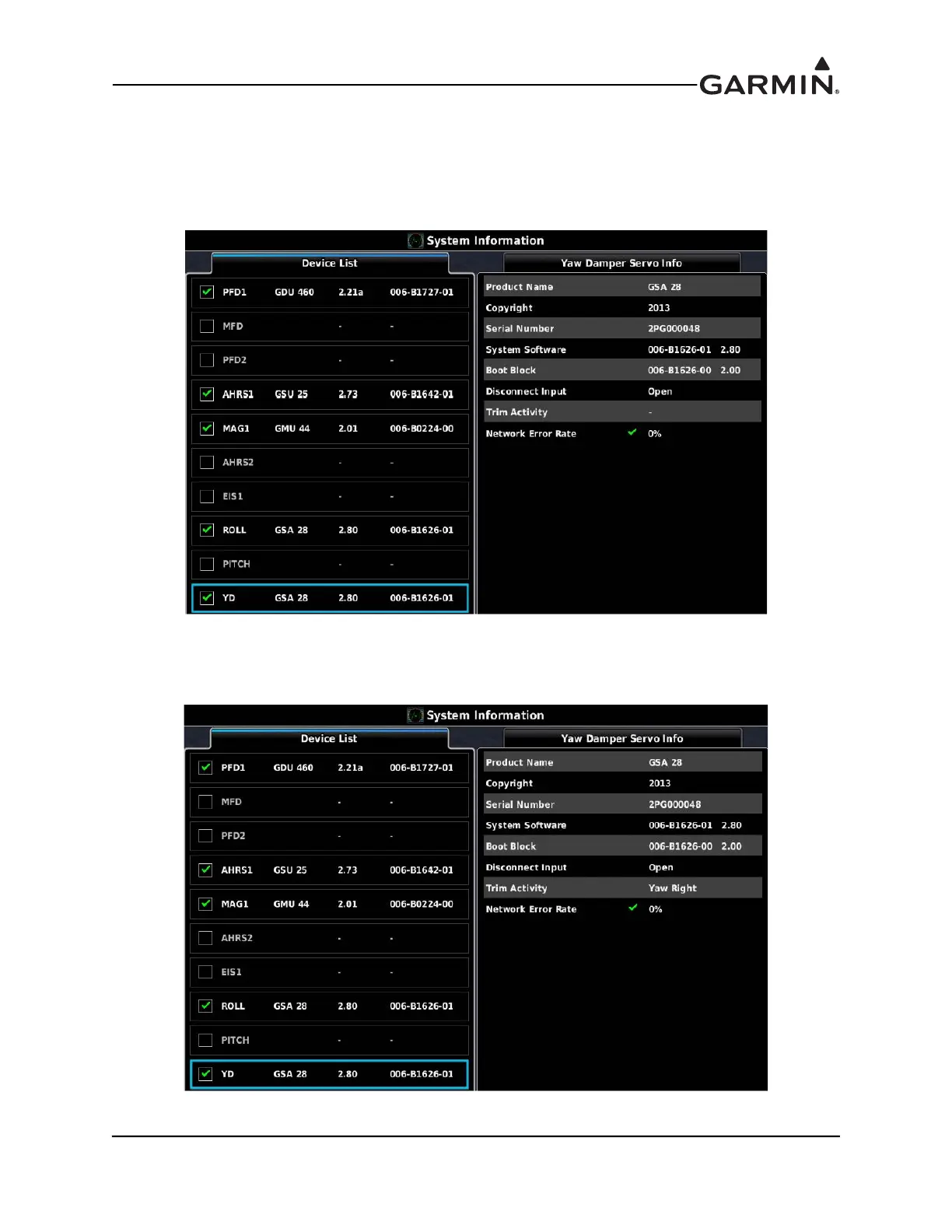
8. Go to the System Information page in configuration mode and verify the proper Trim Activity is
displayed if the Yaw servo is connected to an auxiliary trim motor.
a) Center the aircraft rudder trim switch to input no Trim command. Verify the rudder trim
switch is not moving. Verify that Trim Activity for the Yaw servo is properly displaying “-”
for no trim activity.
b) Use the rudder trim switch to input a yaw right Trim command. Verify the rudder trim
switch properly moves for yaw left trim. Verify the Trim Activity for the Yaw servo is
properly indicating “Yaw Right”.



 To Next Page