190-01115-01 G3X™/G3X Touch™ Avionics Installation Manual
Rev. AV Page B-3
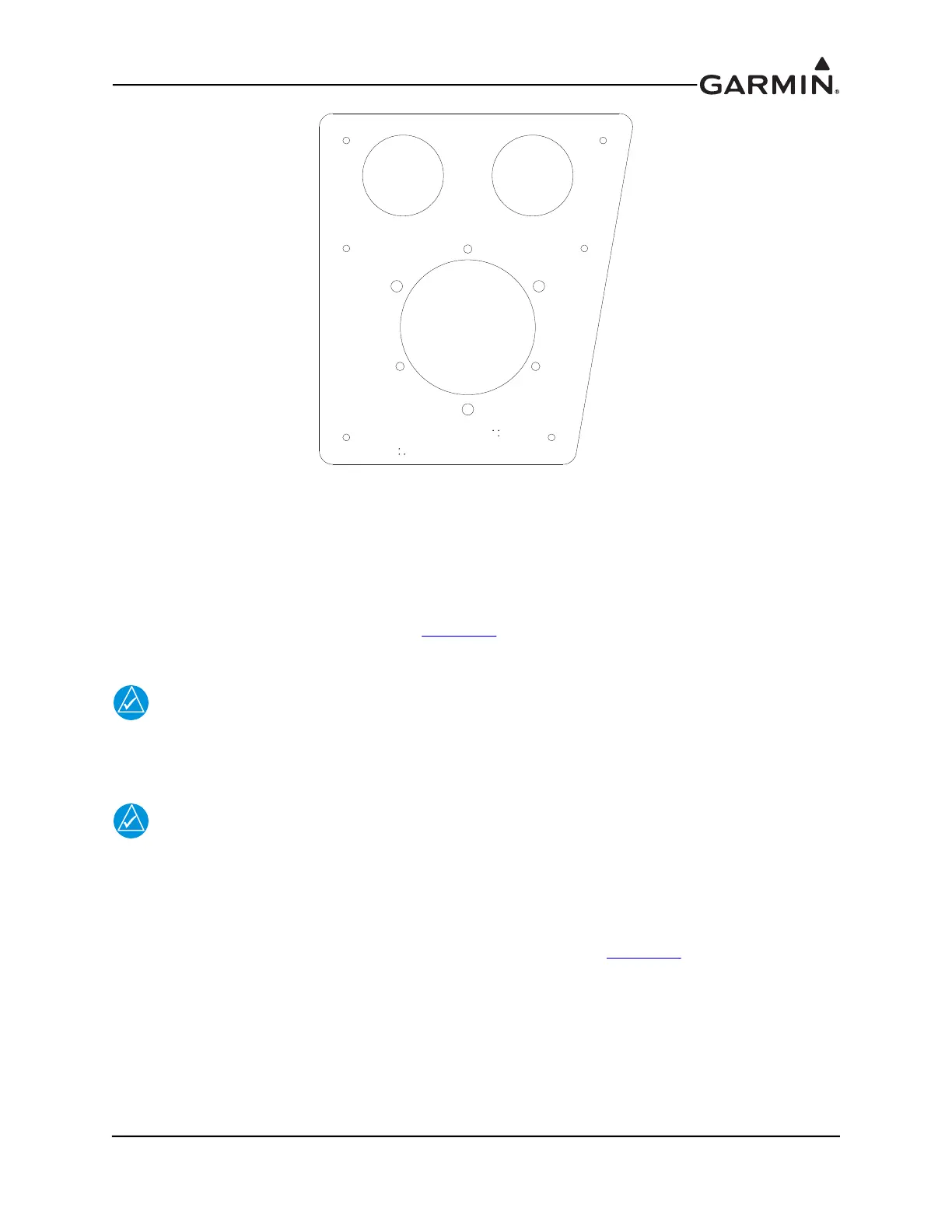
Figure B-1 RV-7/9 GMU 22 Mounting Bracket (115-01027-00)
B.2.1.1.1 GMU 22 Mounting Bracket Installation Guidance
The RV-7/9 GMU 22 Mounting Bracket can be installed on the F-714 aft deck forward of the horizontal
stabilizer. Before installing the mounting bracket on the aft deck, the GMU 22 mounting plate
(115-00481-X0) should be riveted to the mounting bracket. When riveting the mounting plate to the
bracket, make sure the “Forward” arrow is pointing towards the front of the airplane and is parallel to the
longitudinal axis of the aircraft. As shown in Figure B-4
, the mounting plate should be attached to the
bracket with the supplied AN426AD5-6 rivets.
NOTE
The GMU 22 mounting bracket outer dimensions are used for alignment. To minimize
inadvertent misalignment caused by edge alteration, it is recommended the installer NOT
deburr the edges of the GMU 22 mounting bracket.
NOTE
After the GMU 22 mounting plate has been installed on the mounting bracket, the
following procedure should be followed to attach the mounting bracket to the F-714 aft
deck:
1. Draw a centerline down the middle of the F-714 aft deck.
2. Place the GMU 22 mounting bracket on the F-714 aft deck (see Figure B-2
).
3. Slide the GMU 22 mounting bracket forward, make sure the front edge is against the vertical
portion of the F-714 aft deck (see Figure B-2).



 To Next Page