190-01115-01 G3X™/G3X Touch™ Avionics Installation Manual
Rev. AV Page H-35
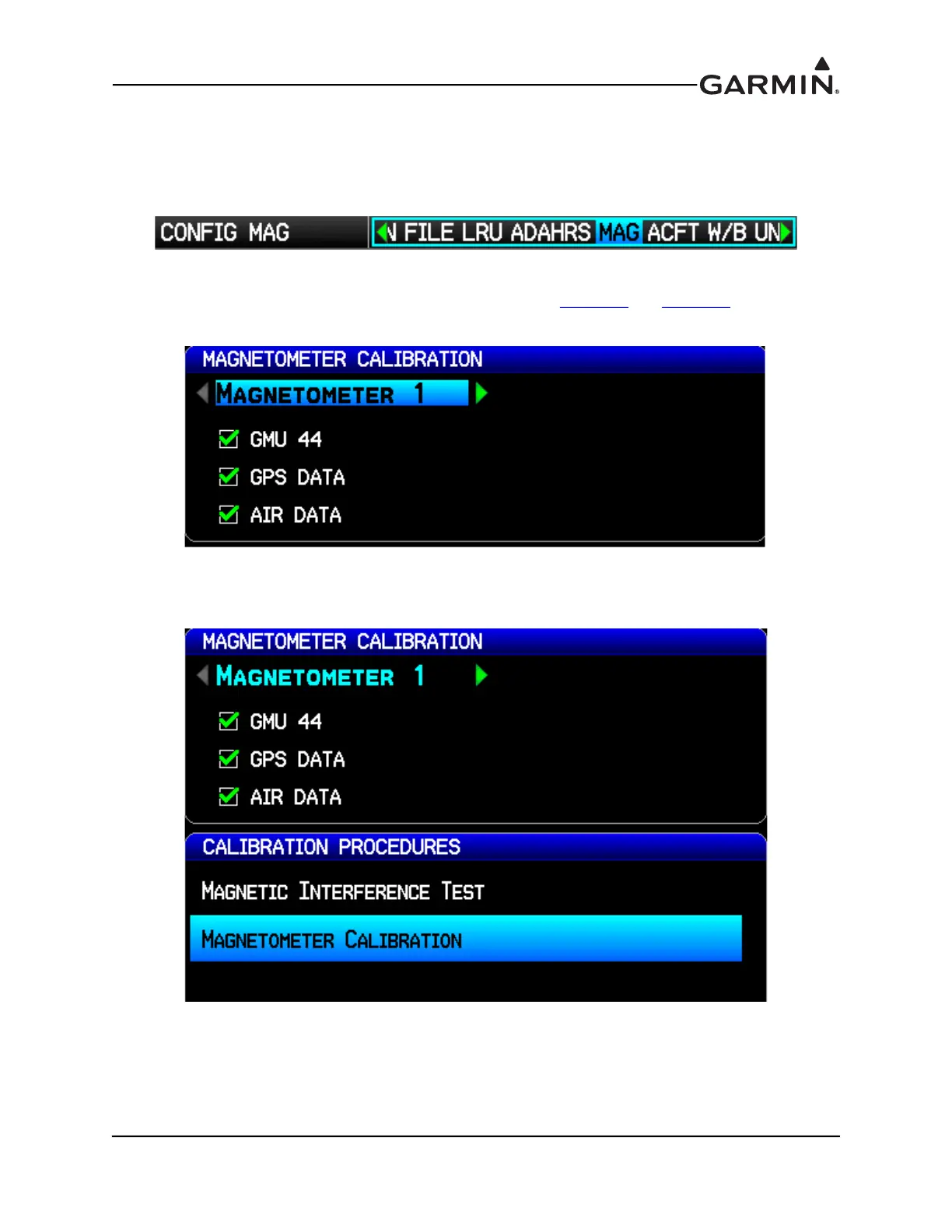
With the aircraft stationary, initiate the GMU magnetometer calibration procedure as follows:
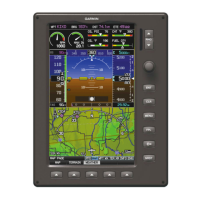
1. Enter configuration mode by holding down the left-hand softkey while powering on the PFD 1
display (if needed).
2. Use the FMS Joystick to select the MAG Page (if needed).
3. Make sure that all the required status boxes are checked (Table H-5
and Table H-6). Use the FMS
Joystick to select which magnetometer (1, 2 or 3) is being configured.
4. On the MAG page, use the FMS Joystick to select Magnetometer Calibration and press the ENT
key.


 To Next Page