190-01115-01 G3X™/G3X Touch™ Avionics Installation Manual
Rev. AV Page H-83
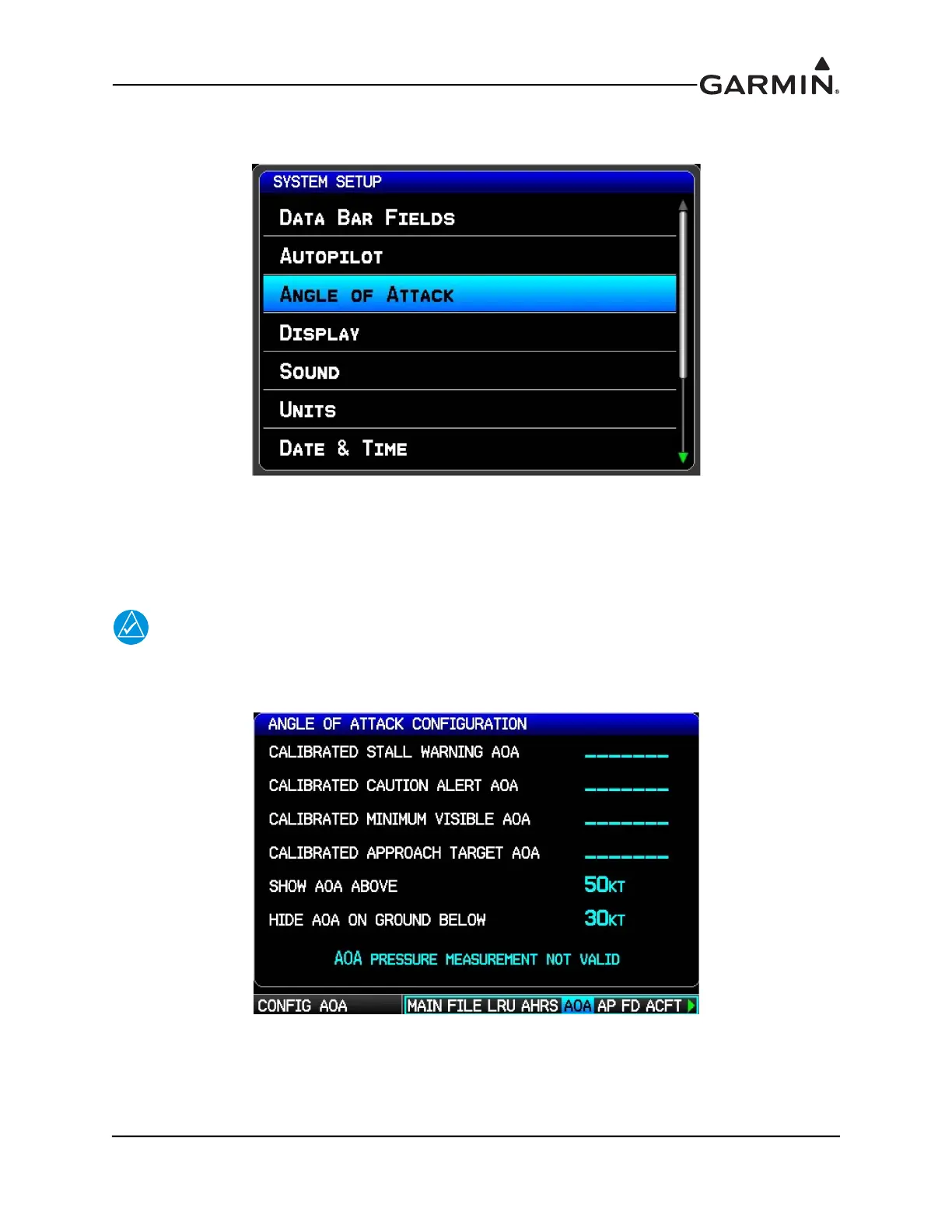
3. Press the ENT Key to display the System Setup page, use the FMS Joystick to select Angle of
Attack.
4. Press the ENT Key to display the Angle of Attack Setup page.
5. If AOA calibration has not yet been performed, the calibration fields will be blank. “AOA Pressure
Measurement Not Valid” will be displayed if an air pressure sensor is not connected, or if the
aircraft is on the ground. To delete an existing AOA calibration, highlight the calibration field,
then press the CLR key.
NOTE
The following Angle Of Attack Setup page is also accessible in configuration mode. The
configuration mode page only allows viewing and deleting the AOA calibration values,
the AOA calibration cannot be performed in configuration mode.
6. Perform the 3 required calibration points (Calibrated Minimum Visible AOA, Calibrated Caution
Alert AOA, and Calibrated Stall Warning AOA), plus 1 optional calibration point (Callibrated
Approach Target AOA, if desired) in the following recommended order.



 To Next Page