190-01115-01 G3X™/G3X Touch™ Avionics Installation Manual
Rev. AV Page H-122
Refer to Appendix H.2 for configuration mode instructions, then follow the below steps to make changes
to the Engine/Airframe Input Configuration.
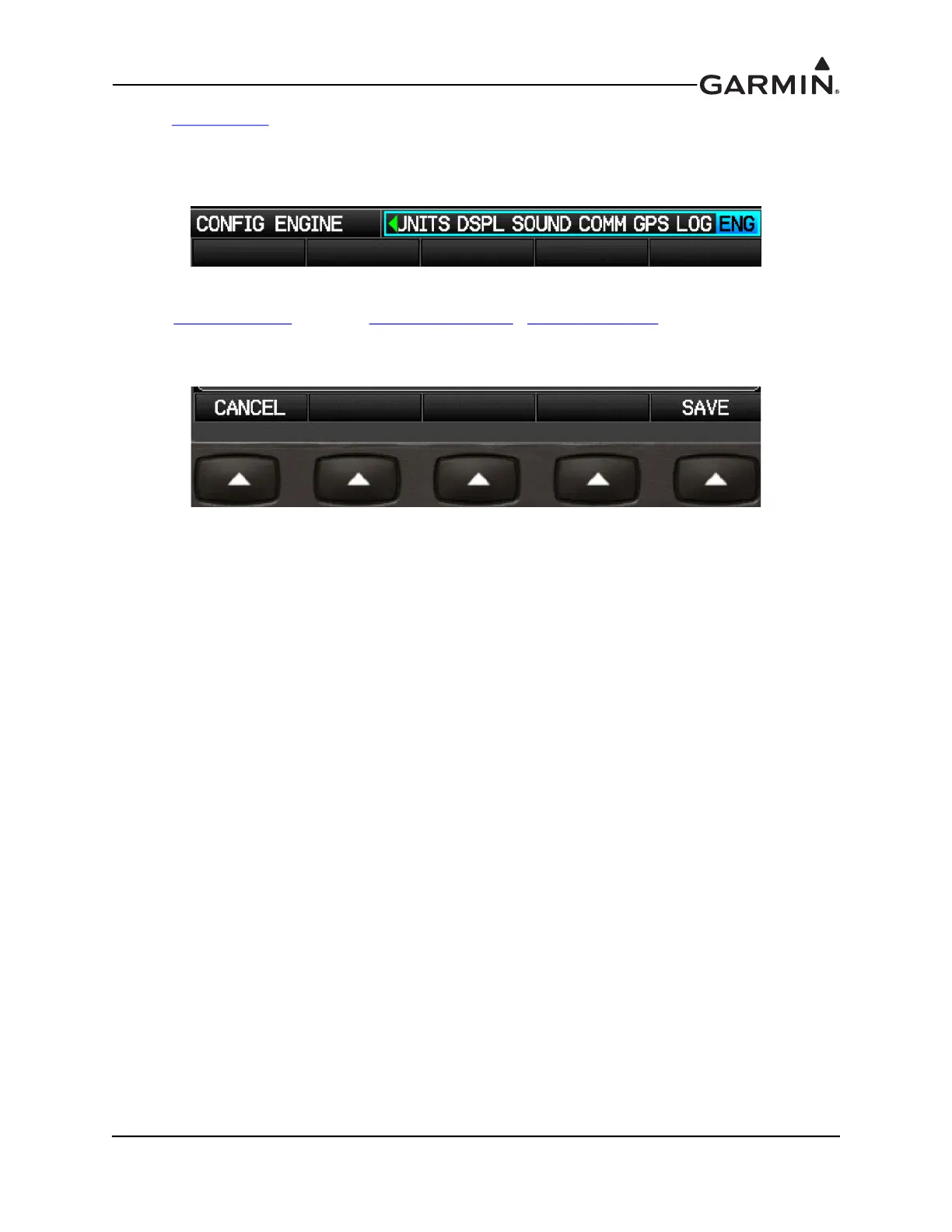
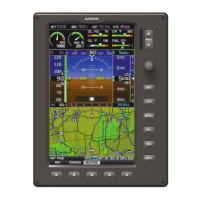
1. In configuration mode, use the FMS Joystick to select the Engine/Airframe Input Configuration
Page.
2. Use the FMS Joystick to select the desired configurable item and make the desired change(s)
(Appendix H.4.19
, including Appendix H.4.19.3.1 - Appendix H.4.19.4.).
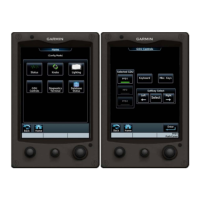
3. Press the Save softkey to store settings or press the Cancel softkey to cancel changes and return to
the Engine Configuration Page.
4. Press the FMS Joystick to move the cursor to the page selection menu when finished.


 To Next Page