5-24
Application Software
5.9
Measurement/Monitoring Procedures and Save/Scroll/Cursor Functions
Starting Measurement to Saving Data
This section describes how to start and stop measurement.
TIP
• It is possible to monitor data on the screen without performing data capture. Click "Monitor" in "Measurement" on
the menu bar, or click .
• Previously measured data can also be displayed at the same time while measurement is in progress. Before
starting measurement, click "Open" in "File" on the menu bar, or click to display the file specification window.
Specify the file to display, and click "Open".
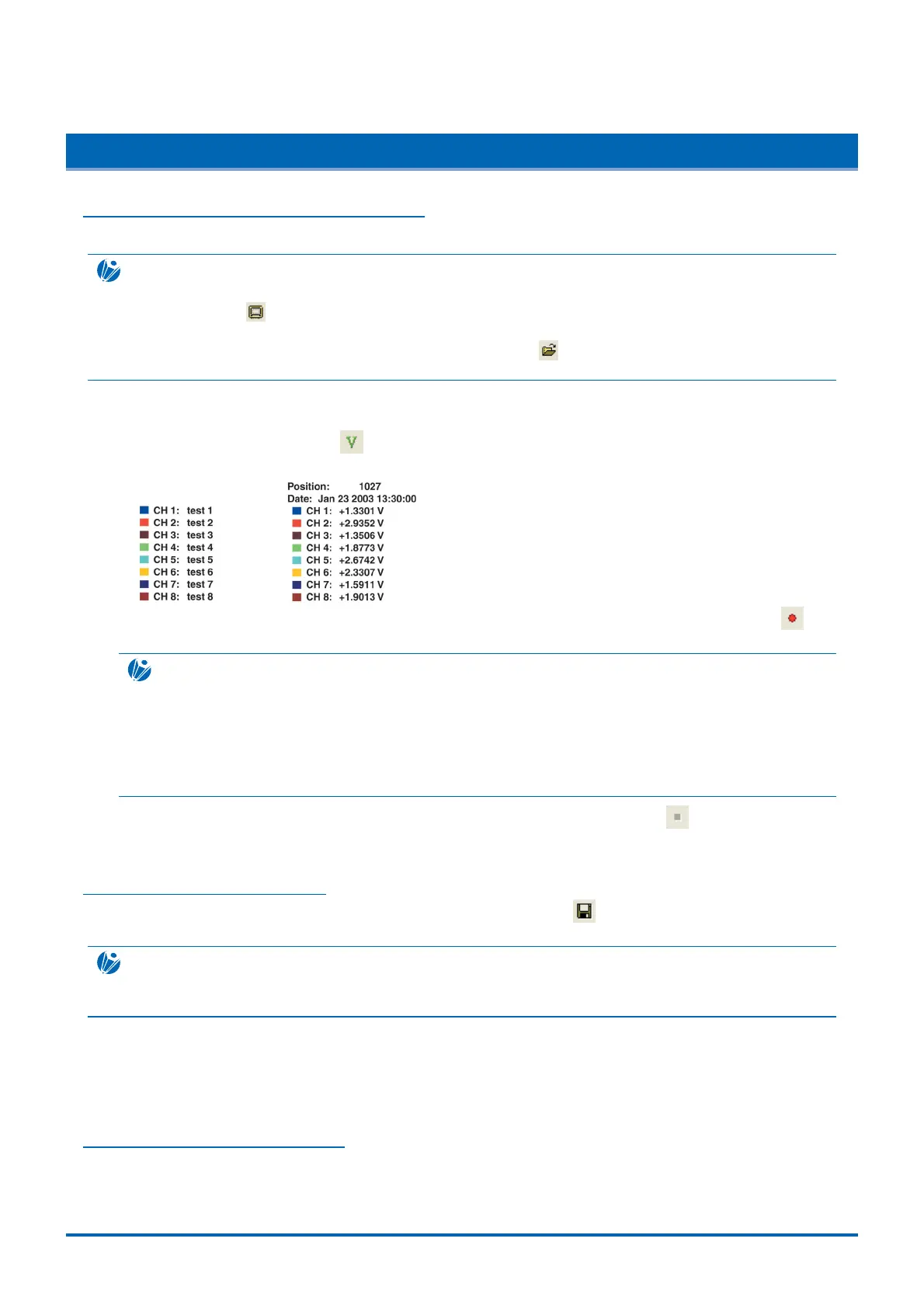
(1) Set whether the channel information displayed on the left-hand side of the measurement window is
displayed as Name or Voltage. The default setting is Name. To display voltage, click "Voltage Display" in
"View" on the menu bar, or click .
[Name display] [Voltage display]
(2) To start data capture and measurement, click "Start" in "Measurement" on the menu bar, or click .
Measurement starts and the waveform is displayed on the screen.
CHECKPOINT
The measurement data displayed on the PC screen will vary depending on the WR300 capture destination.
• For capture to internal memory:
Measurement data will be displayed on the PC screen when the WR300 internal memory blocks become full.
• For capture to PCMCIA/HDD:
Measurement data will be displayed on the PC screen from the start. However, the data displayed will be the Min/Max
data at 100 ms intervals. The data will be captured to the WR300 internal PCMCIA or hard disk at the same time.
(3) To stop measurements, click "Stop" in "Measurement" on the menu bar, or click . To save the
measurement data, see "Saving Measurement Data" below.
Saving Measurement Data
To save measured data, click "Save" in "File" on the menu bar, or click , and display the Save window.
Specify the save destination and click "Save".
CHECKPOINT
To save data unchanged after completing measurements, follow the message and select "Yes". The Save window is
then displayed.
If the save destination is internal memory, the file extension will be .gbd. However, if the save destination is a
PCMCIA card or the HDD, the data will become averaged Min/Max values and the file extension will be
.gmd. If the data is not averaged Min/Max values, transfer the data captured in the WR300 as explained in
"Saving Data Captured in the WR300 to a PC" in Section 5.10.
Scrolling Measurement Data
The measurement data scroll function is useful for replaying data after measurements have been completed,
or for replaying saved data. The waveform can be scrolled using the horizontal scroll bar below the waveform
display area.



 To Next Page