14
Initial Setup
Observe the correct polarity x and insert the rechargeable battery*.
Close the battery compartment. x
Charging the rechargeable battery
Danger of explosion and burns!
Rechargeable batteries should only be charged in the dictation •
machine.
Do not use damaged batteries.•
Insert the plug of the power supply only into power sockets which •
provide the line voltage specified on the rating label. Otherwise
there is a danger of fire, explosion and overheating.
Disregarding these precautions means risking fire, explosion or burns.
Switch your Digta off. x
Plug the power supply* plug to the wall outlet. x
Connect the other end of the mains supply cable - the USB plug - x
with the “USB-connection” of your dictation machine.
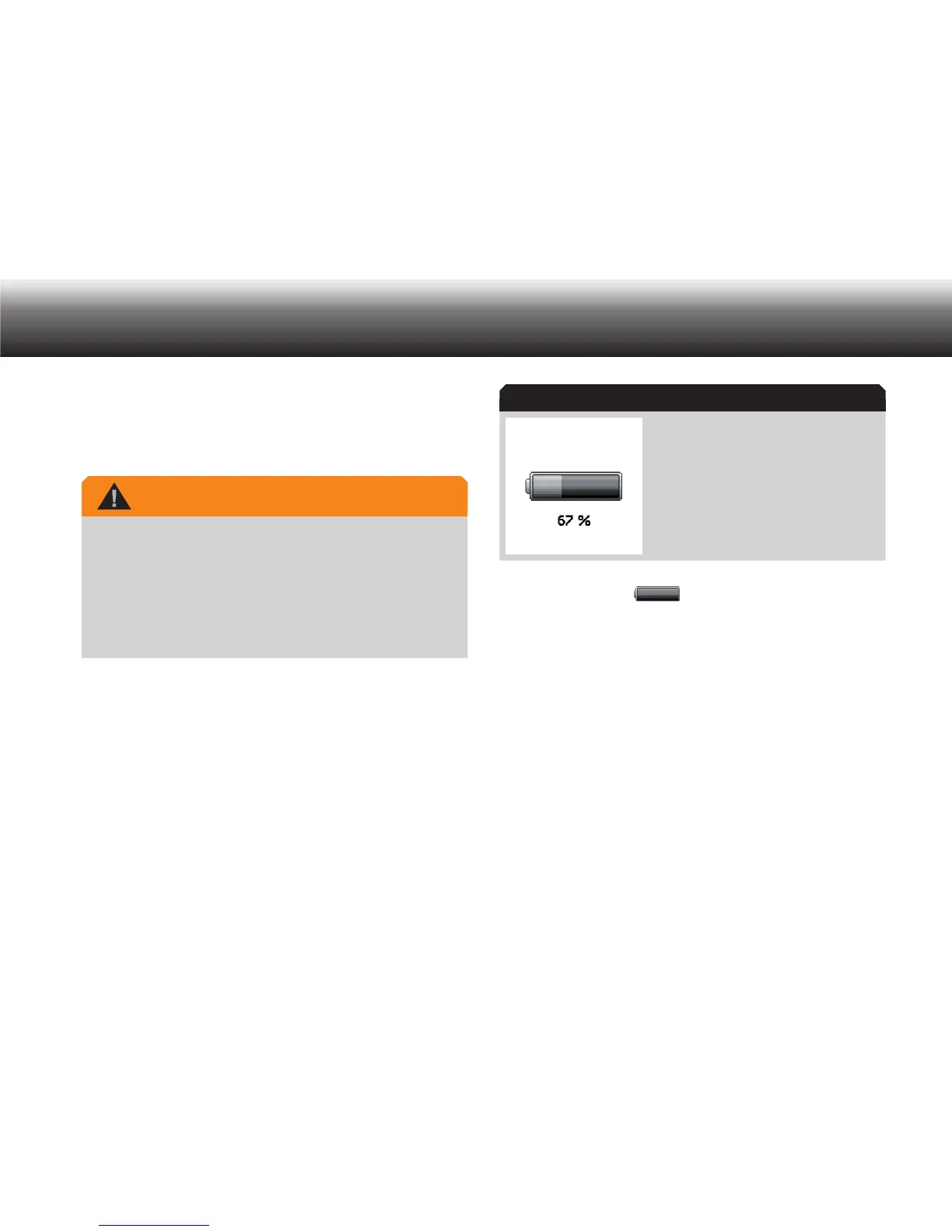
Shortly afterwards, the animated load indicator appears on the dis-
play. The current loading level is shown in percentage.
Rechargeable battery charged 67%
The rechargeable battery is fully charged after approx. 4 hours. In
the display appears “
”.
Disconnect the power supply* from the socket and the USB plug of x
the power supply cable from the “USB-connection” of your device.
3.3 Operation with USB power supply
You can operate your dictation machine while it is connected to your PC
using a USB cable (included with delivery).
The dictation machine is then supplied with power from the PC. You
can then use the Digta for recording and play-back as you would when
operating using a battery or a rechargeable battery. Switch from USB
mode to dictation mode.
Press „ x MENU“.
Use the up/down buttons to navigate to the „ x Dictation mode“
menu item and confirm by pressing „OK“.
WARNING
Load indicator



 To Next Page