20
Initial Setup
For quicker selection of characters, the set of possible characters
can be limited by the system administrator, for example if only digits
(patient number) are permissible.
Keylock
The key lock helps to avoid that the active recording or play-back pro-
cess can be switched off by mistake.
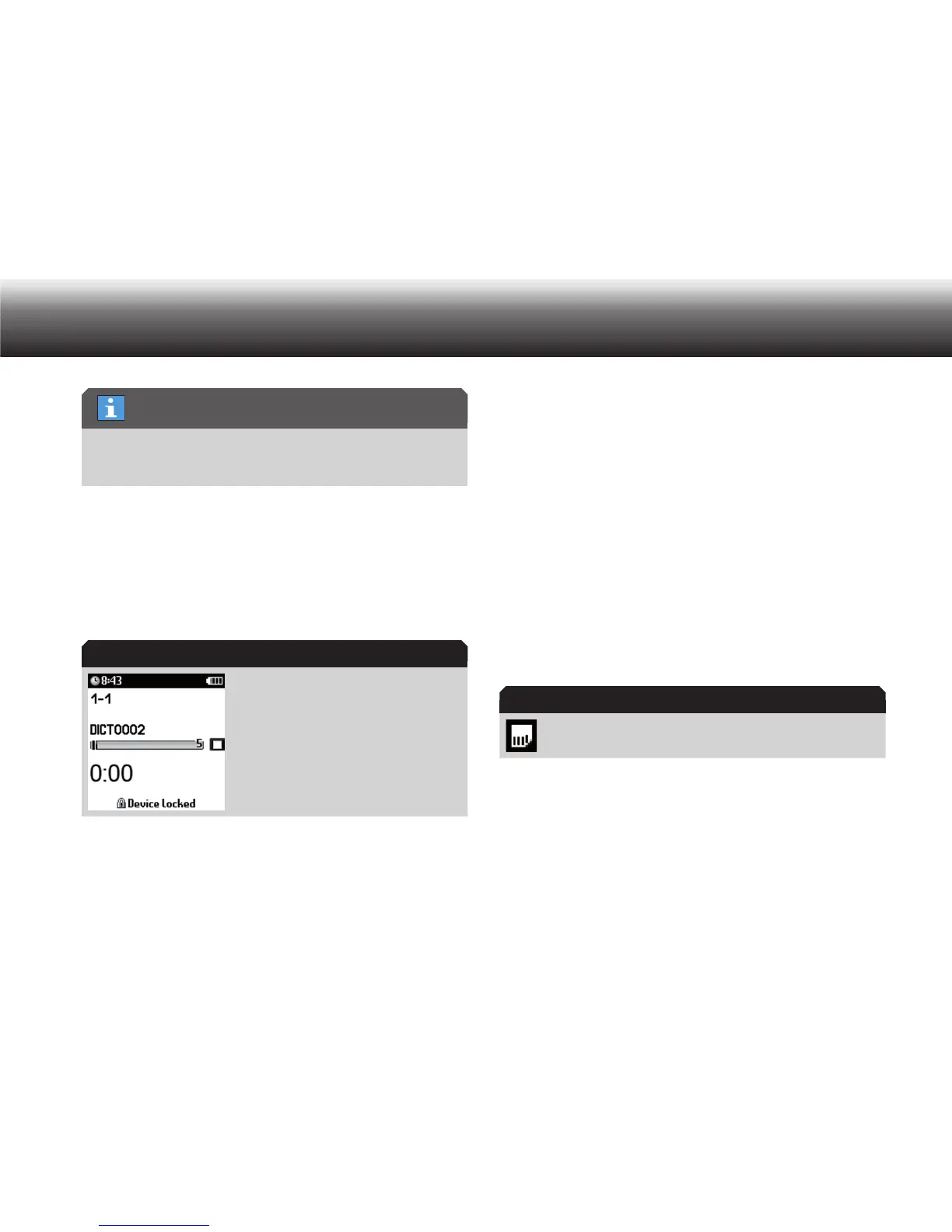
Please press the lower function button until a locking symbol and x
»Device locked« are indicated on the display.
Display during keylock
Except when recording and playing back, you can switch off the device
normally even when the buttons are locked.
When your Digta is switched off, the button lock feature prevents
the device from being switched on inadvertently, e.g. in your brief-
case. When the device is switched on, the message “Device locked”
is displayed. You can remove this lock by pressing the lower func-
tion button until the main screen is fully visible. The buttons are now
unlocked. If you do not deactivate this function, the device switches off
automatically.
3.9 Memory options
Internal/External memory
Dictations are stored on the internal memory of the Digta as long as no
external, removable memory card (Digta Card*) is inserted. As soon as a
Digta Card is inserted, all dictations will be stored on this memory card.
Copying between the internal memory and the external memory card is
impossible.
The icon “memory card active” pops up on the display.
Directories and files with administrative data are saved in both the inter-
nal and the external memory. Therefore, not all of the memory capacity
is available for recording dictations.
If a memory card is used, access to the internal memory is blocked.
Limited character (reference) selection
Keylock
Display “memory card active”



 To Next Page